


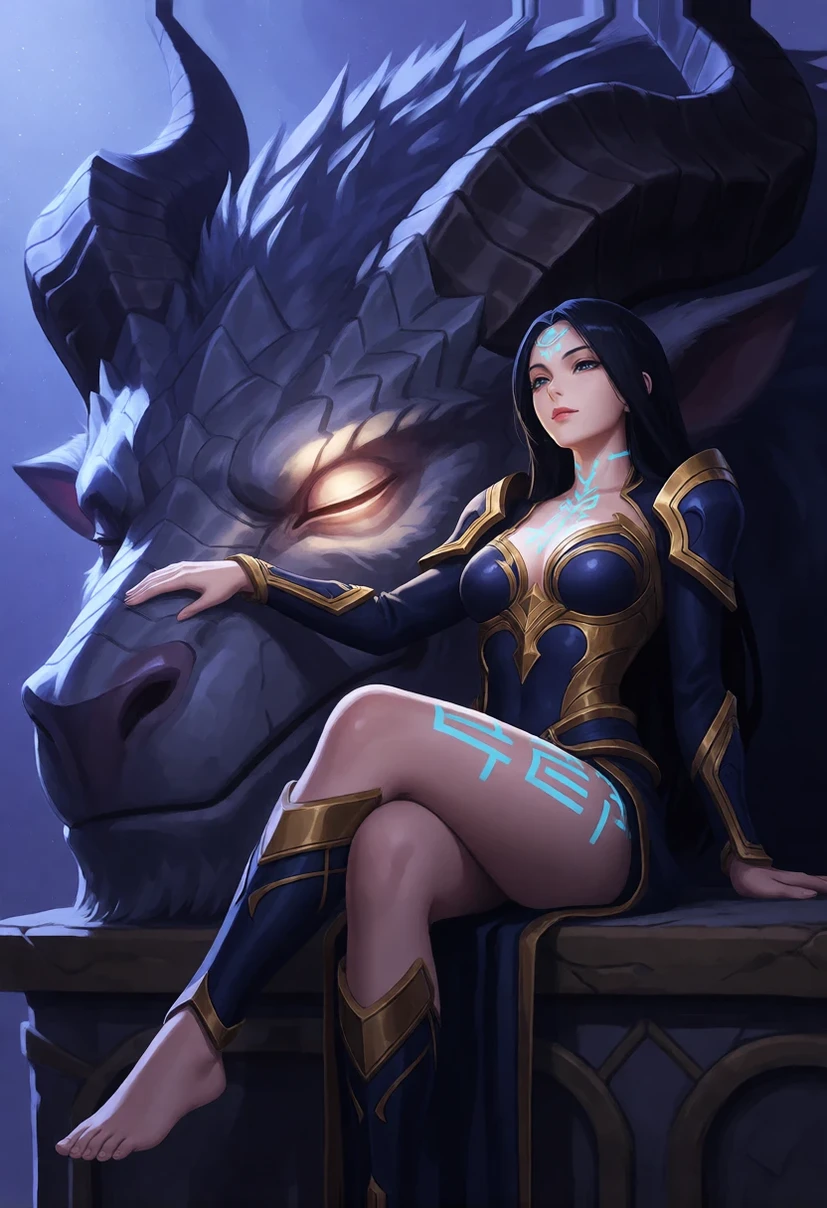

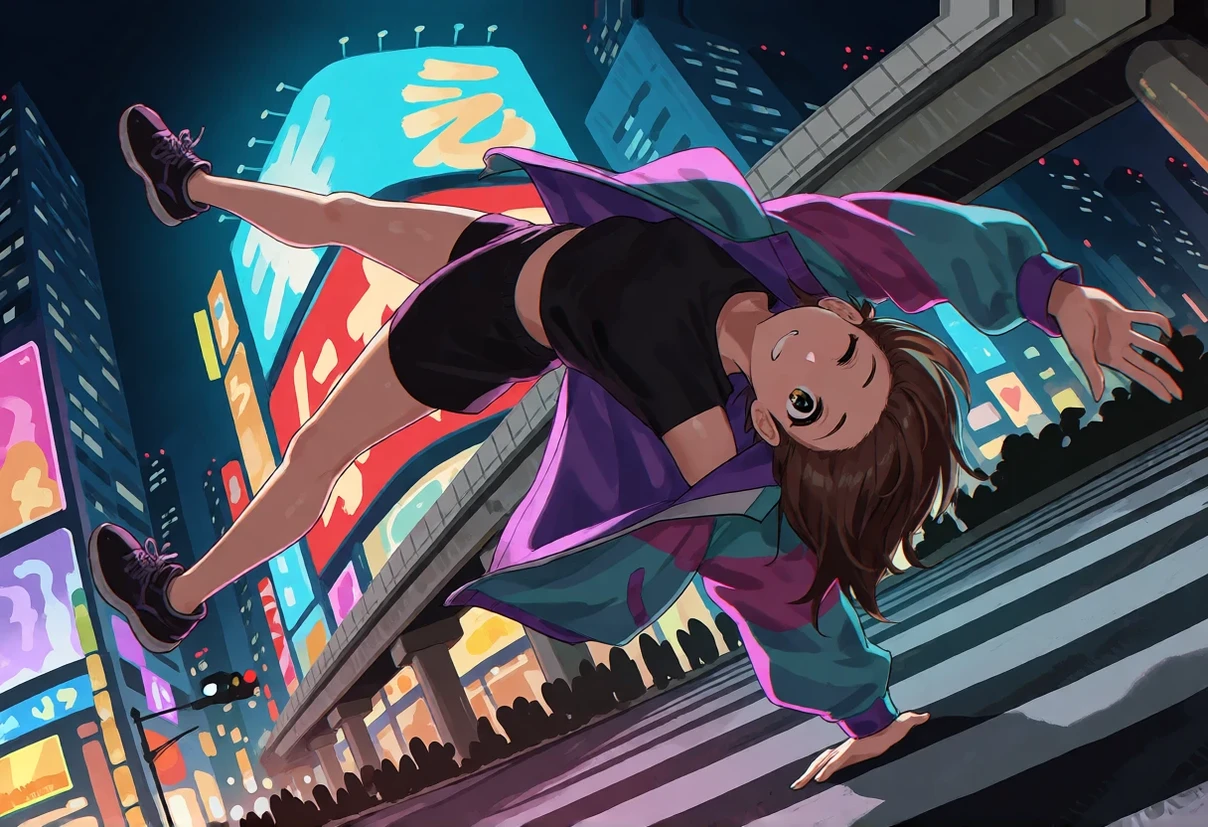
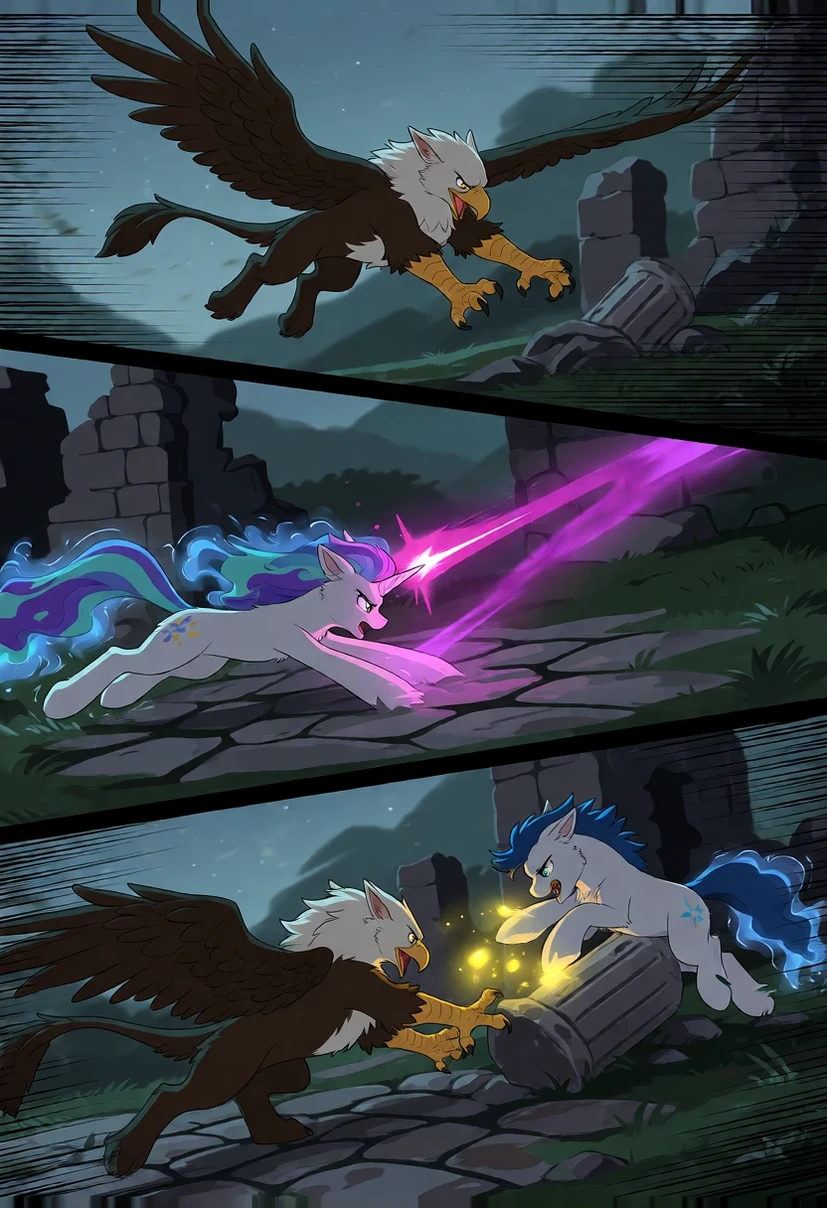
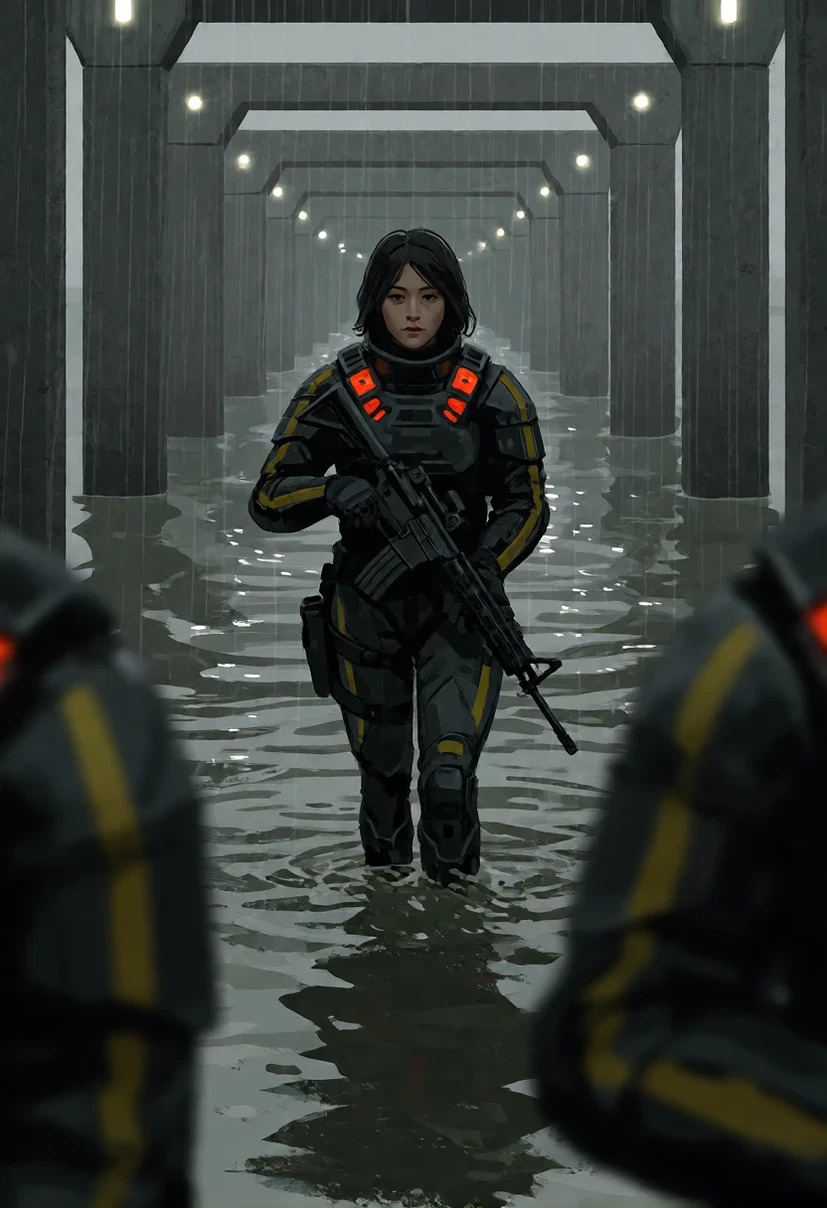
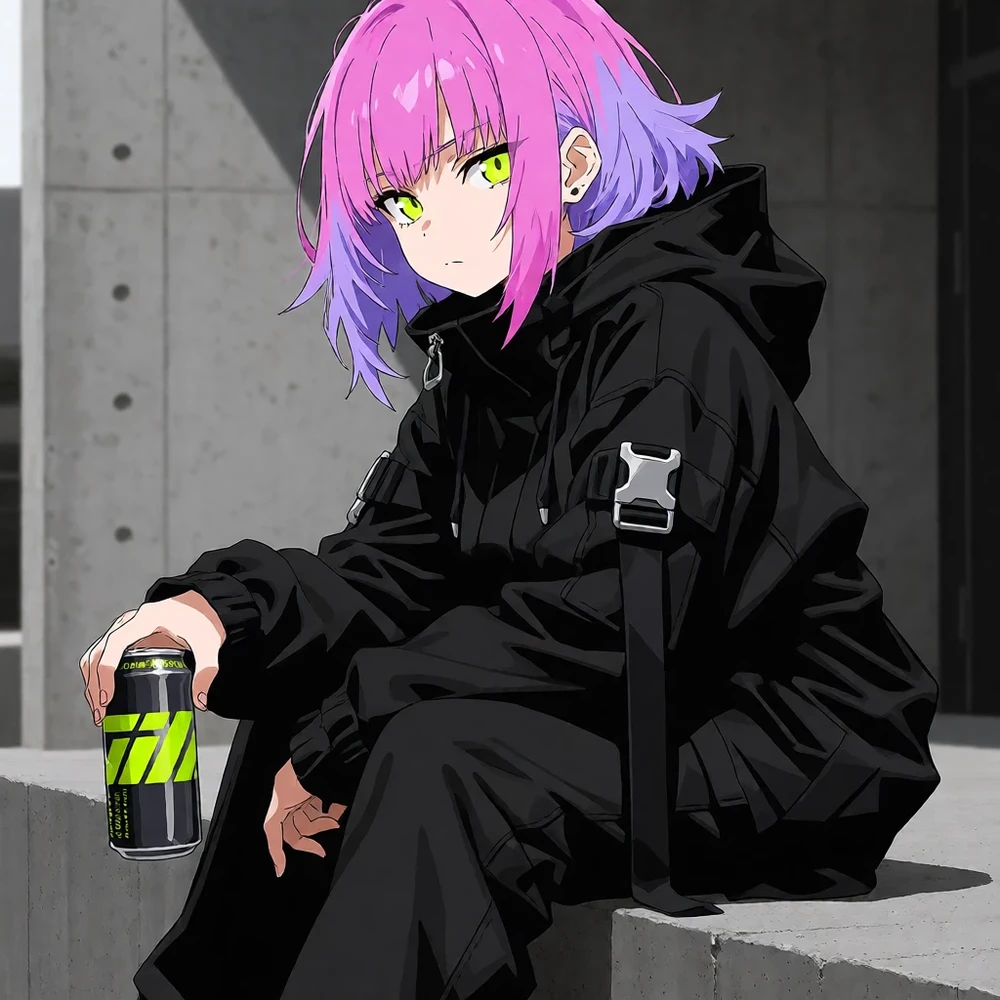
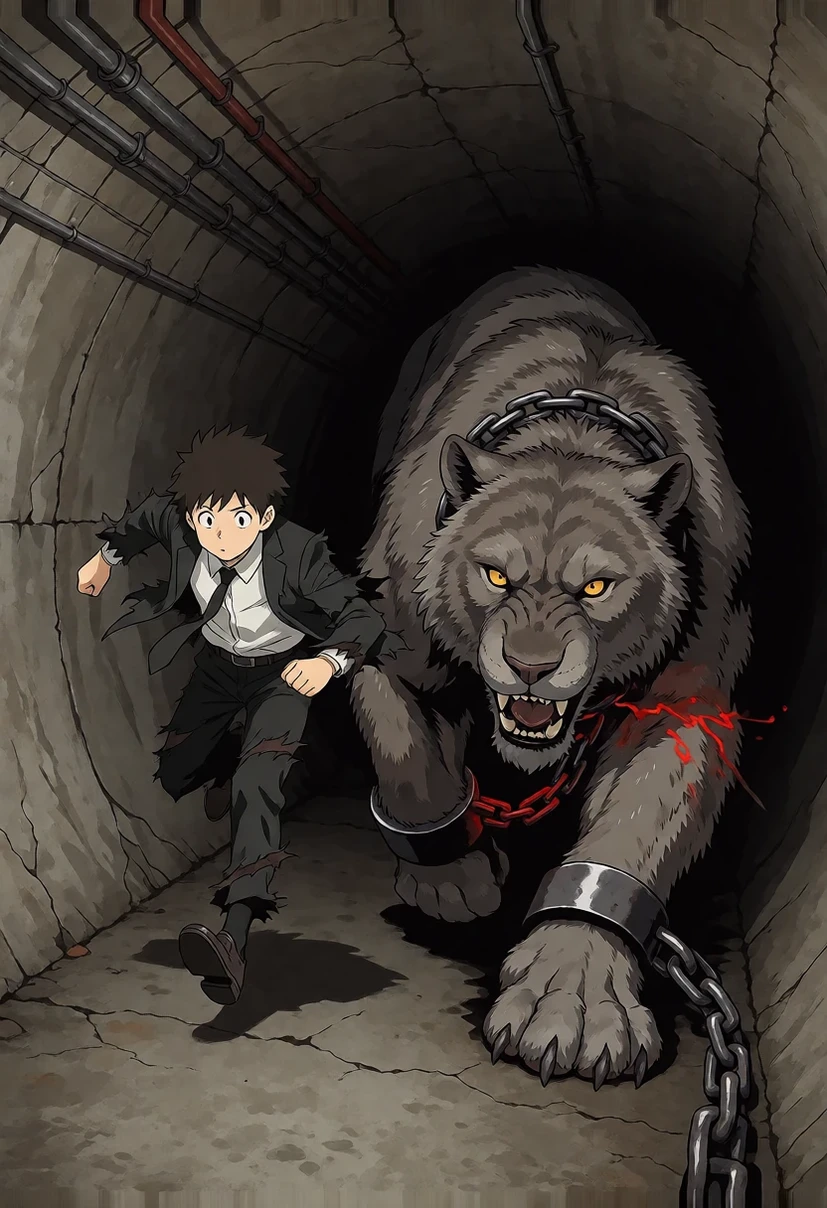
Creator: https://civitai.red/user/VaelicoAi
About this version
Wulver v0.5 is out.
Main change from v0.1: @artistname works now, 1,113 styles respond to it (list in ARTISTS.md in hf). Prompts in prose or booru/e621 tags (i did train with some tags this time, hope it helps).
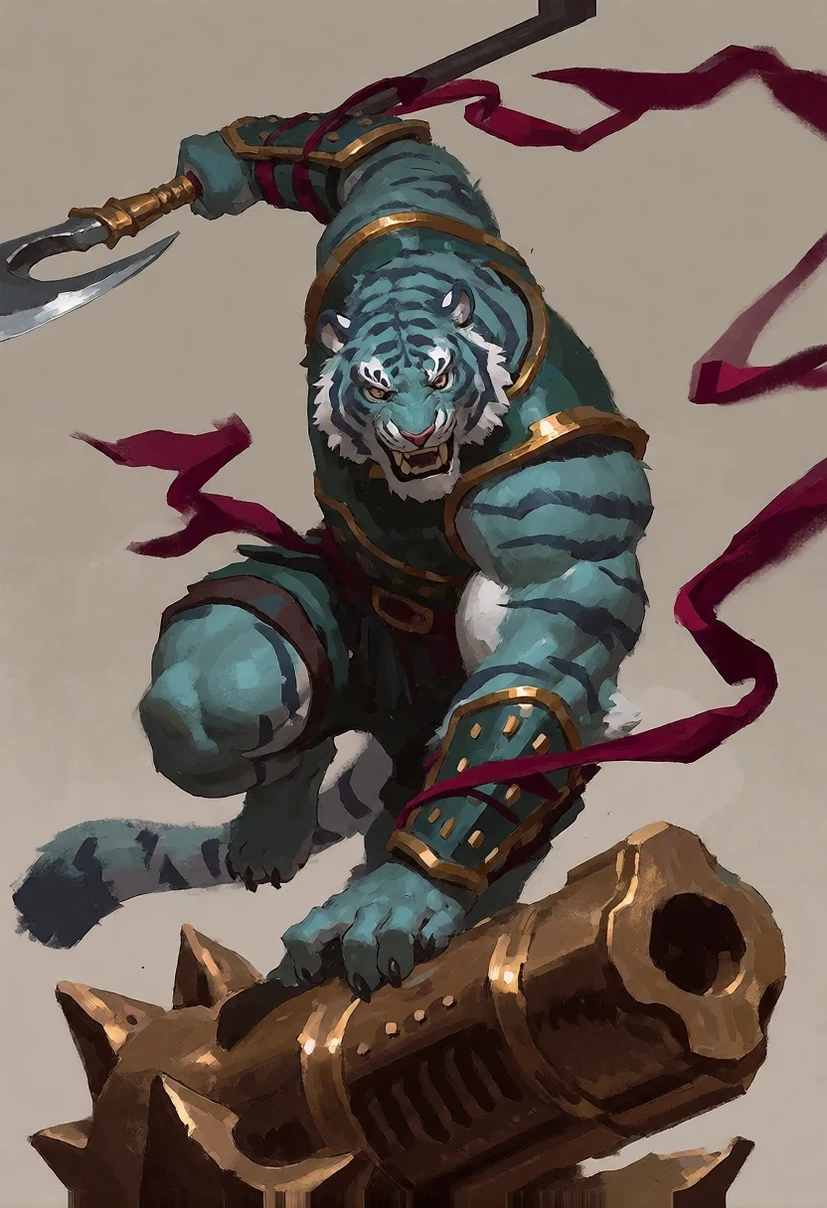
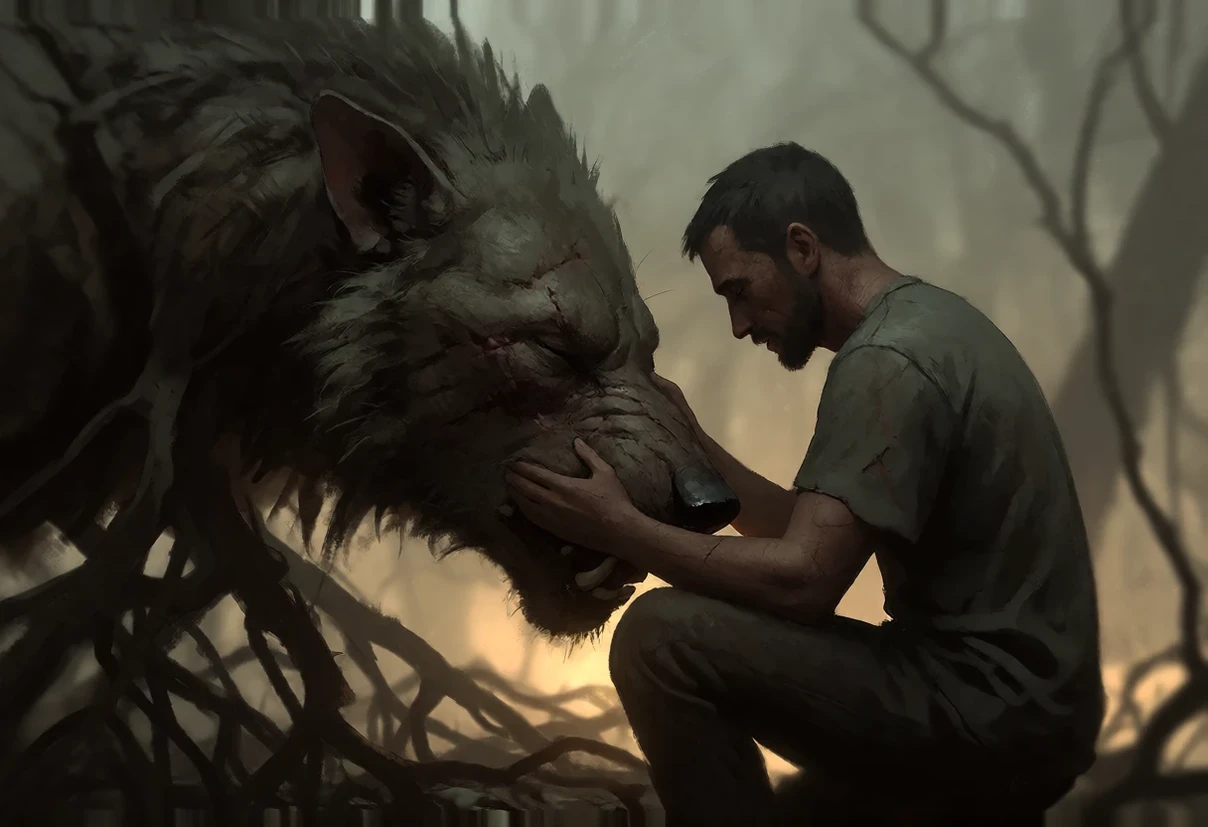
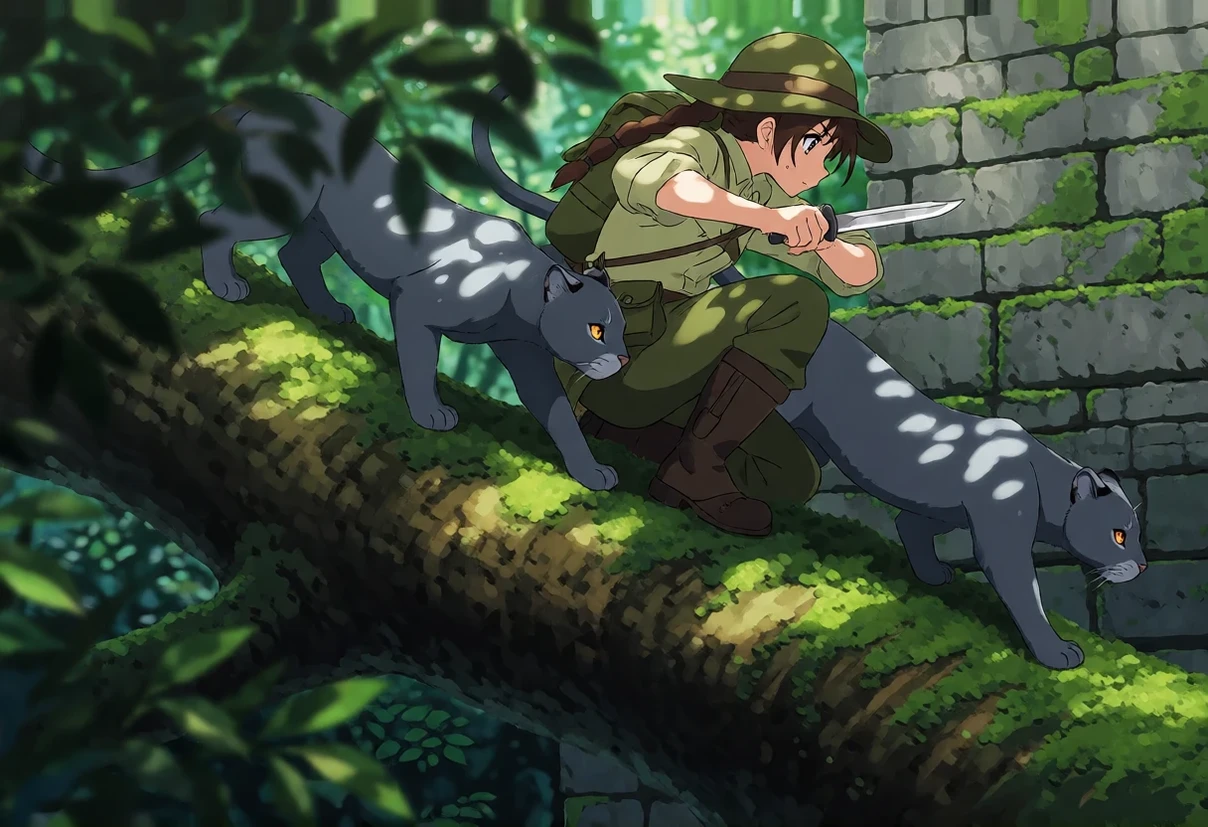
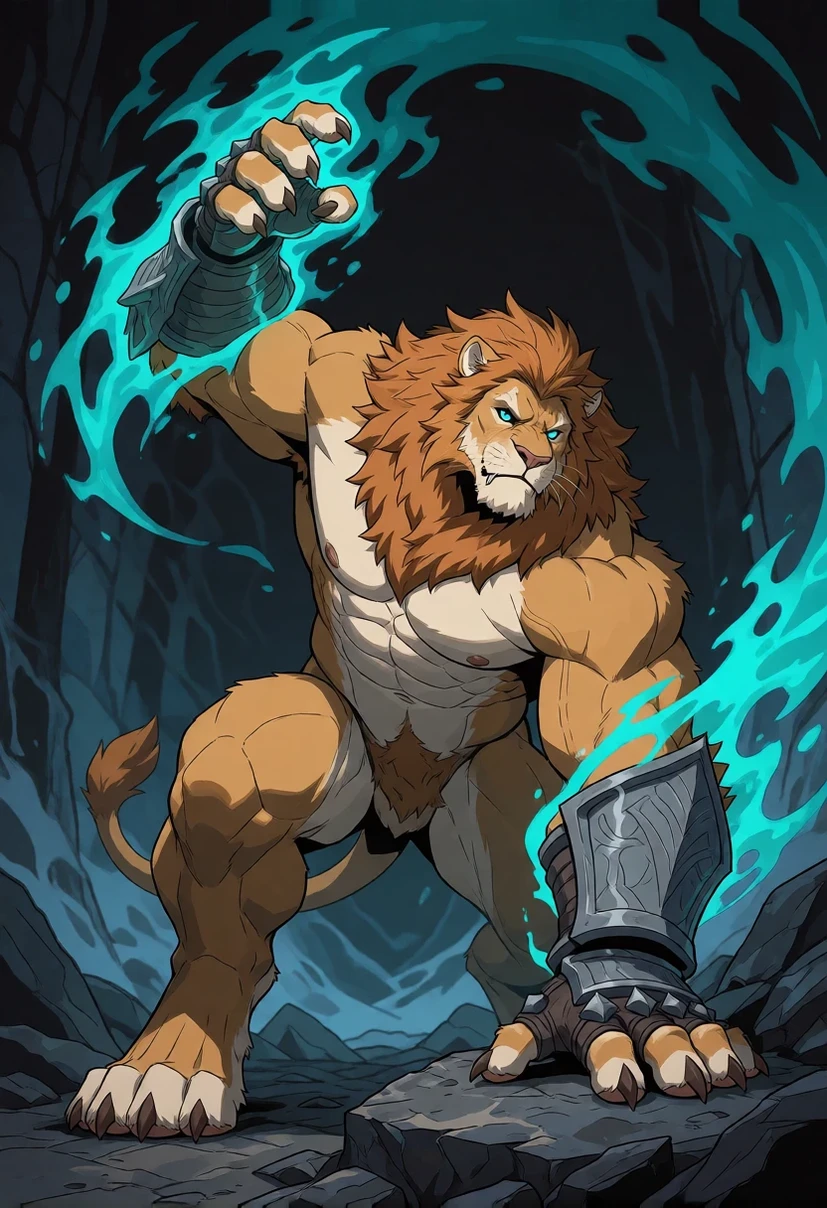
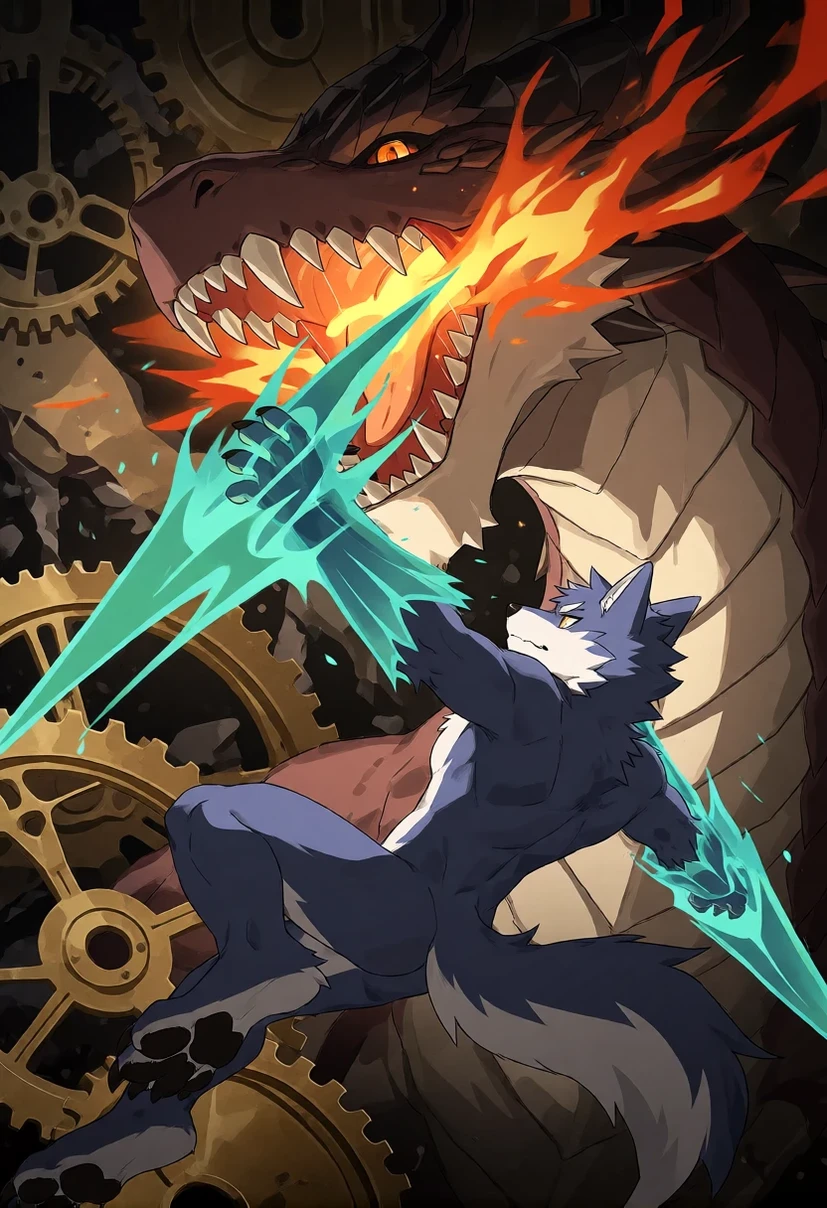
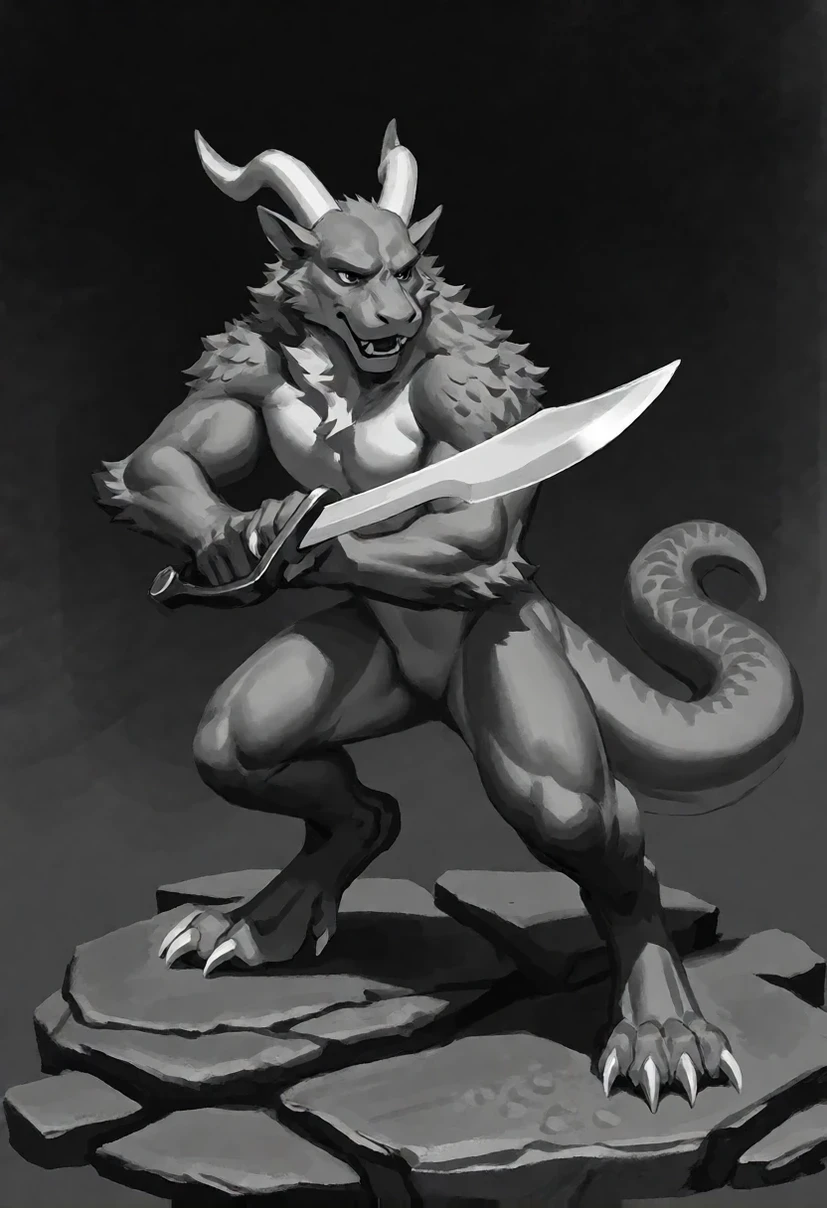
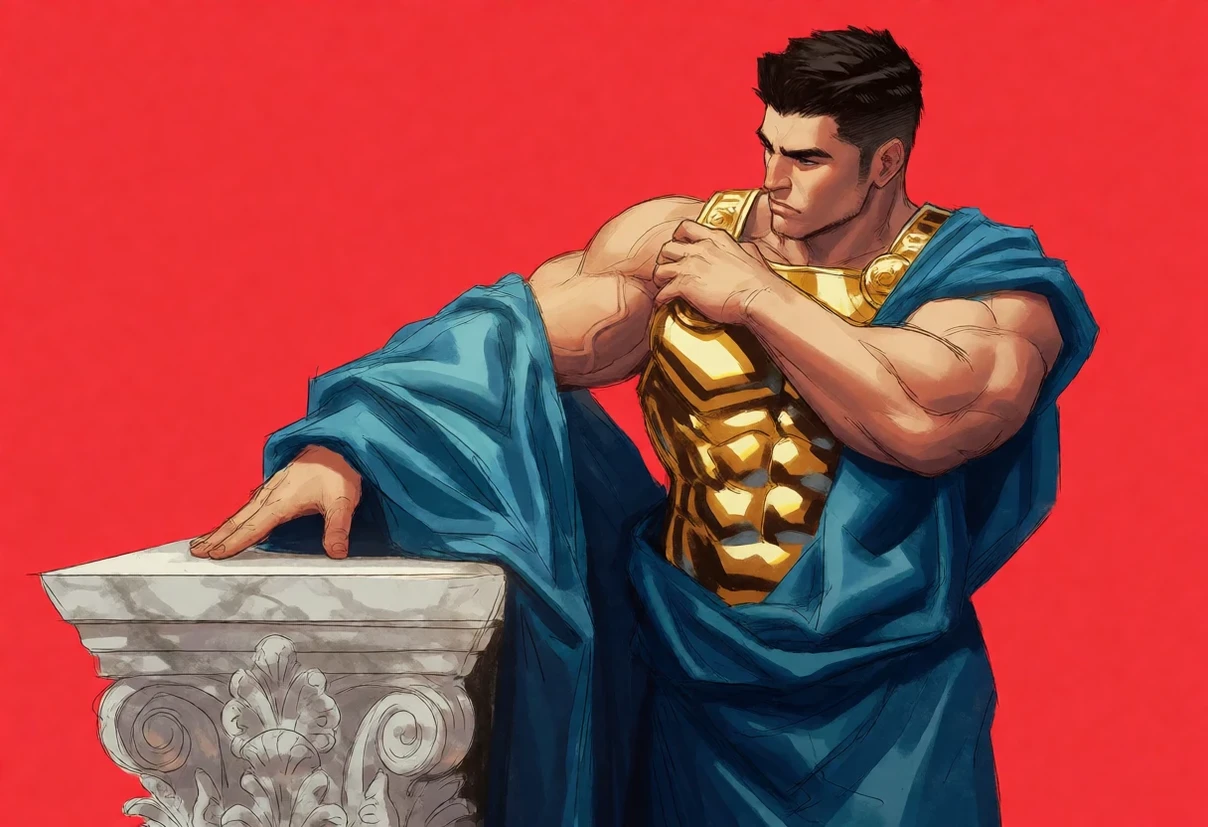
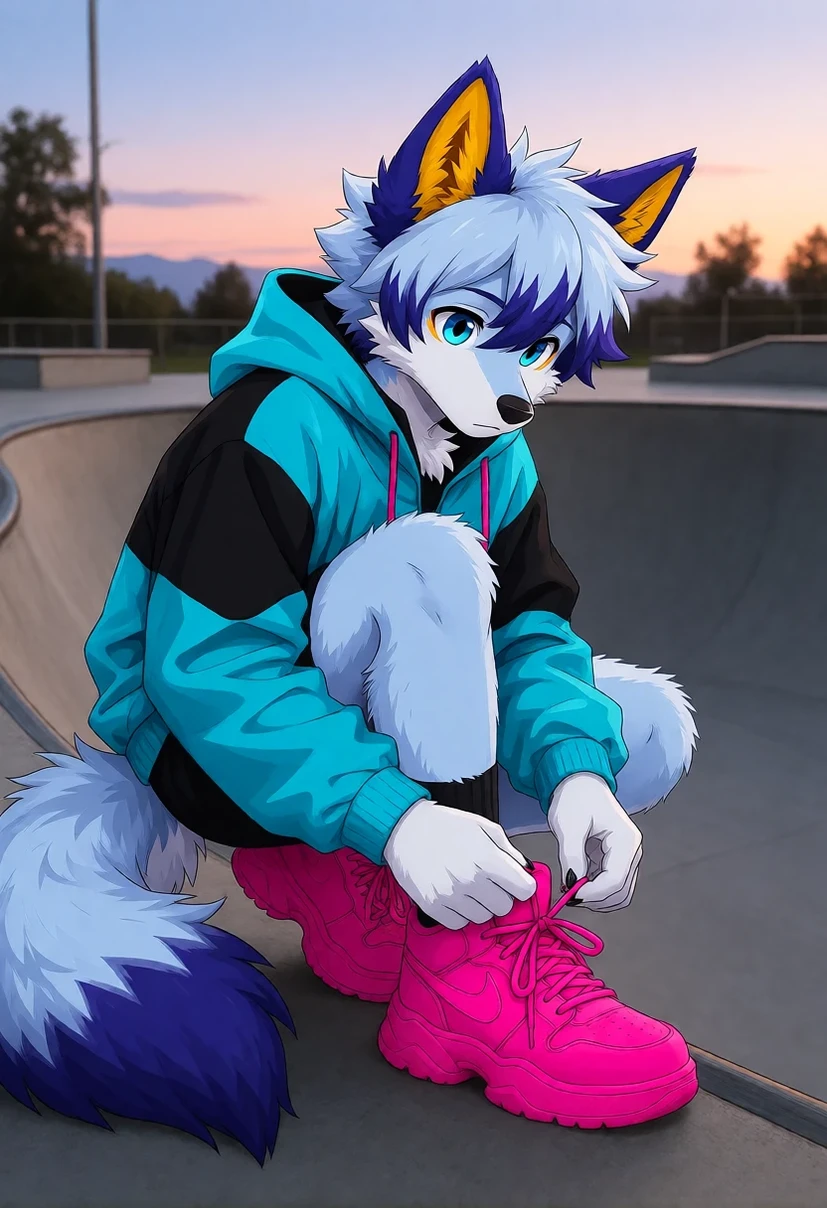
Full fine-tune of Krea 2 Raw (12.8B DiT) — not a merge, not a LoRA. Anthro and furry are its home turf, with real anime / kemono range, multi-character scenes that stay separate characters, and 1,113 artist styles you can call by name .
Current version is
v0.5
: 13 epochs at 512 px over a curated corpus, then an artist-focused pass, then a final pass at 1024 px. If you used v0.1 — the
@artist
tokens actually work now, and it trained a lot longer.
Settings
Steps:
8
CFG:
1.0
Sampler:
Euler
CFG above 1.0 burns the image on the Turbo files, and at CFG 1.0 the negative prompt does nothing — don't bother writing one.
Prompting — read this bit, it isn't Illustrious
Training captions start with a rating tag, then the artist token, then the description. Prompt it the same way and you get the most out of it:
sfw, @artistname, A [medium] of [subject, species, appearance]. [Pose, action, expression]. [Clothing / body details]. The background features [setting, lighting, atmosphere]. [Style / rendering notes].