


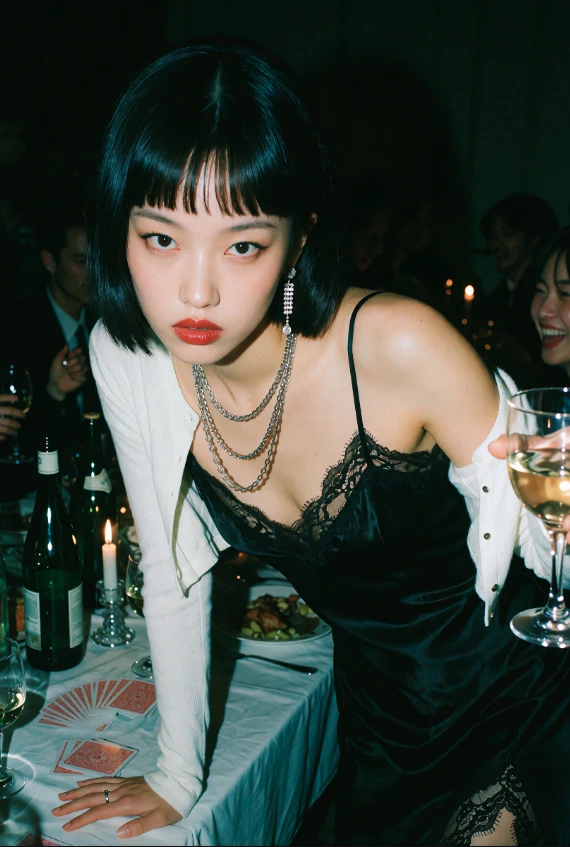
Mrpopo's Krea2 photoreal enhanced - realism fixed v4.0 | Krea 2 LoRA | Civitai
About this version
I made a mistake. I accidentally used and uploaded the wrong lora. The v3.0 is my overcooked version which is not meant to be used (unless you lower strength, but thats not what i wanted). This new version is the correct version and will give expected results at strength 1.00.
Note: all models not trained on NSFW, you will need to use other lora or checkpoint with my lora
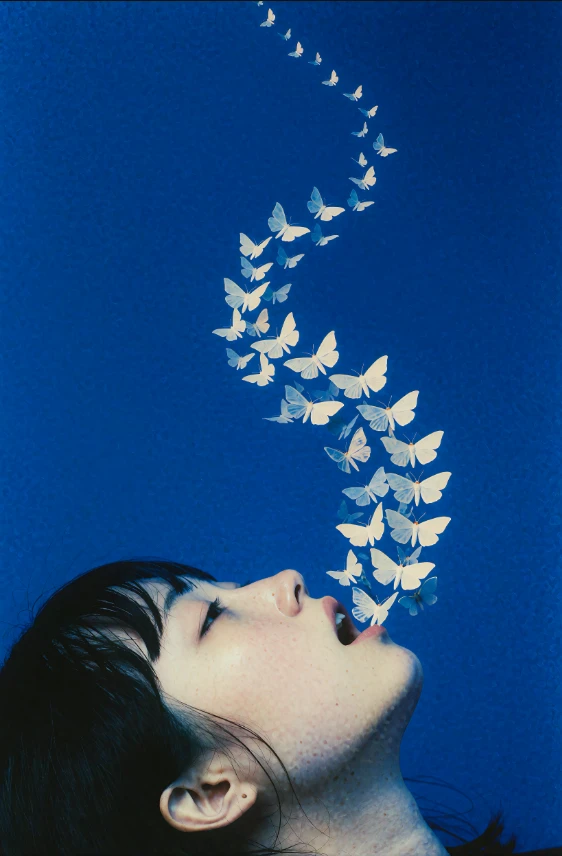
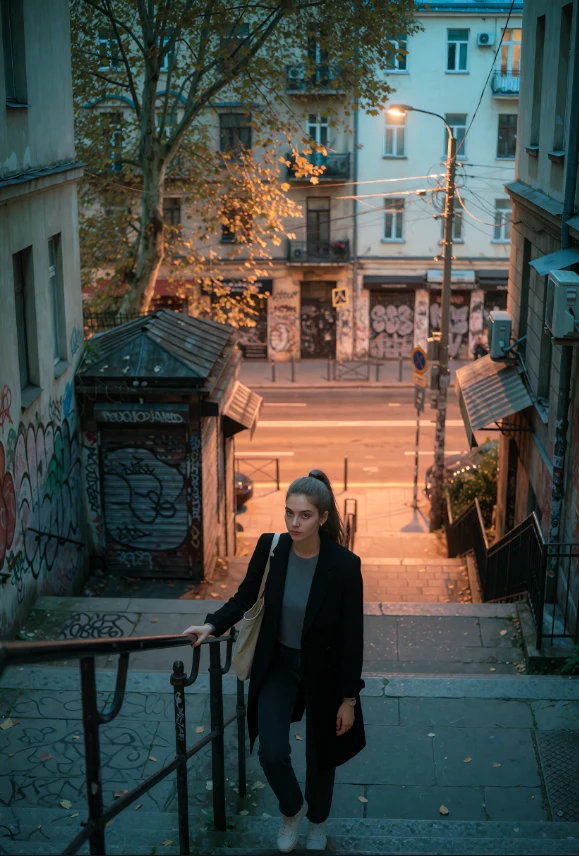
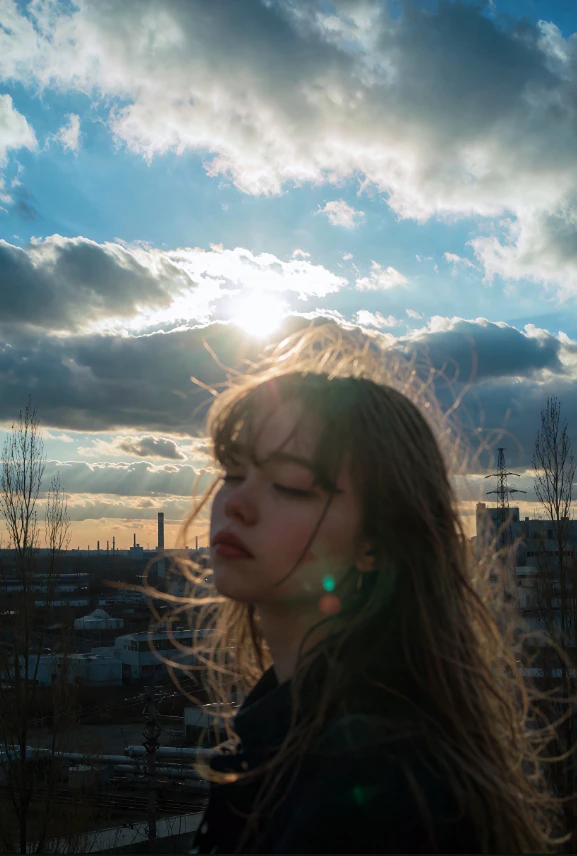
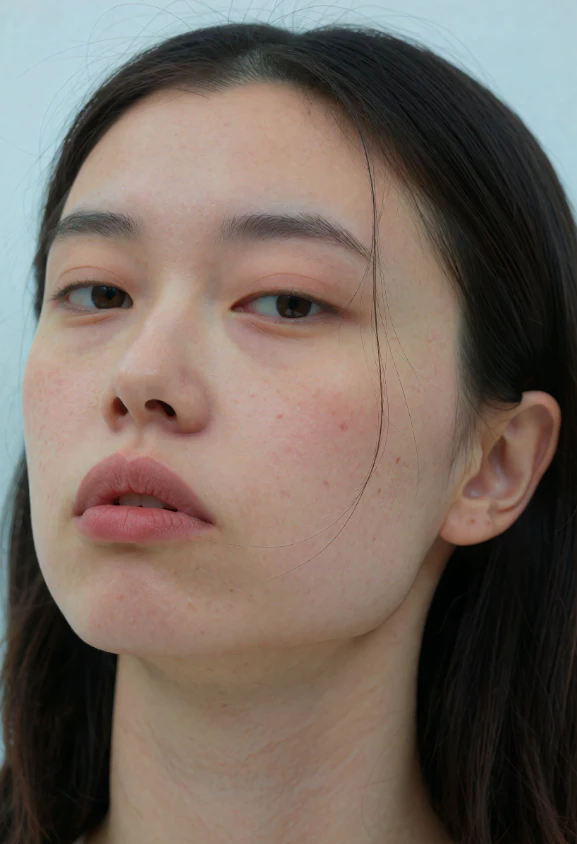
Enhances the textures and lighting of krea. I used the int8 of the krea model. I also recommend using @AiMetatron redcraft (Krea2RedMix1.1-INT8-Convrot-ComfyUI) model (can also be found in my posts). This lora adds extra noise that would benefit that model. Using the original krea model may be noisy, though lowering the strength may help and still usable i think. Its still experimental. Im still using my own custom nodes.
I highly suggest using @Felldude vae model: https://civitai.red/models/2718533/hdr-vae-anima-qwen-image
I know it says its for anima, but it also works for krea2 if you are wondering. It increases vibrant and contrast of your images, doing it with just the right amount. All my images were used with the hdr vae model.
Version 6 ultimate : this is a special lora that is capable of doing almost anything as long as its prompted correctly. It handles both realism and anime/art styles. It just simply enhances the krea 2 model.
Edit: For the ultimate version, i just uploaded a more stable variant of the lora. Ultimate ver might be a bit overcooked at 1.00 strength. Stable ver fixes that
"
any advice to dont break character lora? at strenght 1.00 or 0.70 still breaking?
"
"I suggest using lower strength like 0.40. I don't really use character loras so I'm unfamiliar with that. Even low strength for this lora still helps with detail I'd imagine. It might also depend on the character lora itself, maybe try other ones to to test with compatibility. Hope this helps"