


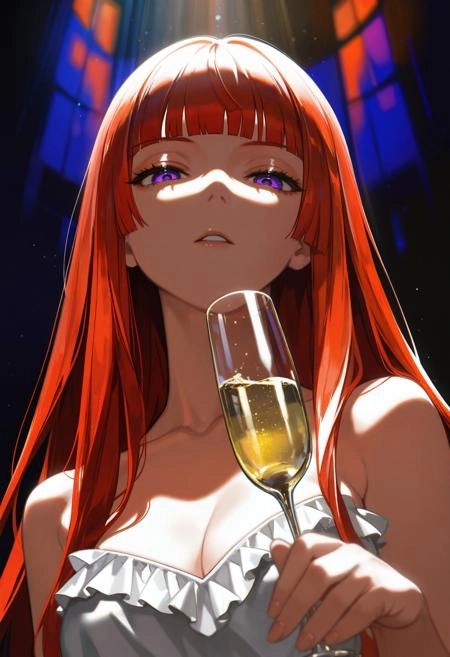
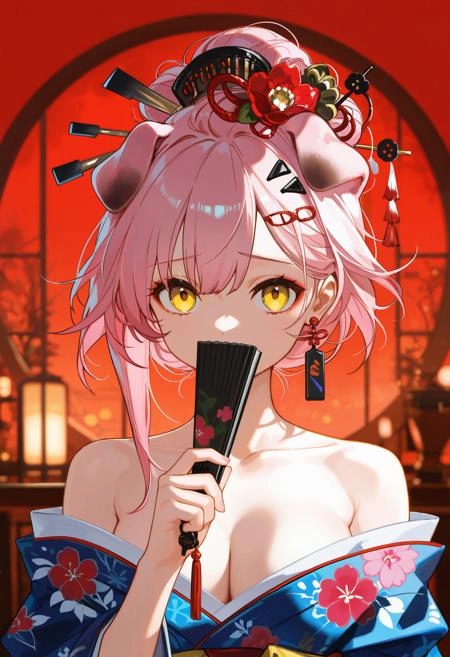
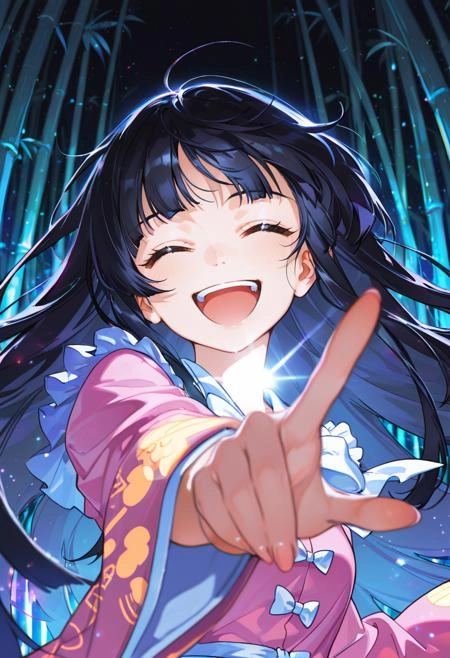
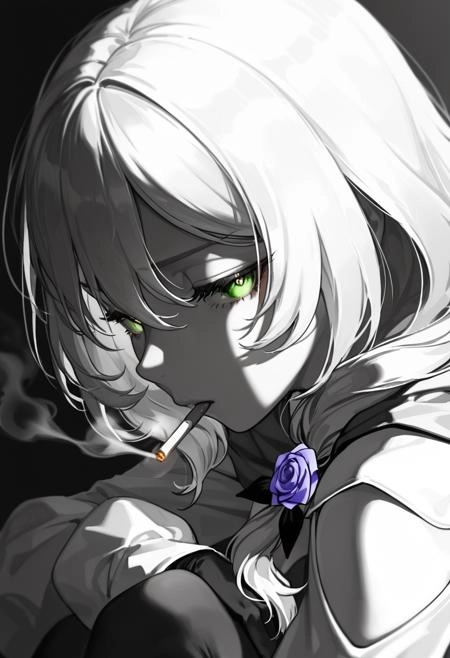
👑✨ TrendCraft: The People’s Style Detailer 🚀🎨 Elevate your art with the pulse of the community. Create top rated images! 🌟 What is TrendCraft? A cutting-edge style LoRA trained on the top 1000 most popular CivitAI images (filtered for quality and artistic value). It channels community-driven trends to refine your outputs, making them as visually striking as the most-loved masterpieces on CivitAI.
🔥 Why TrendCraft Stands Out 👑 Curated Dataset, Not Crowdsourced Chaos
Manual Filtering: Every image is handpicked to exclude low-quality/NSFW content lacking artistic merit.
Tag Perfection: Auto-tagged with a CivitAI-trained model + manual refinement to ensure accuracy (e.g., "masterpiece," "aesthetic").
🚀 All models support
Works seamlessly with all models (this release is trained on Noob Vpred 1.0).
You can find the version trained on Illustrious base here and Pony XL here.
Coming Soon: Dedicated versions trained on base SDXL.
🤖 Epoch Precision
Trained to enhance style without overcooking details .
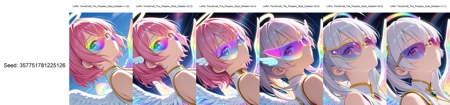
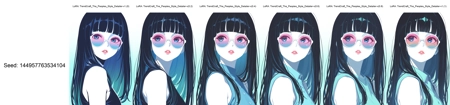
Every release will include detailed XY plots with multiple seeds and different strengths.
🎯 What Does TrendCraft Do for You? TrendCraft is a Detailer LoRA , designed to elevate your AI-generated art by refining key aspects that matter most to creators and viewers alike:
Better Styles: Infuses your images with the visual appeal of trending masterpieces, aligning with community tastes.
Sharper Details: Enhances intricate elements like textures, patterns, and fine linework, giving your art a polished, professional look.
Improved Anatomy: Refines anatomical features such as hands, faces, and body proportions , reducing common errors and creating more lifelike results.
Enhanced Composition: Boosts overall balance and harmony in your art, ensuring every element feels intentional and cohesive.
Think of TrendCraft as your style assistant : it doesn’t replace your creativity but amplifies it, helping you craft images that resonate with audiences and stand out in the crowd.
🛠️ How to Use No Trigger Words Needed! Just plug it into your workflow.
Use your normal quality prompts or Skip repetitive prompts and use my LazyPositive/LazyNegative embeddings for instant quality boosts.
Strength Tips:
Default: Strength = 1 (ideal for most workflows).
Subtle Adjustments: Start at 0.2 and build up (see XY plot samples for guidance). Also try without quality prompts too!