


https://civitai.red/models/2988089/pixel-art-side-view-no-fake-pixel-artifacts?modelVersionId=3388535
Description
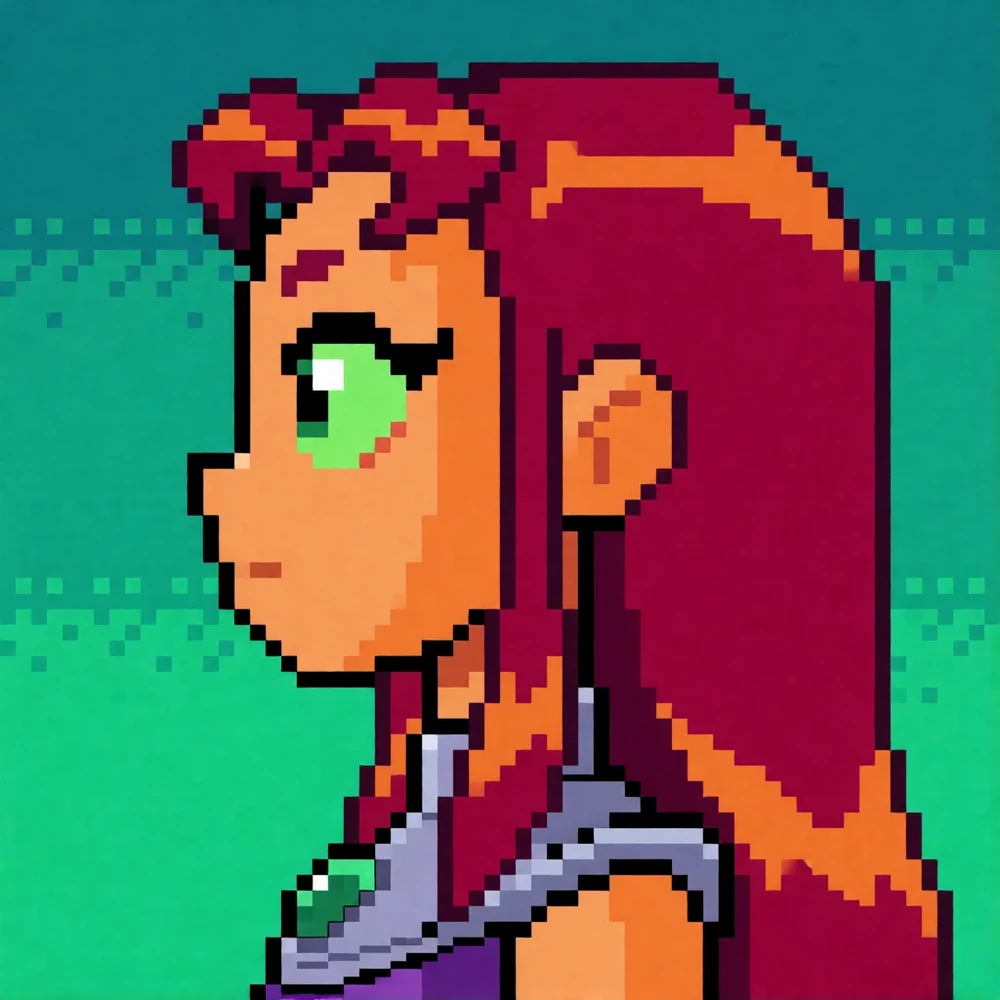
The model makes 128x128 (upscaled to 1024x1024) or 160x160 (1280x1280) images on Krea2 Turbo with 8x8 logical pixel size (INT8 ConvRot, INT4, GGUF formats stay usable)
Use the ' Pixel Grid: Median Fixer ' node with 'Grid size 8' to post-process the image for absolute
https://registry.comfy.org/nodes/comfyui-pixelgrid-helpers
Combining the LoRA with other LoRAs keep the 8x8 pixel sizes, but its best if other LoRAs are given a slightly lower strength.
Workflow:
Prompting guide
Objective
Write a direct, factual caption describing what is clearly visible in the image. Avoid guessing identities, emotions, background stories, or artistic mediums.
Description Order
-
Foreground Subjects: List main people, animals, or prominent objects in order of visual impact. Separate each subject with a semicolon.
-
Background: Add the label
Background:immediately after the subjects, then describe the environment, key surroundings, arrangement, and lighting.
Formatting Template
<subject 1 description>; <subject 2 description>. Background: <setting, surroundings, arrangement, and lighting>
(If the image lacks a clear main subject, start directly with
No distinct subject.
followed by
Background: ...
)
Guidelines
-
Focus on distinct physical traits, clothing, poses, or actions to identify subjects.
-
Describe the scene clearly without listing every minor detail or repeating location terms.
-
Keep the output to a single plain-text paragraph with no extra labels, quotes, or markdown