









creator :
duongve13112002
Base Model
Lumina
I. Introduction
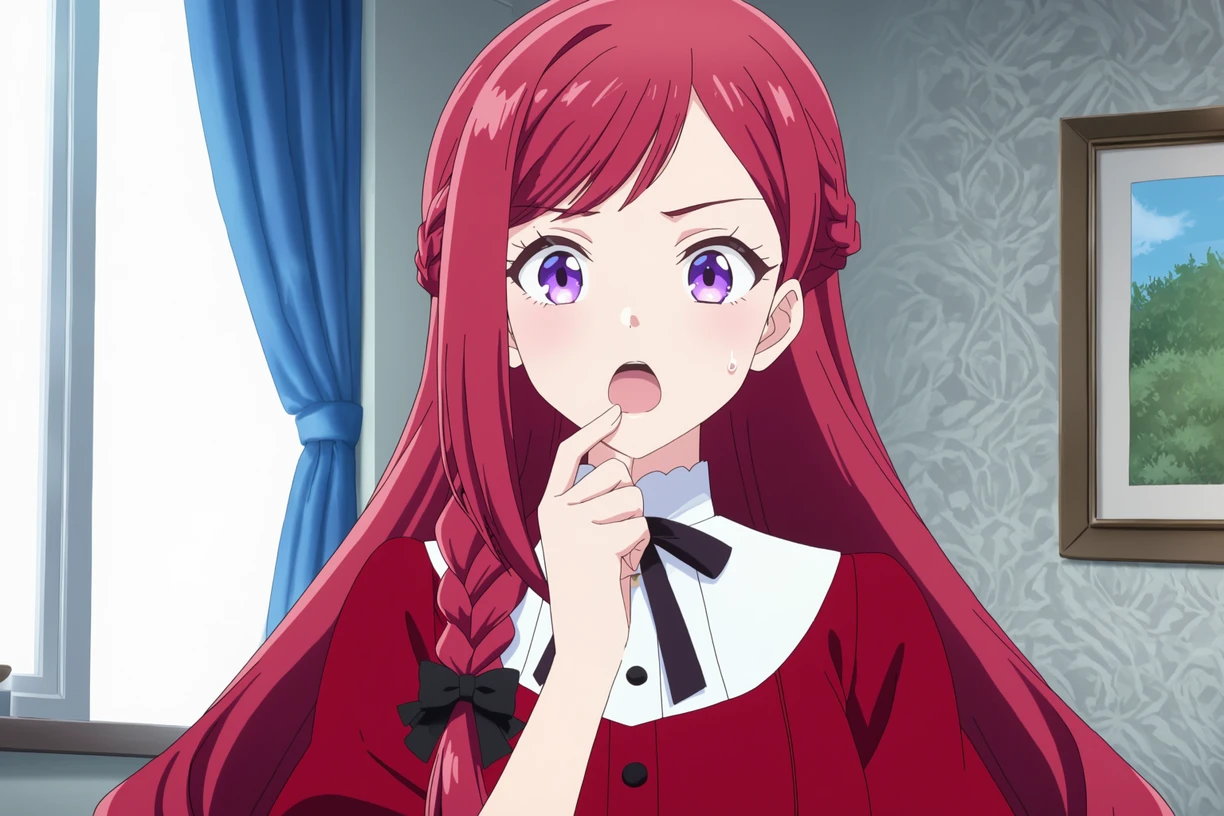
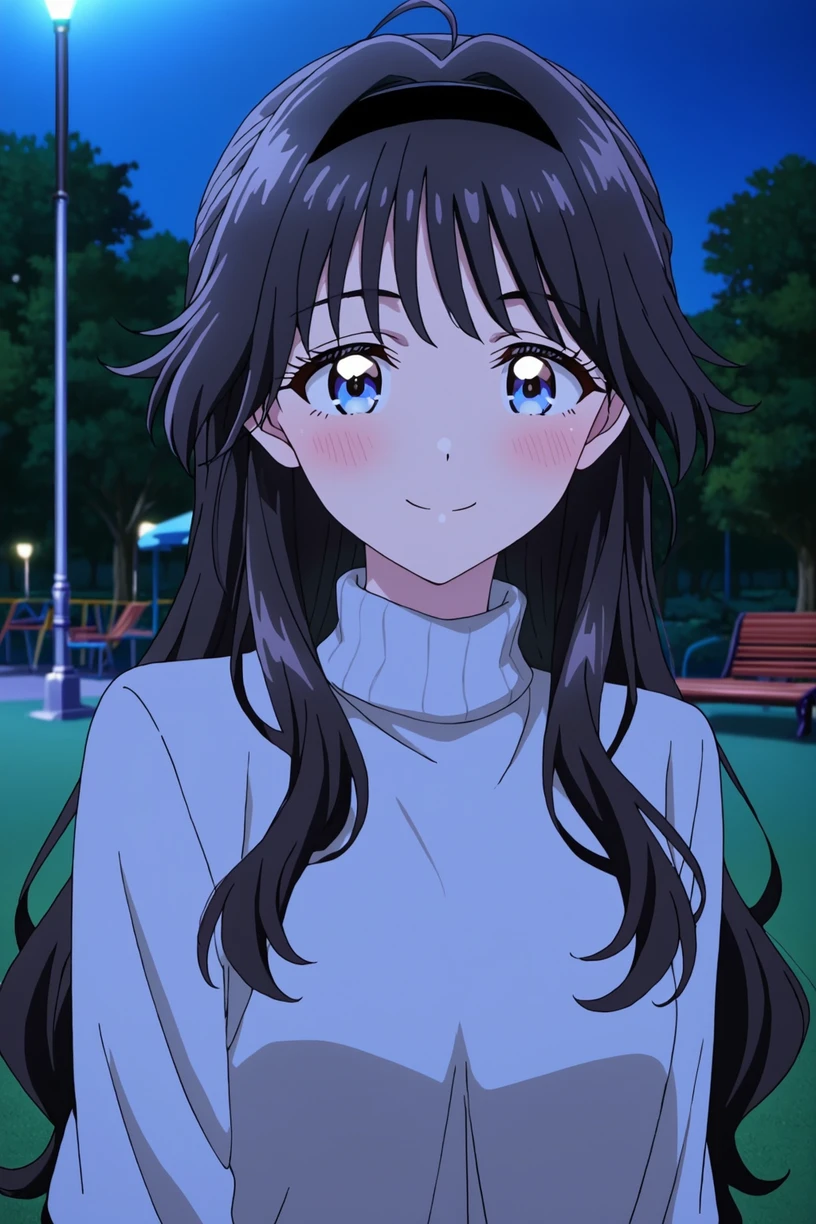
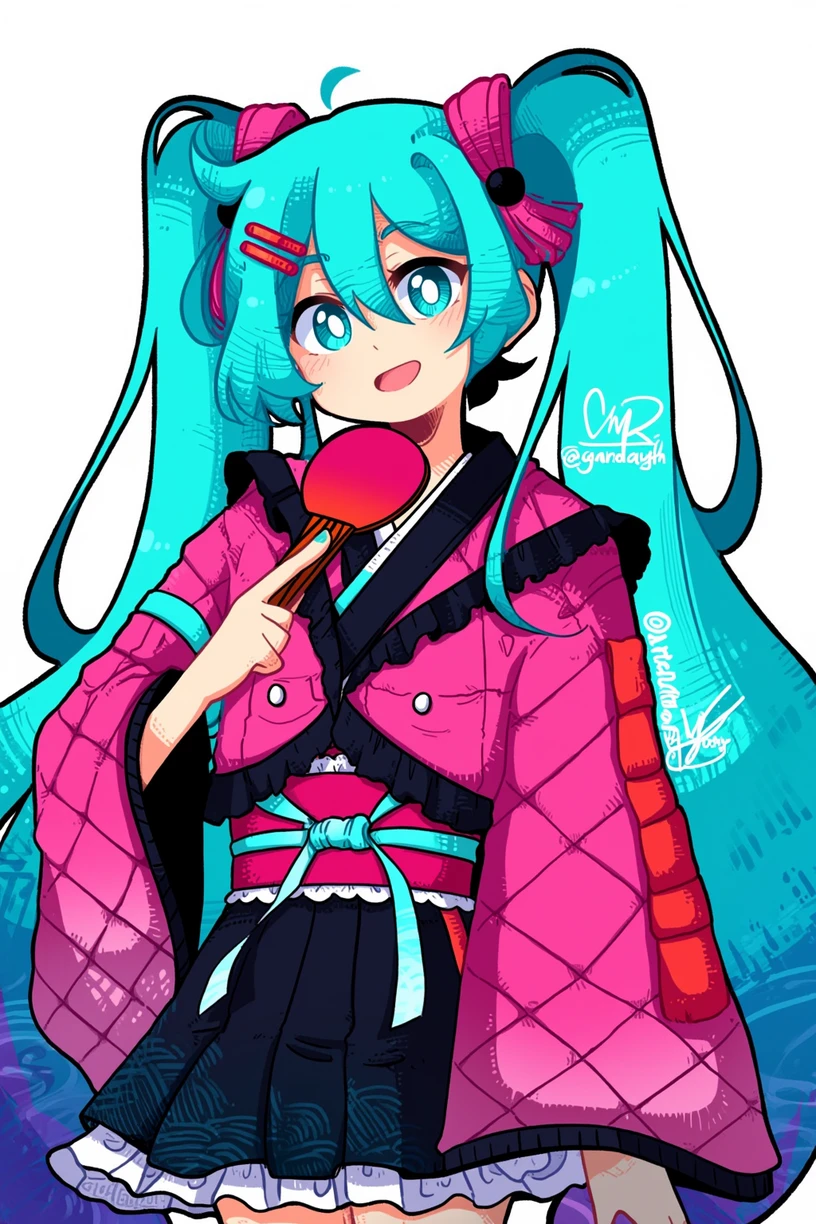
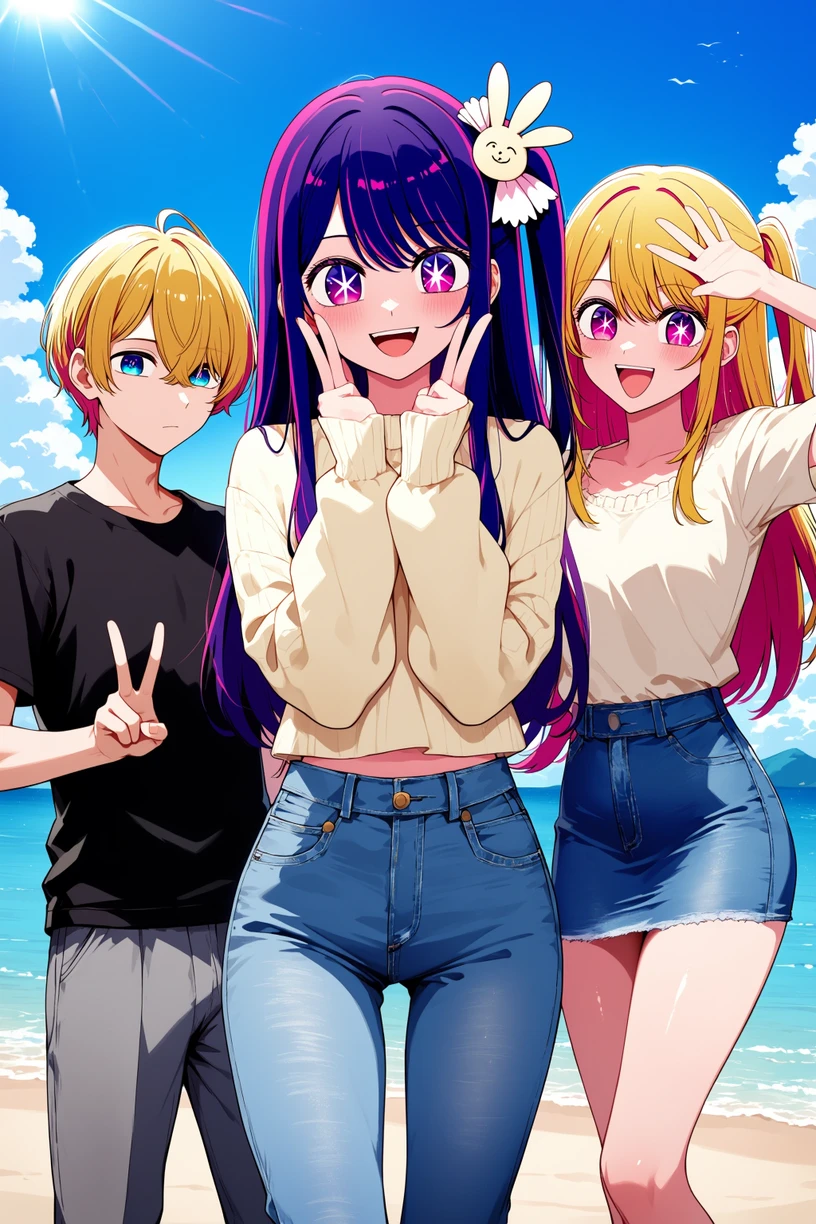
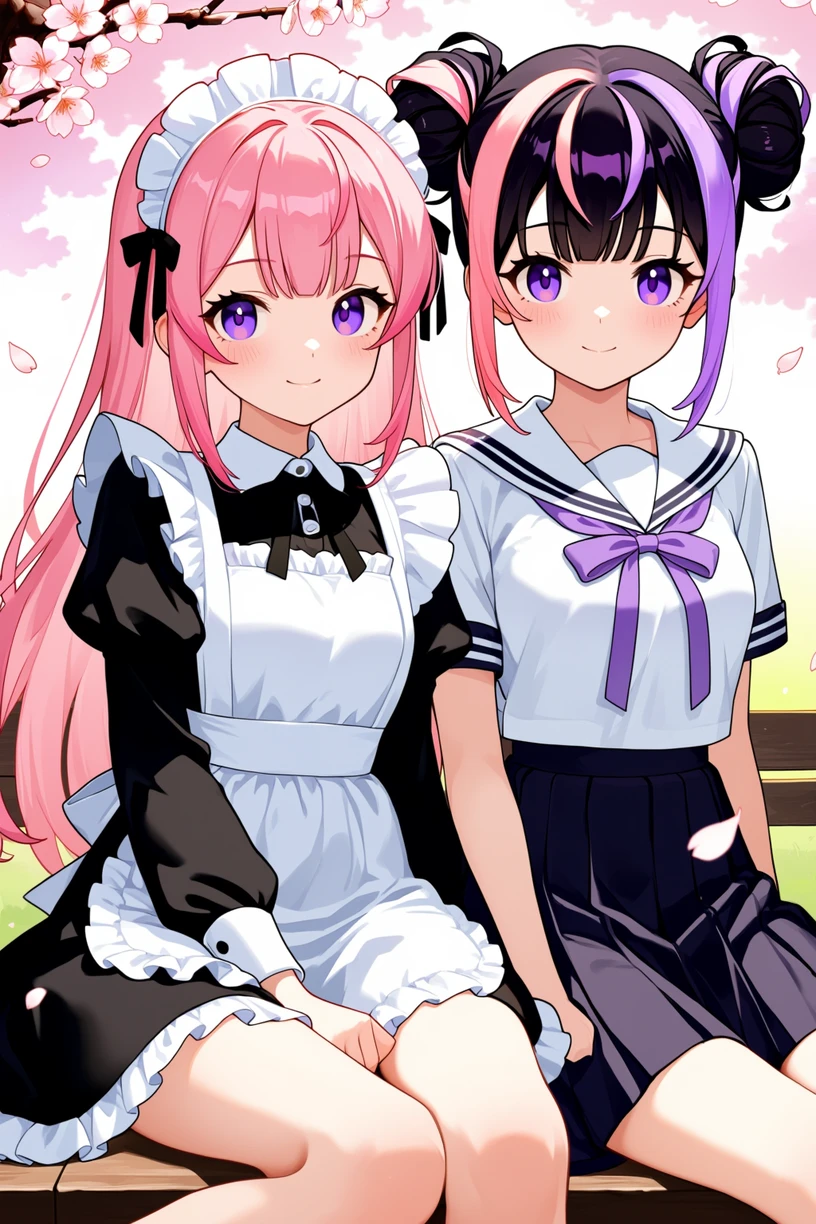
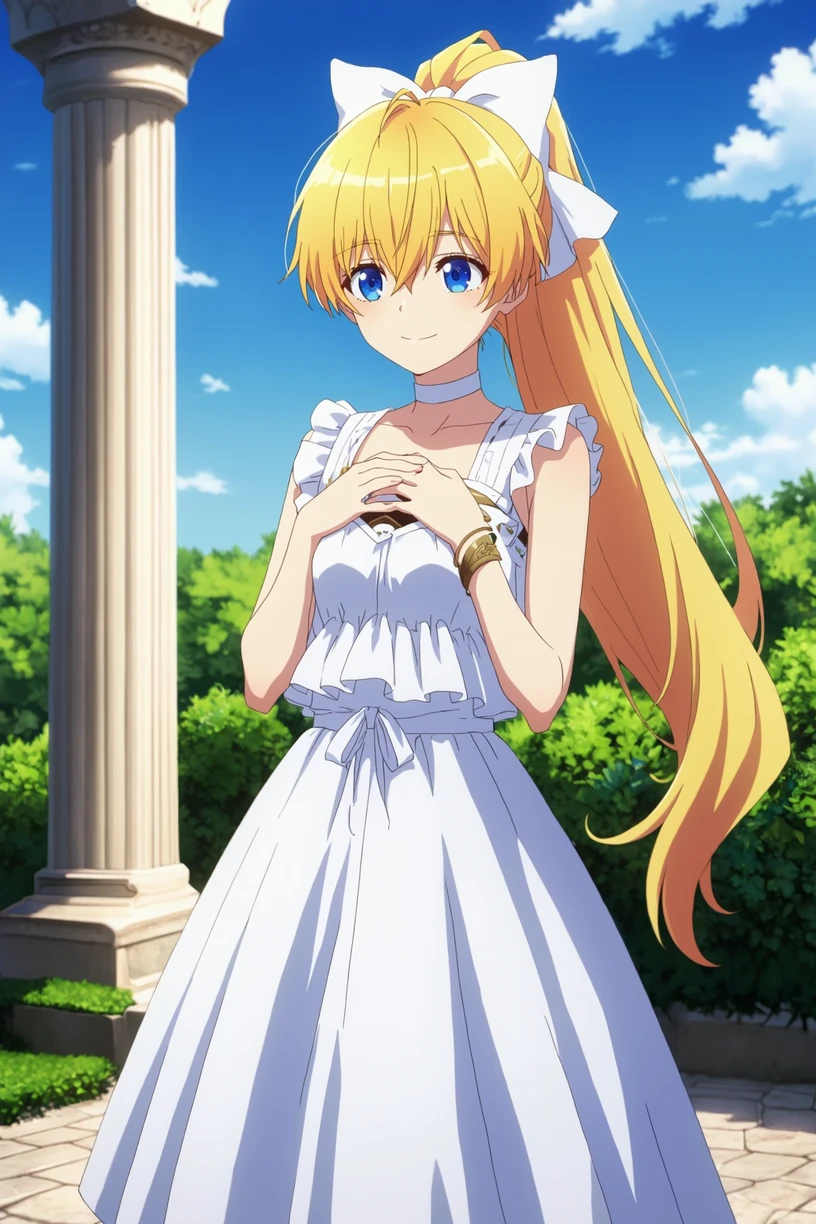
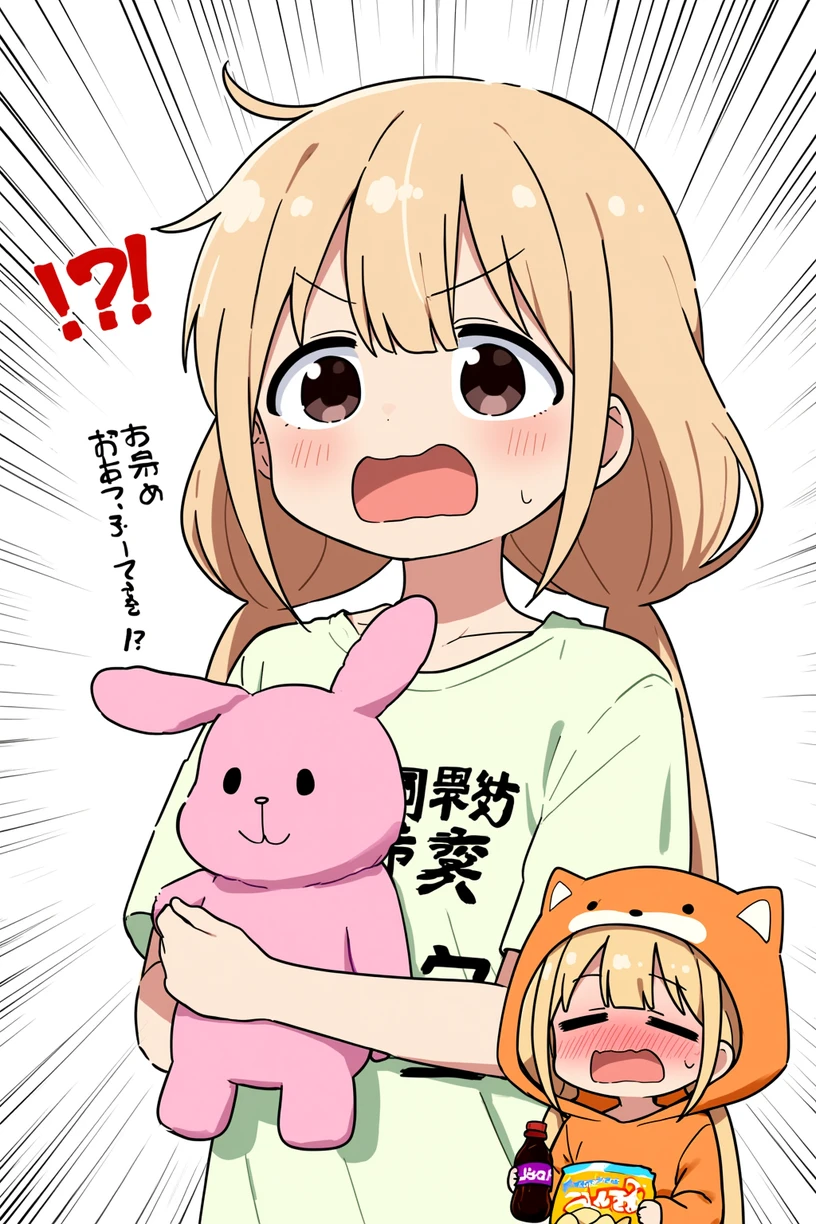
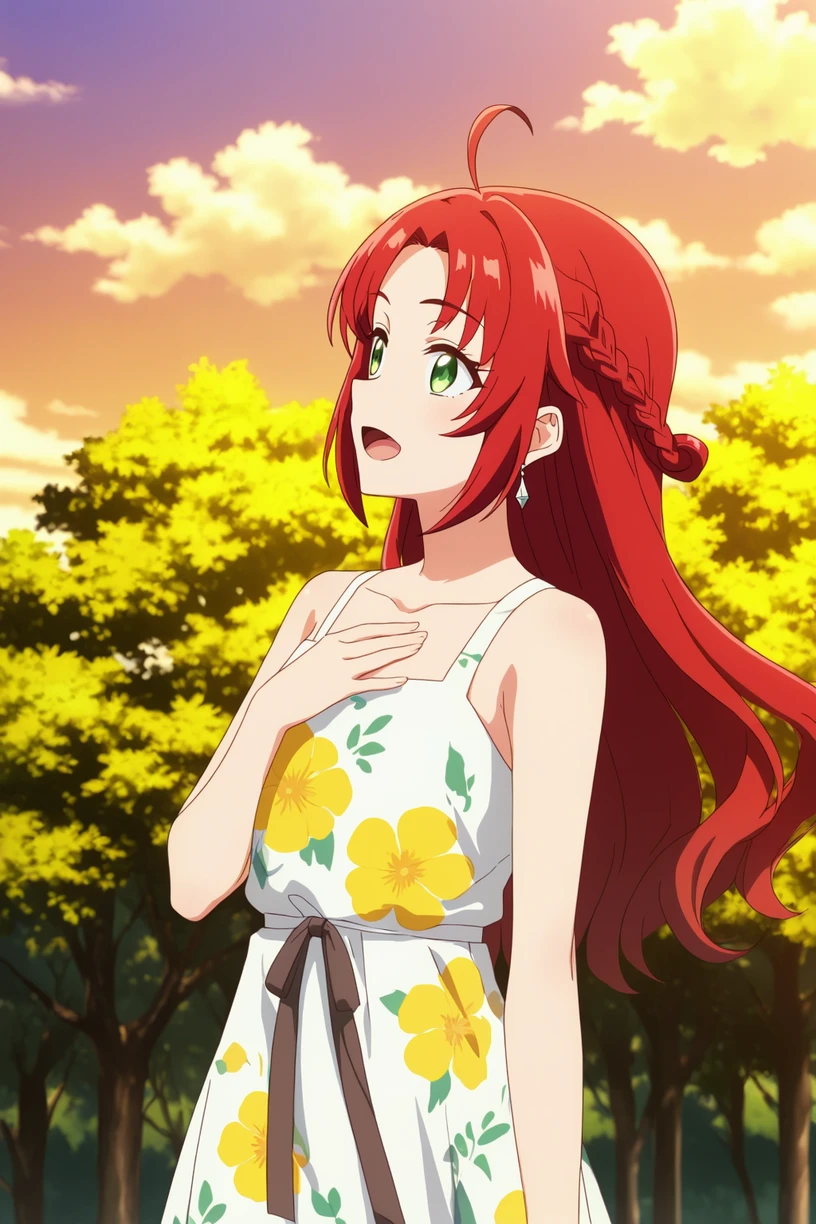
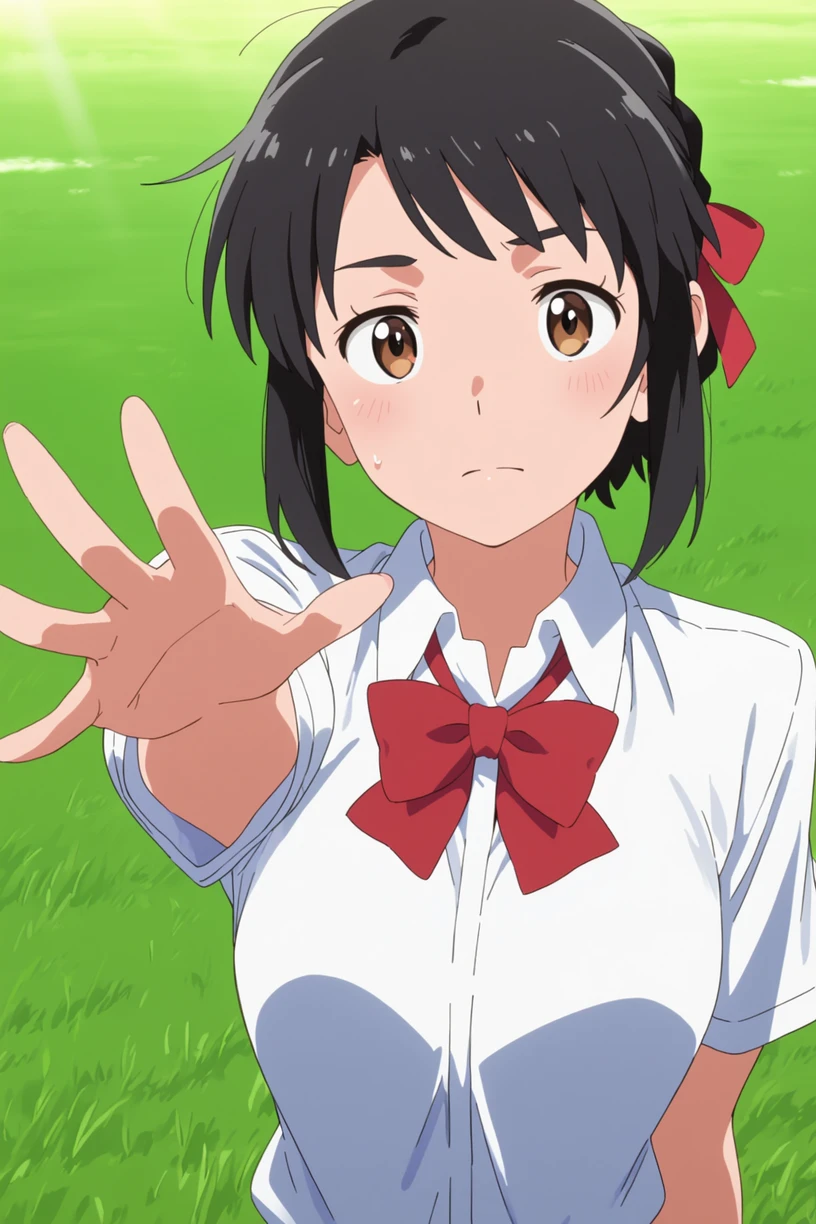
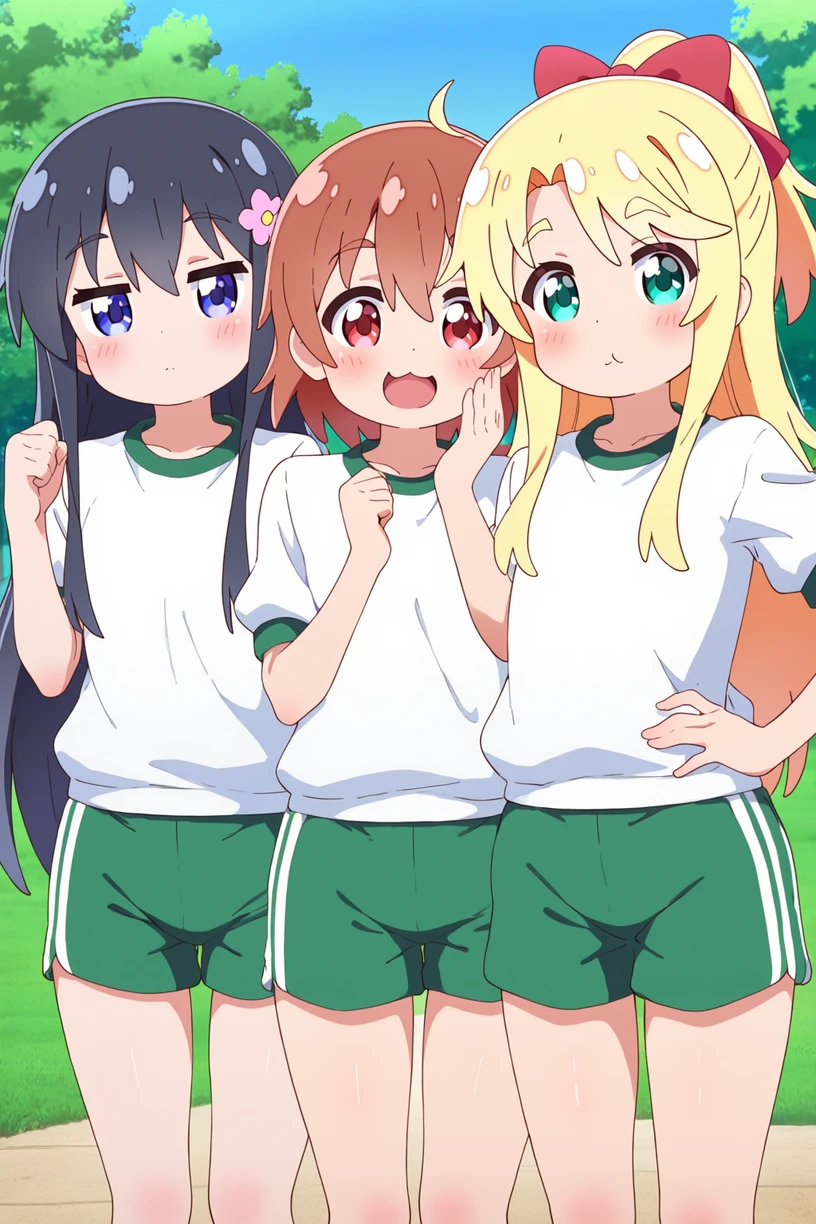
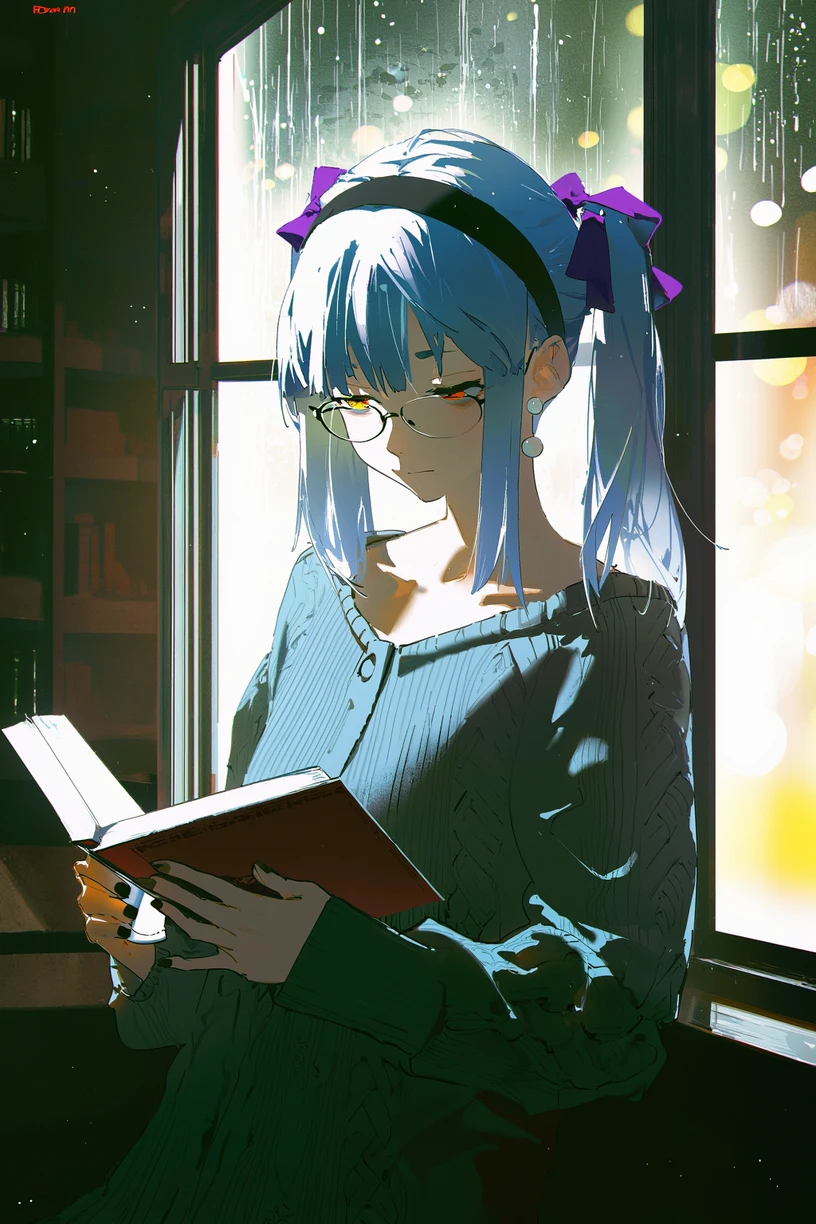
NetaYume Lumina is a text-to-image model fine-tuned from Neta Lumina , a high-quality anime-style image generation model developed by Neta.art Lab . It builds upon Lumina-Image-2.0 , an open-source base model released by the Alpha-VLLM team at Shanghai AI Laboratory.
Key Features:
-
High-Quality Anime Generation: Generates detailed anime-style images with sharp outlines, vibrant colors, and smooth shading.
-
Improved Character Understanding: Better captures characters, especially those from the Danbooru dataset, resulting in more coherent and accurate character representations.
-
Enhanced Fine Details: Accurately generates accessories, clothing textures, hairstyles, and background elements with greater clarity.
II. Information
For version 4.0:
-
In this version, I changed the way I annotate the dataset. Instead of using only tags and natural language, I now use both unstructured and structured annotations for each image. In addition to tags and natural-language descriptions, I added JSON and XML formats. For the tag, JSON, and XML formats (in natural and tag format), I also shuffle the annotations. For example, in the XML format similar to JSON when formatted as tags:
<tags>
    <characters>kubo nagisa</characters>
    <general>long hair, purple hair, purple eyes</general>
</tags>-
During preprocessing for each epoch, when this XML annotation is encountered, I randomly drop individual tags such as “purple hair” or other character-related attributes with some probability. I also shuffle the fields, so for example, the
<general>field may appear before the<characters>field. -
In this version, I also updated my dataset. It now includes the Danbooru dataset up to October 10, 2025. However, ten days ago, I also made an additional update by adding a small dataset during the period when I had paused the training process.
-
In this version, I reduced AI artifacts and improved the character anatomy. It’s still not perfect, but when you use natural language in the prompt combined with a suitable negative prompt, the results are noticeably better.
-
Note: All previous knowledge is still retained, you just need to use the correct trigger tags or prompts. Additionally, the current default style is set to anime for greater stability.
III. Model Components:
-
Text Encoder : Pretrained Gemma-2-2B
-
VAE : From Flux.1 dev's VAE
-
Image Backbone : Fine-tuned version of NetaLumina's backbone
IV. File Information
-
This all-in-one file includes weights for VAE, text encoder, and image backbone. Fully compatible with ComfyUI and other systems supporting custom pipelines.
-
If you only want to download the image backbone, feel free to visit my Hugging Face page , it includes the separated files along with the
.pthfiles in case you want to use them for fine-tuning.
V. Suggestion Settings
For more details and to achieve better results, please refer to the Neta Lumina Prompt Book .
VI. Notes & Feedback
This is an early experimental fine-tuned release, and I’m actively working on improving it in future versions.
Your feedback, suggestions, and creative prompt ideas are always welcome — every contribution helps make this model even better!
VII. How to Run the Model on Another Platform
You can use it through the tensor.art platform. Here is the model link: https://tensor.art/models/898410886899707191
However, to run the model in an optimized way, I recommend using Comfyflow from tensor.art (because its default runner lacks configuration, which makes the model run suboptimally). Here is an example flow you can use on the platform: https://huggingface.co/duongve/NetaYume-Lumina-Image-2.0/blob/main/Lumina_image_v2_tensorart_workflow.json
VIII. Acknowledgments
-
Big thanks to narugo1992 for the dataset contributions.
-
Credit to Alpha-VLLM and Neta.art Lab for the fantastic base model architecture.
If you'd like to support my work, you can do so through Ko-fi !