


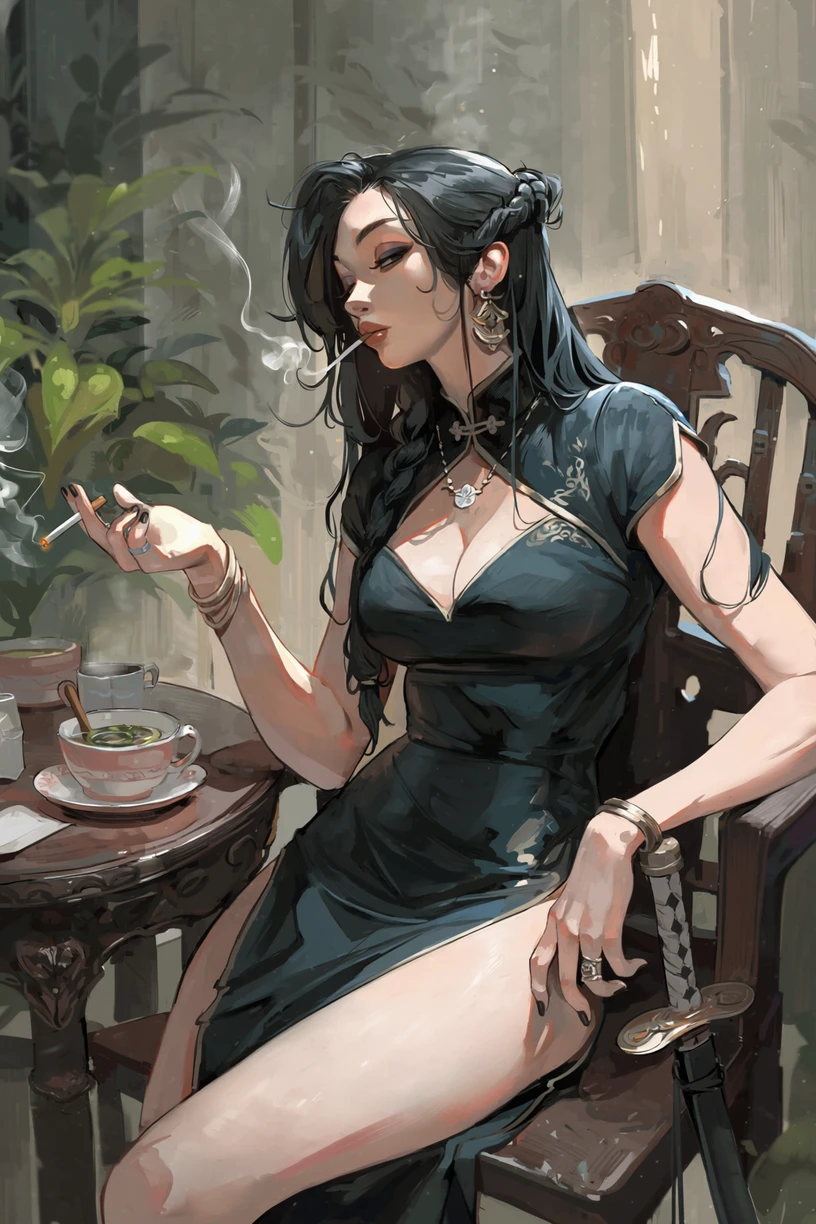
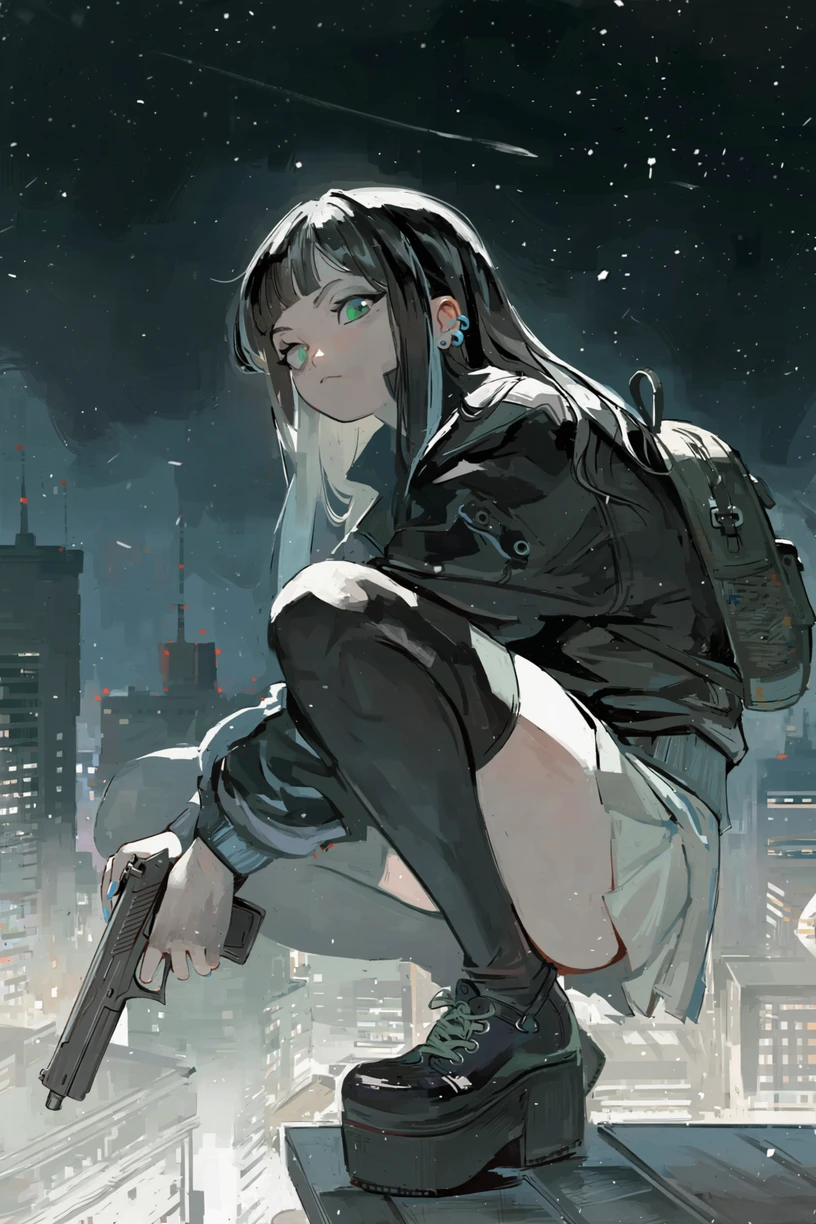
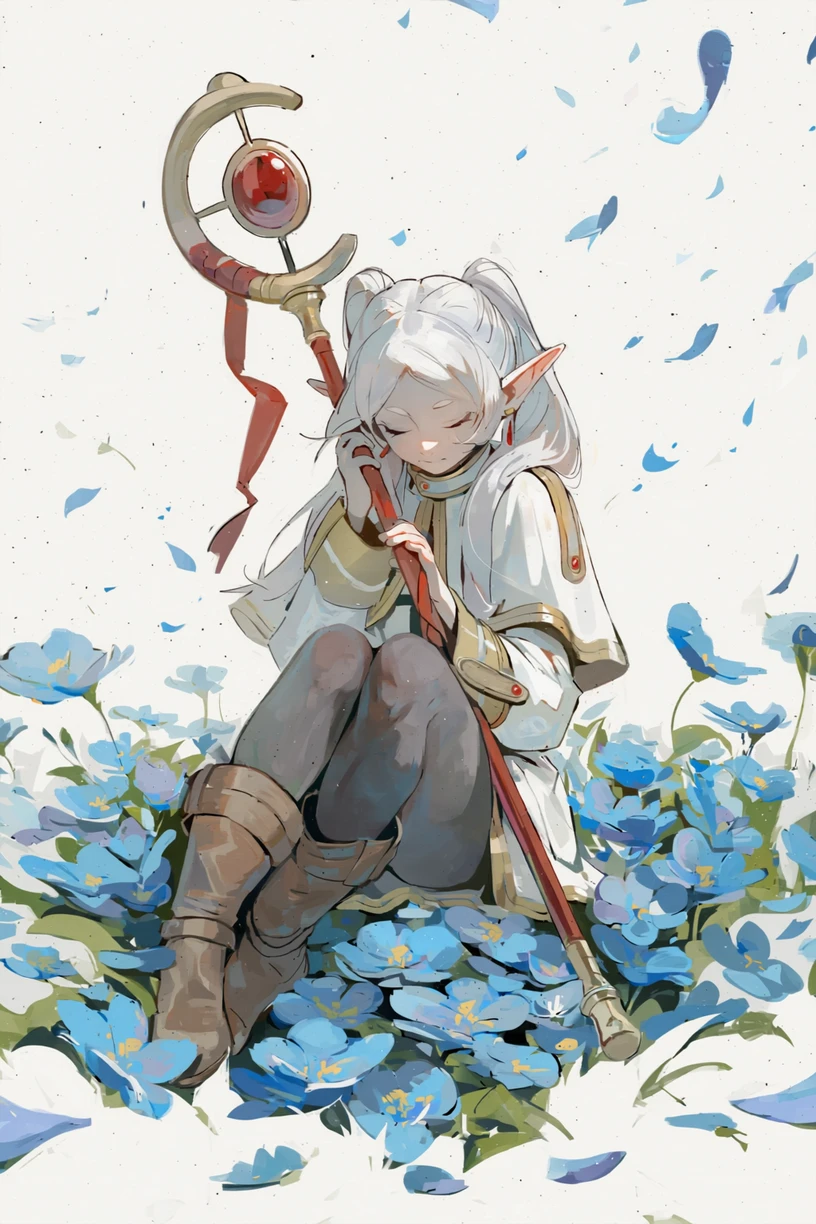
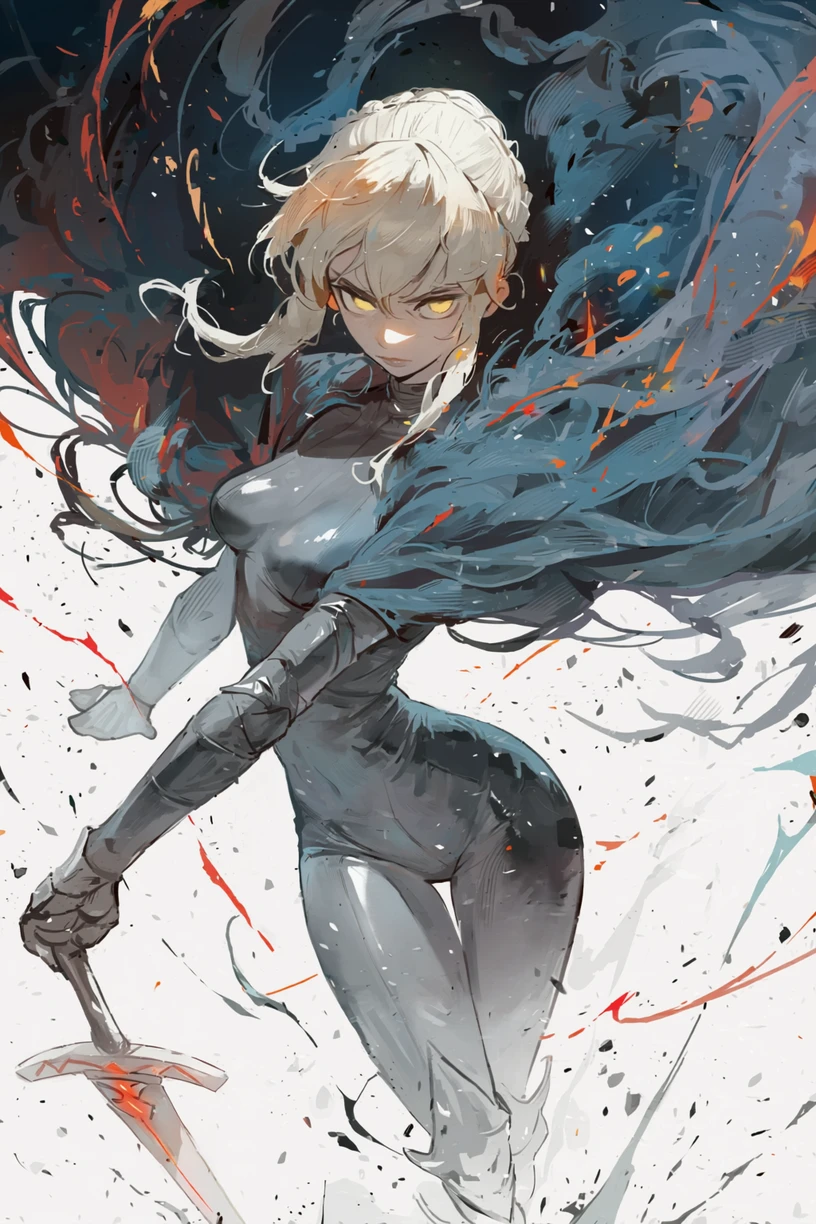
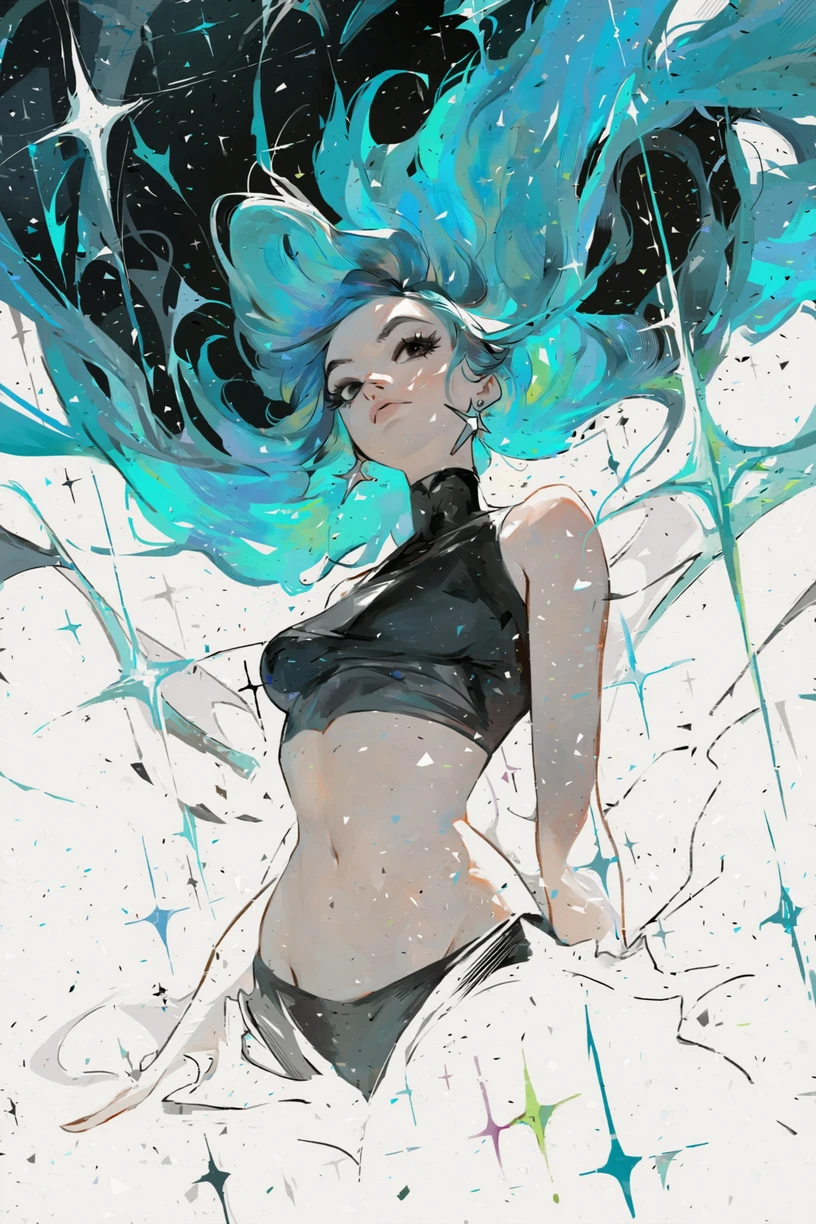
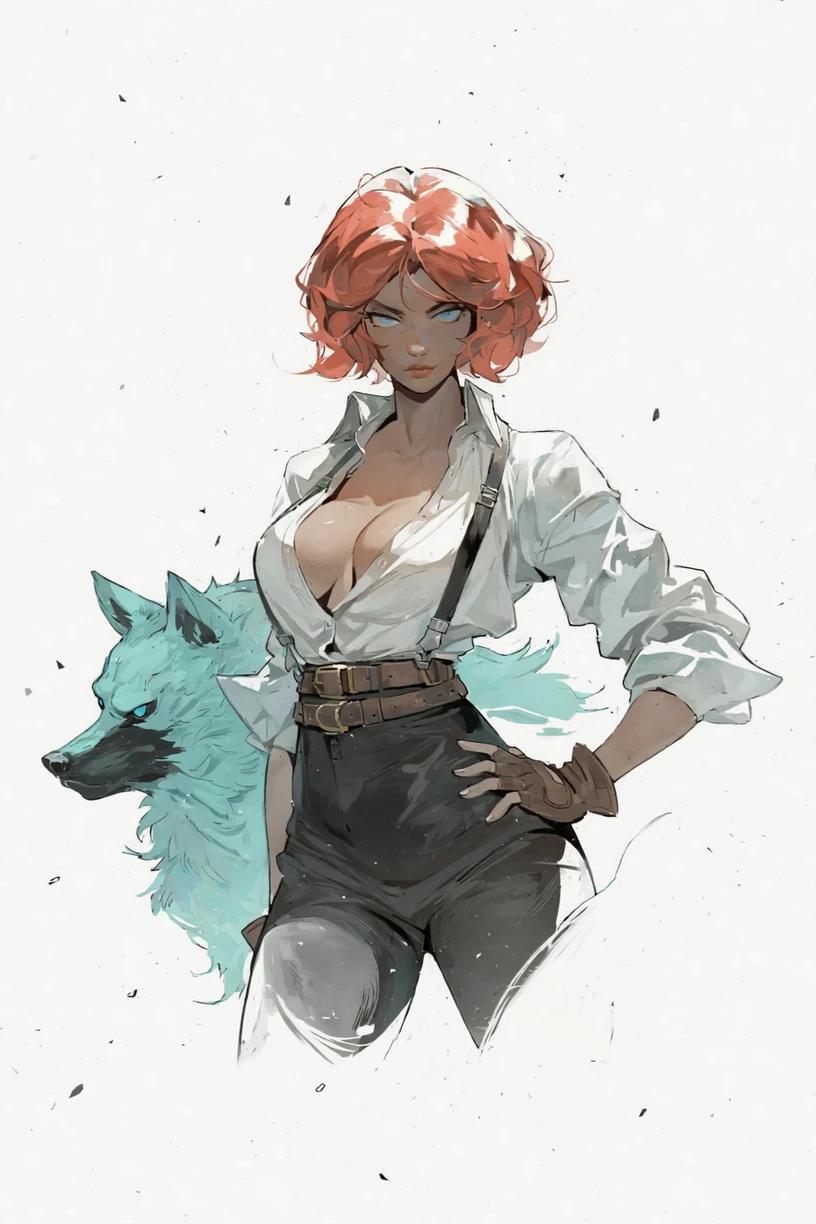
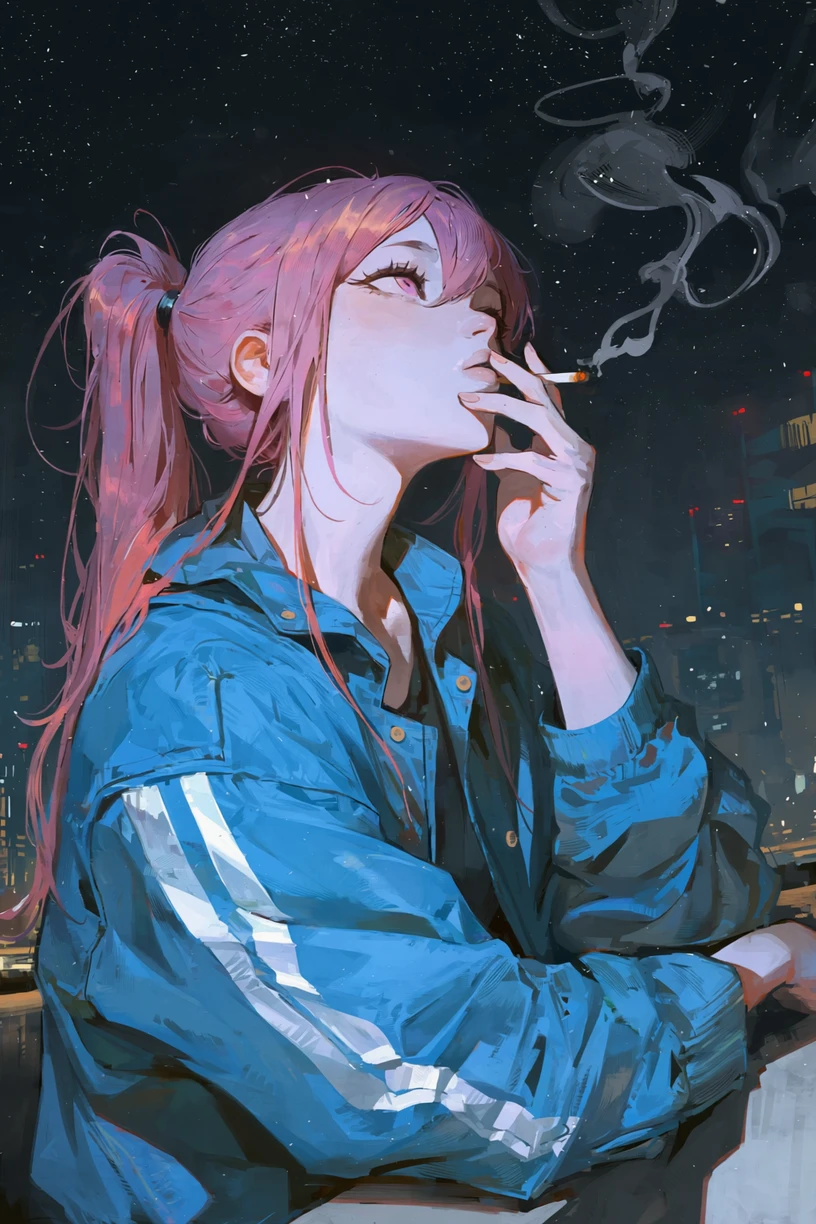
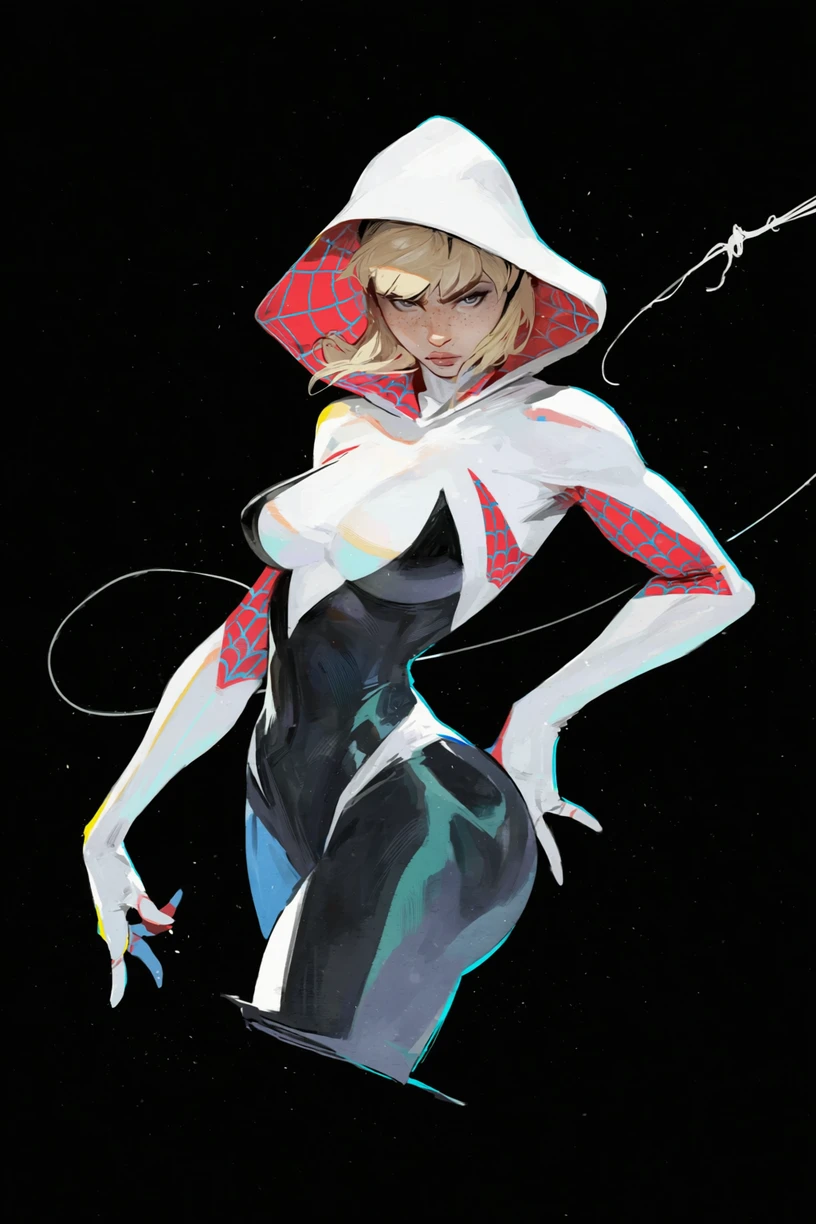

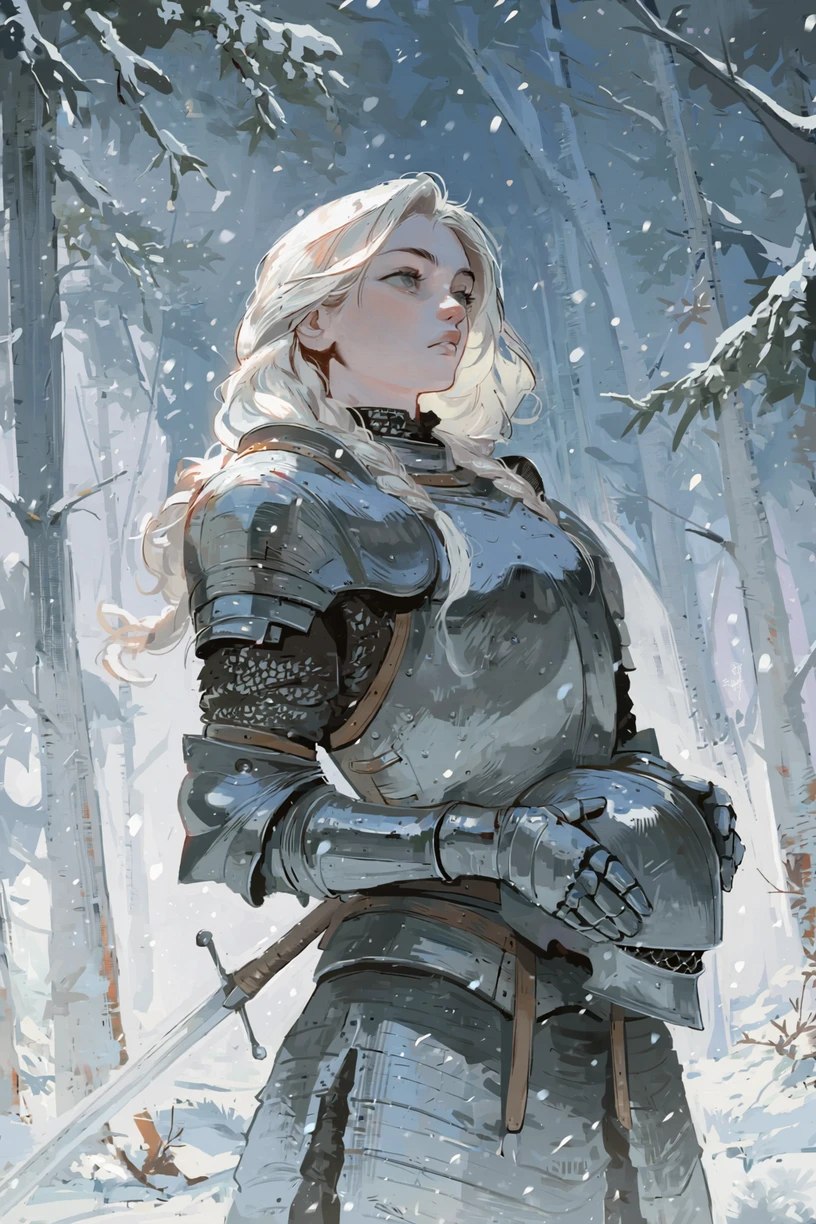
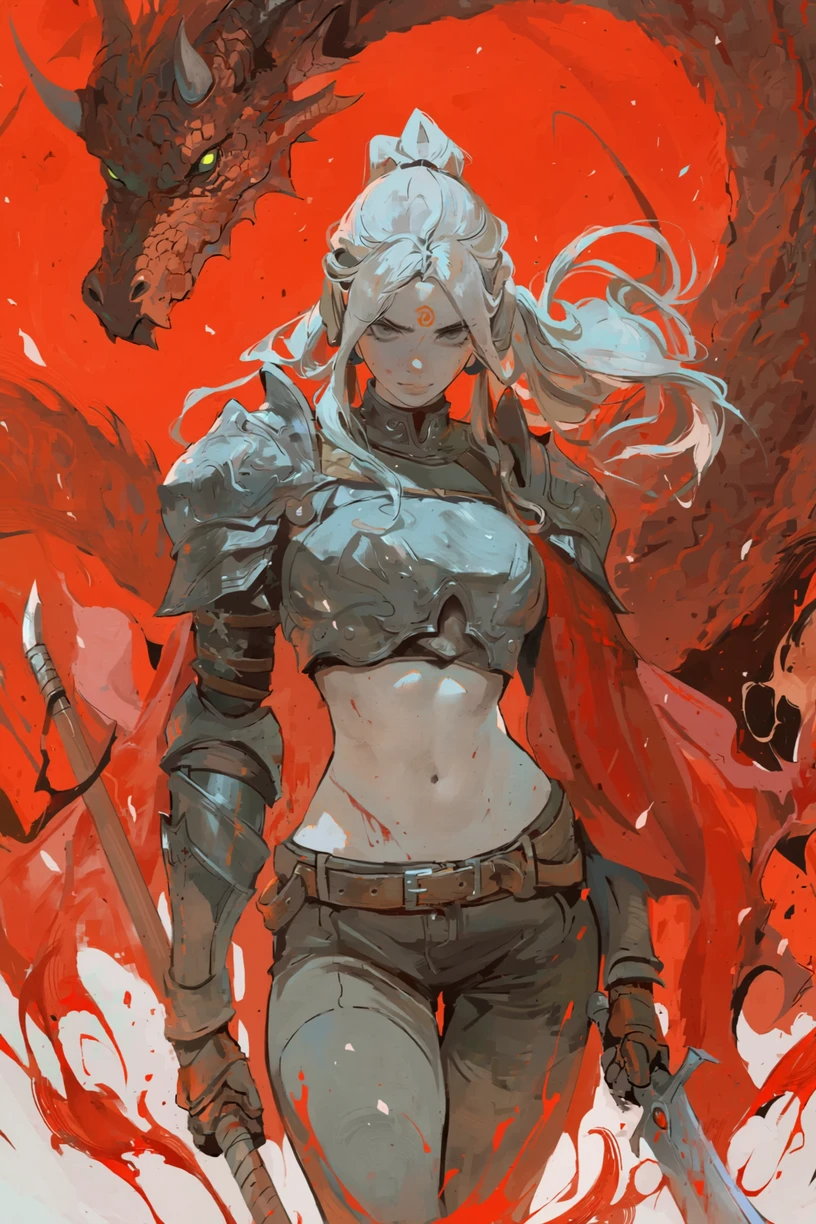
( Not my Model )
https://civitai.com/models/2313550/sketchy-style-lora-anima-illustrous?modelVersionId=3155893
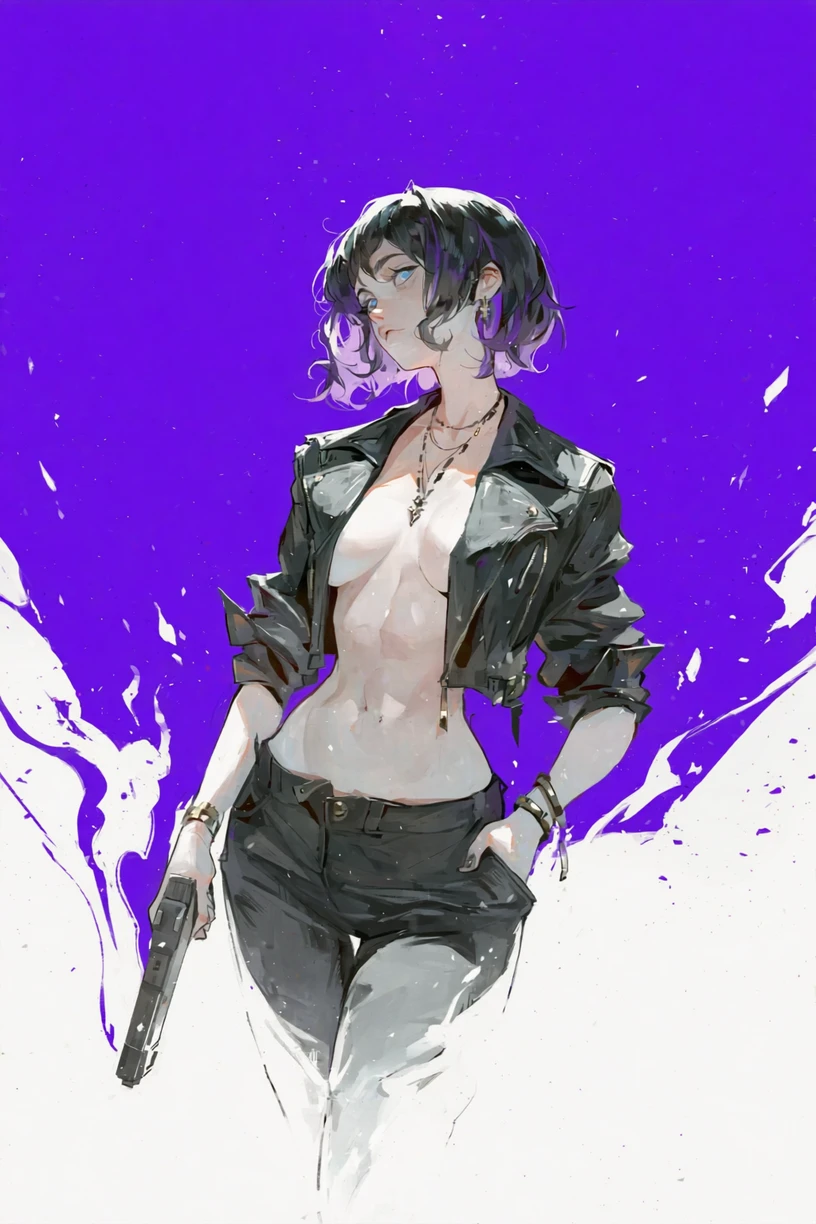
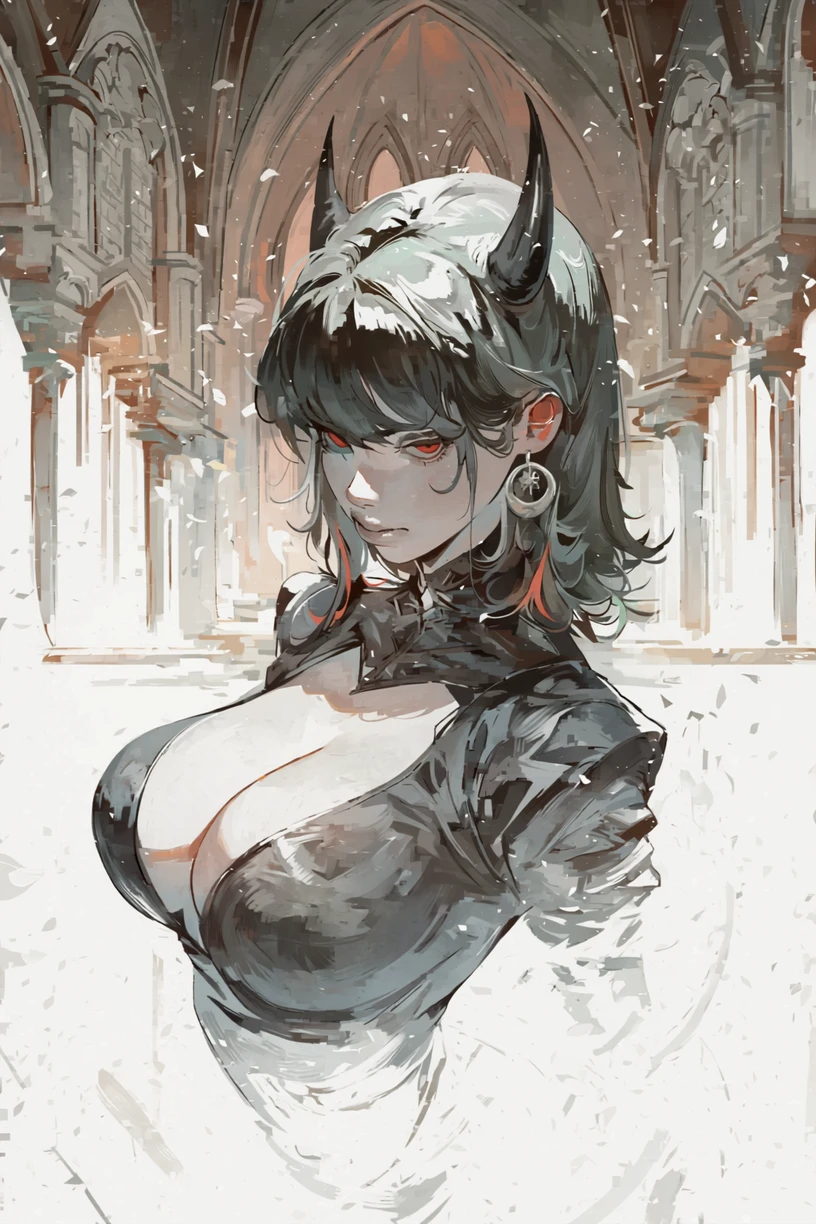
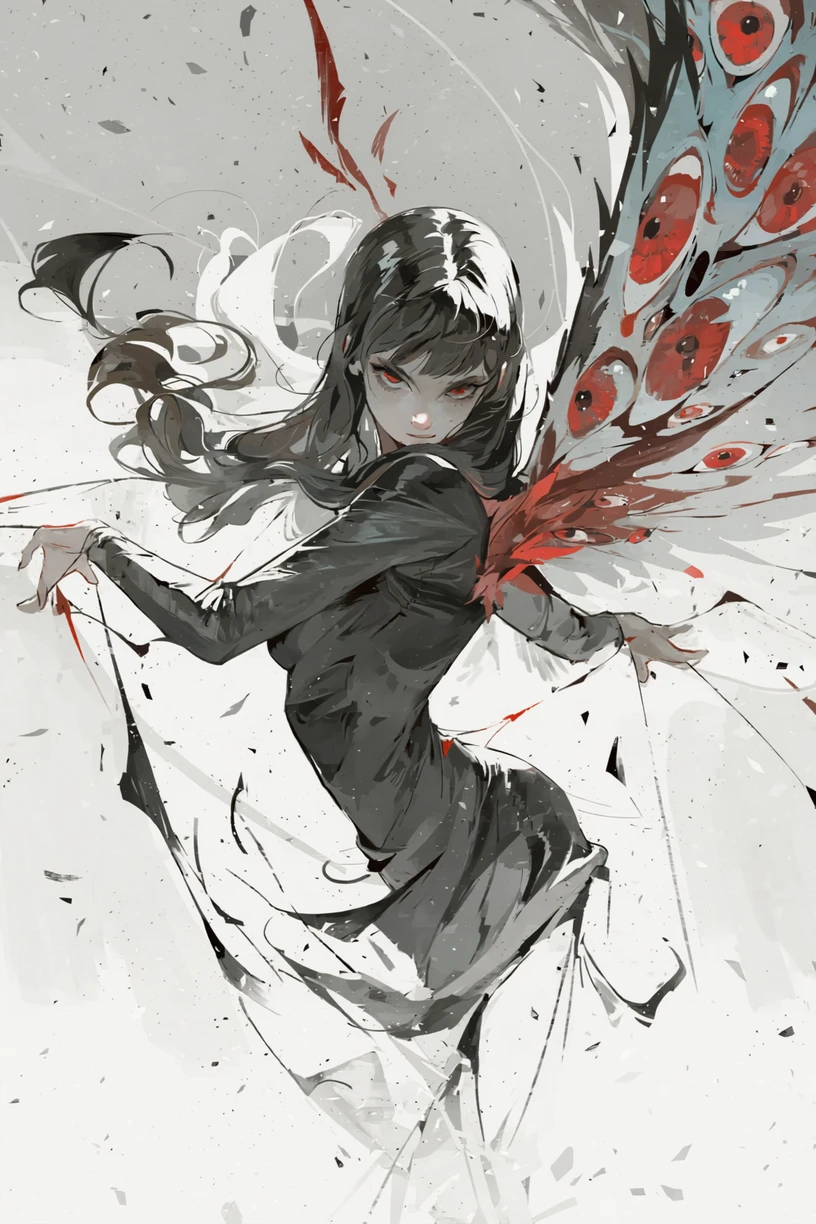
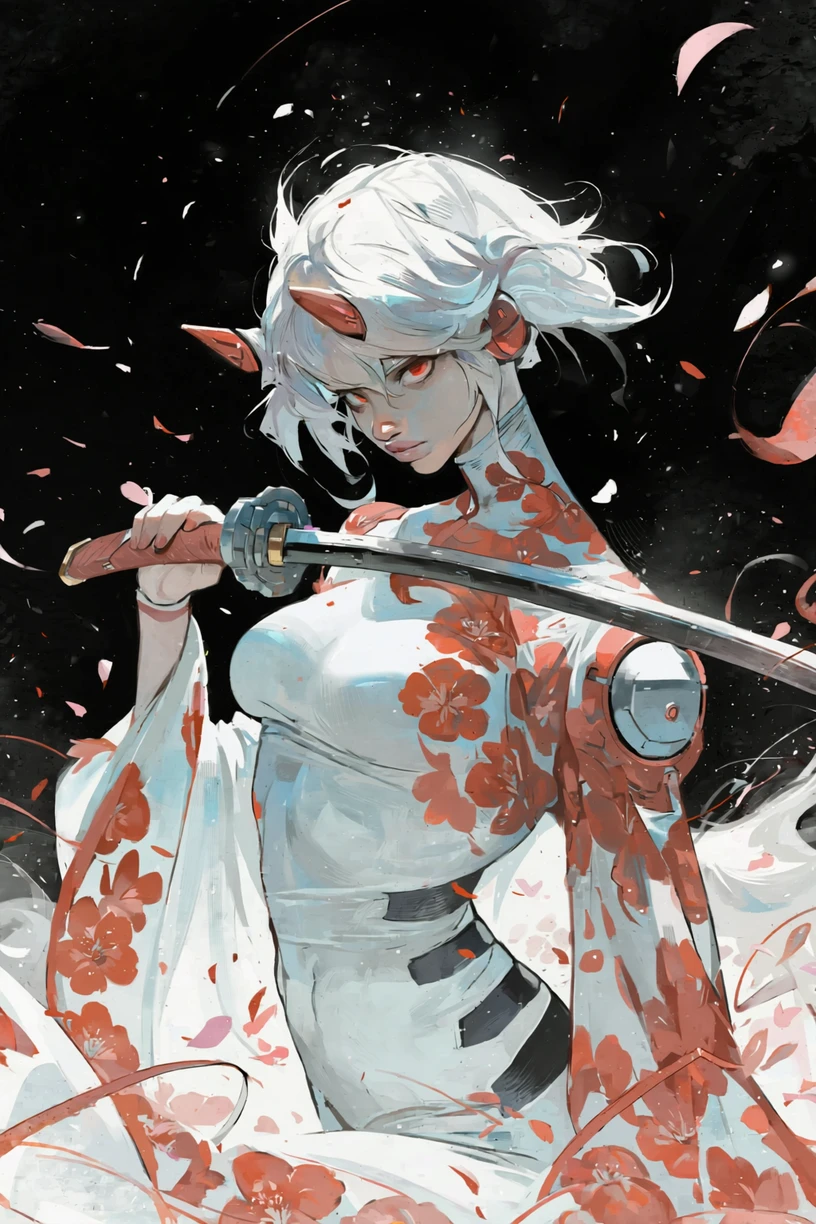
Pretty cool sketchy art style, and yes I misspelled the trigger word in my dataset... (only for Illustrious)
Trigger word for Anima: @Sk3tchy
For Anima , use a LoRA strength between 0.4 and 1.0 , depending on the look you're aiming for. Compared to Illustrious, Anima appears to capture the details of this dataset much more faithfully, despite both models being trained on the exact same dataset. It's also significantly more versatile, adjusting the strength has a major impact on the final result, giving you much finer control over the output.
Overall, Anima reproduces the intended art style much more accurately, whereas Illustrious tends to produce a smoother, more softened interpretation, which you can still get in Anima by lowering the strength and with prompting (sketch, flat_color, etc).
You can add the normal danbooru "sketch" trigger word as well if you want an even sketchier look, just make sure that you don't also have it in your negative prompt if you decide to use it!