


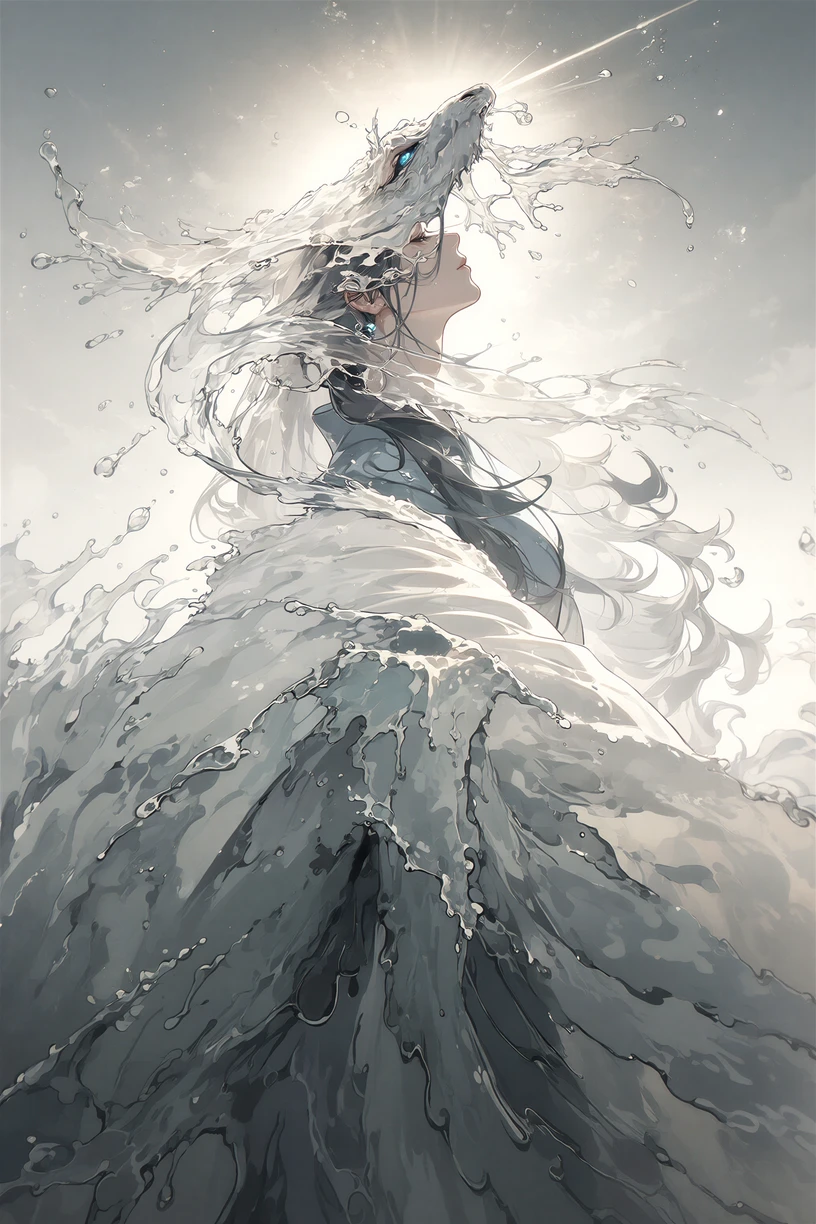
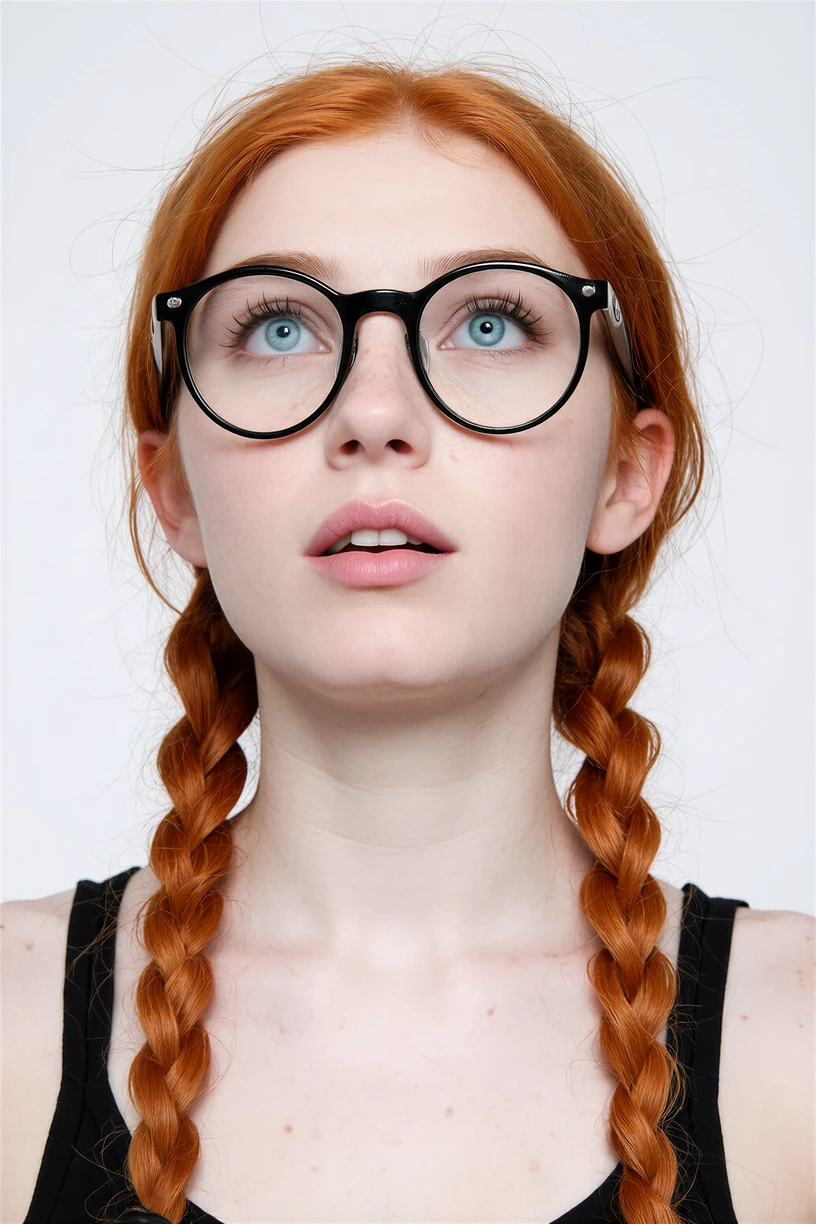
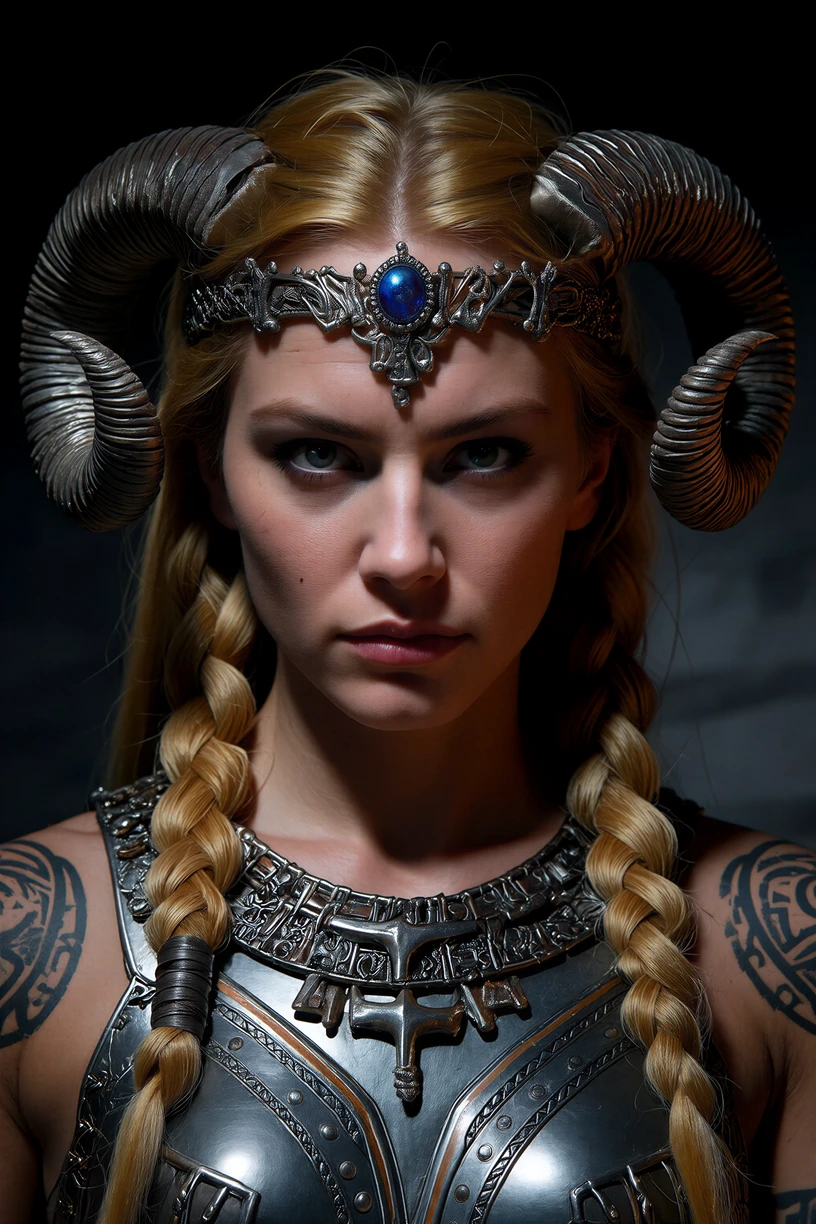
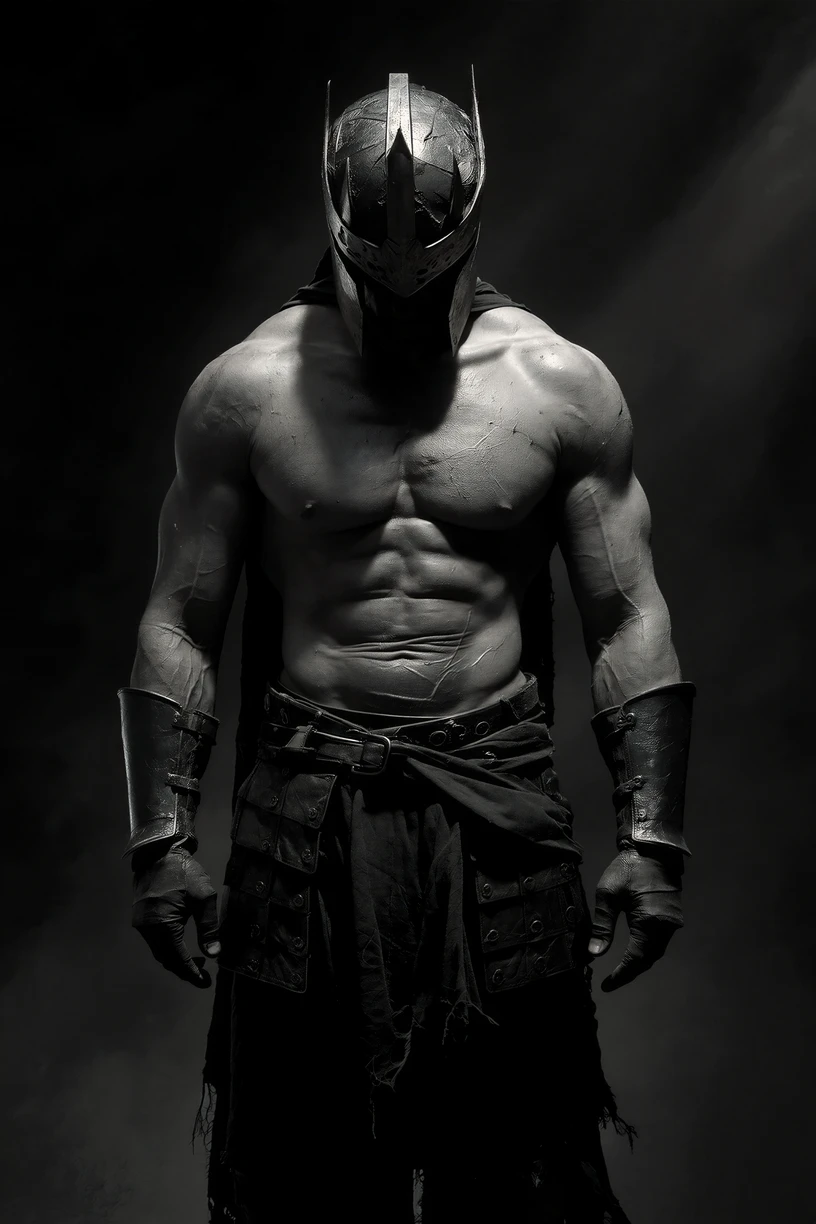
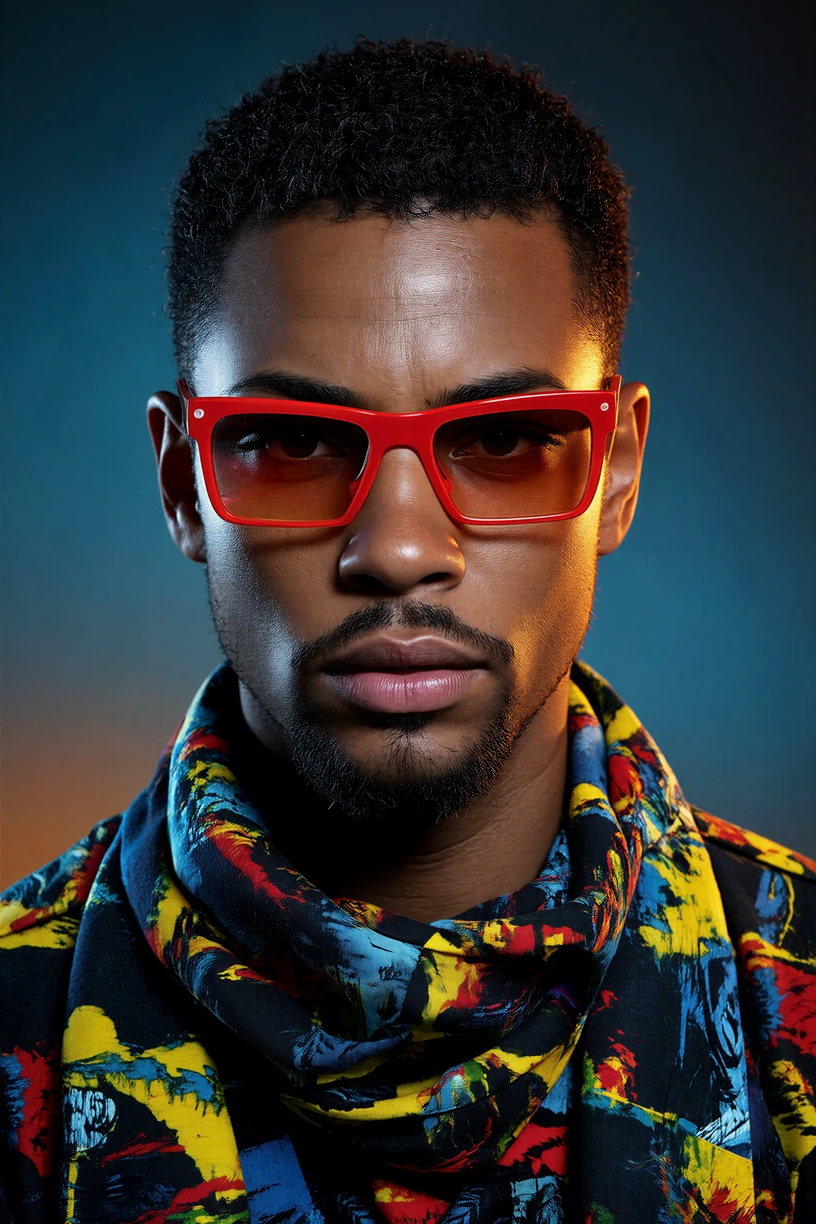
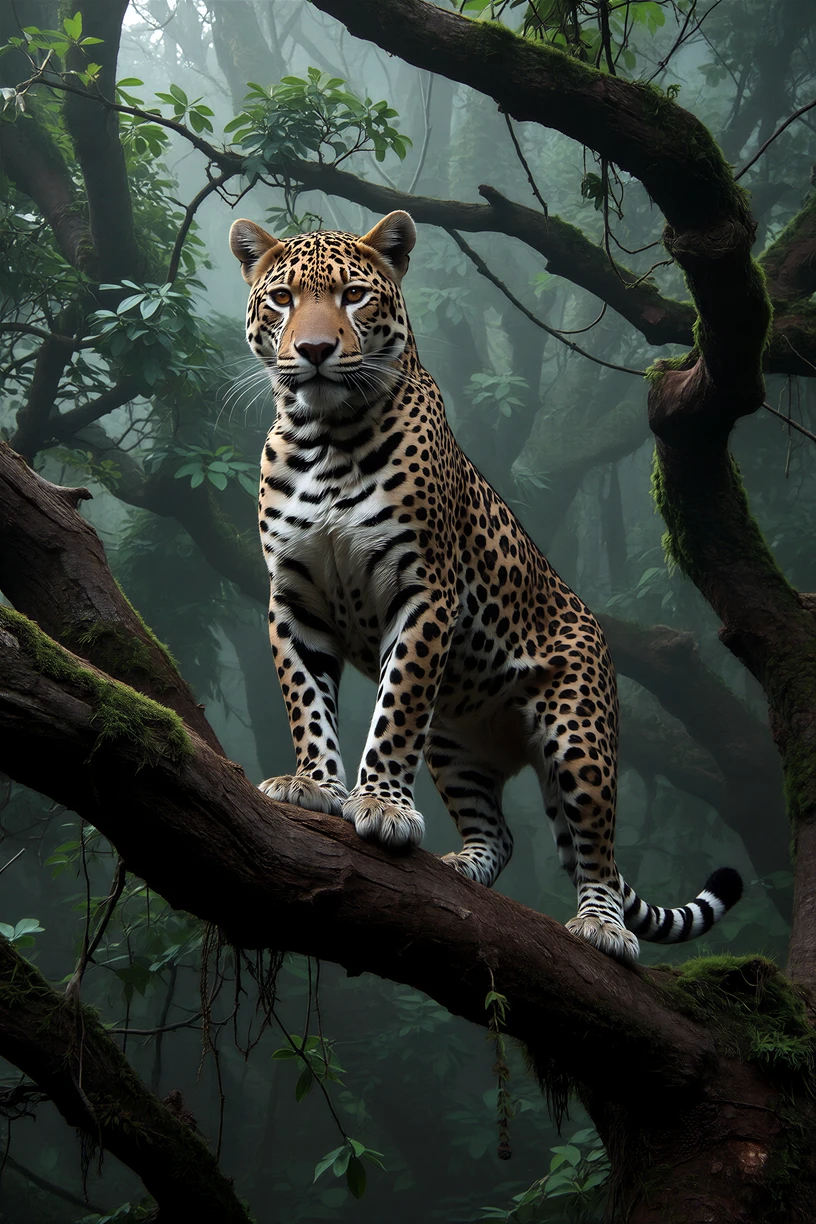
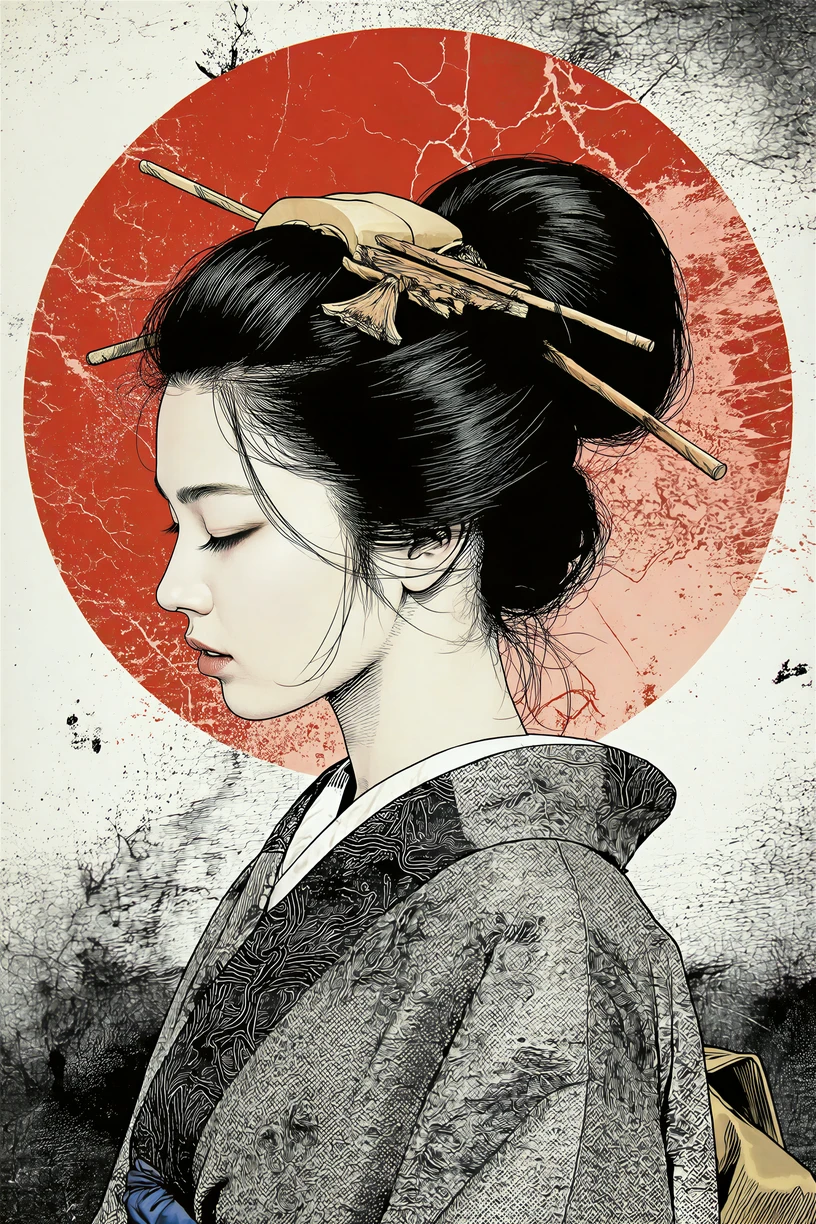
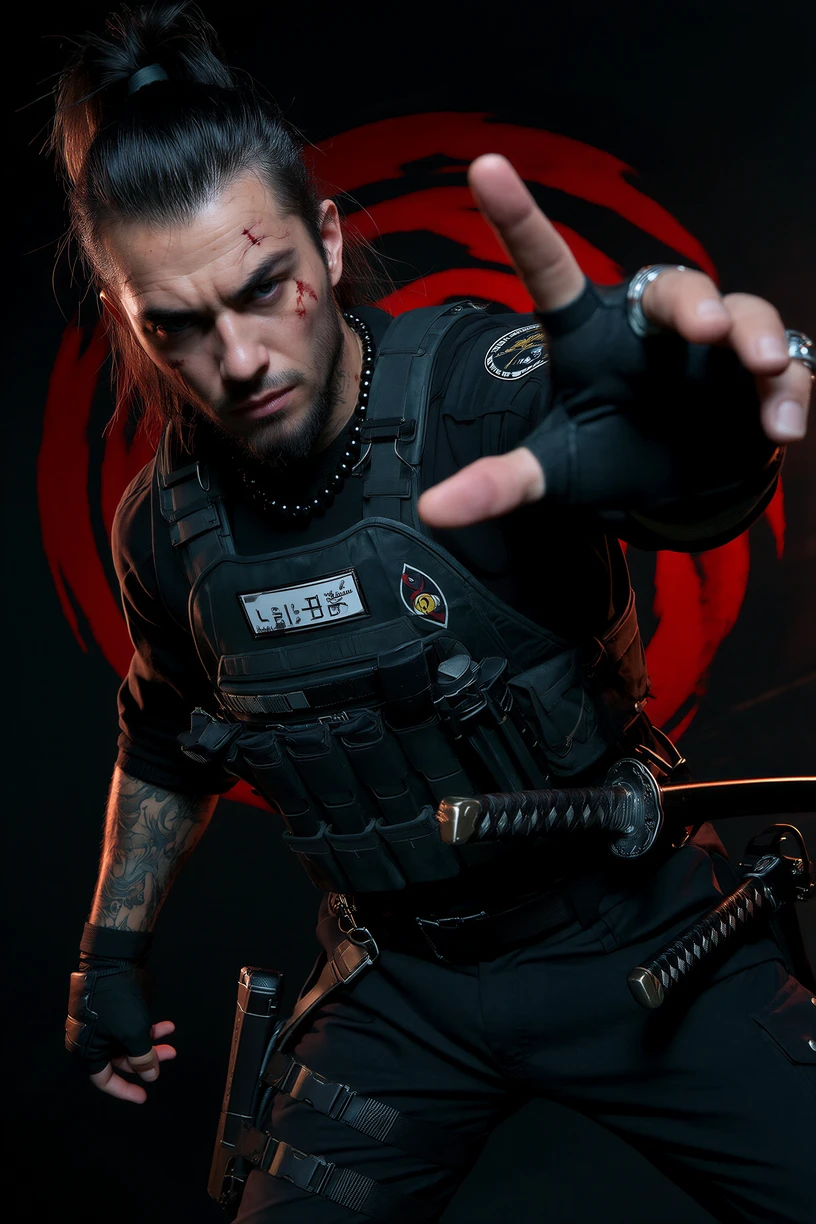
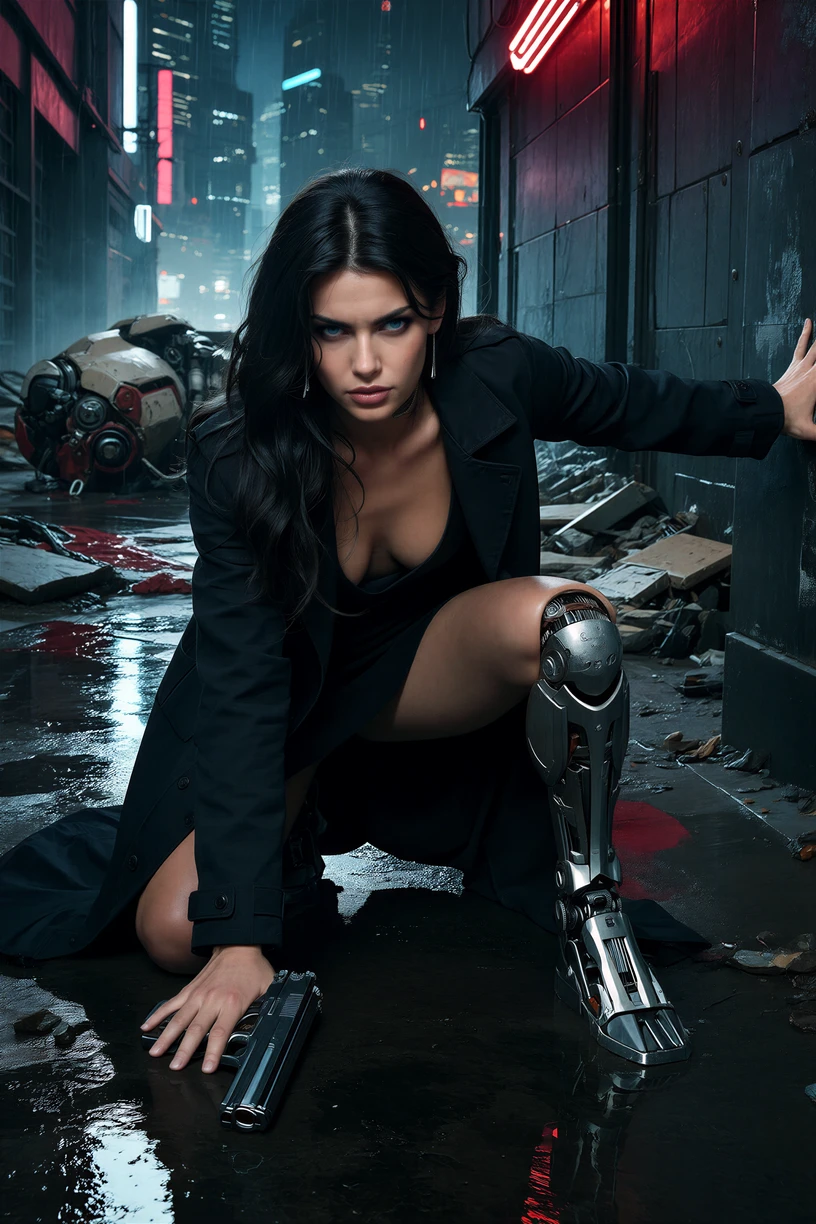
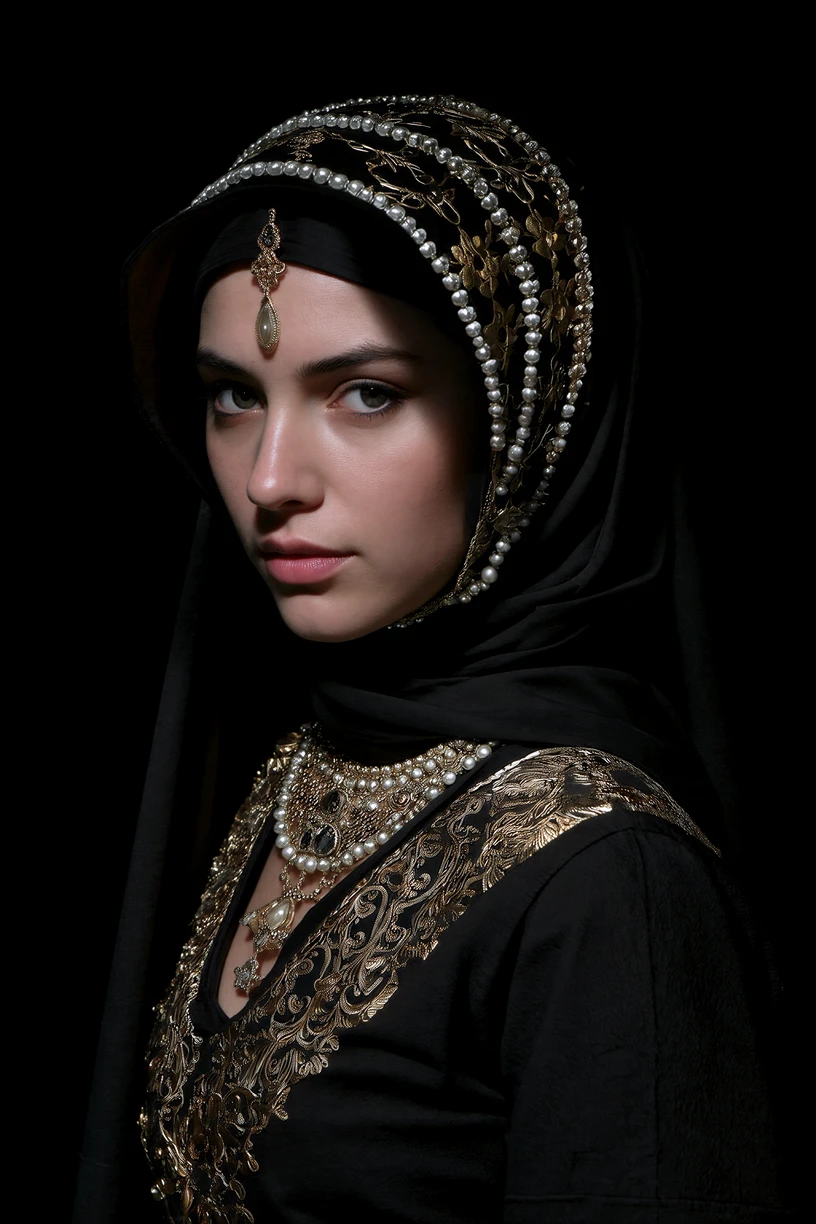
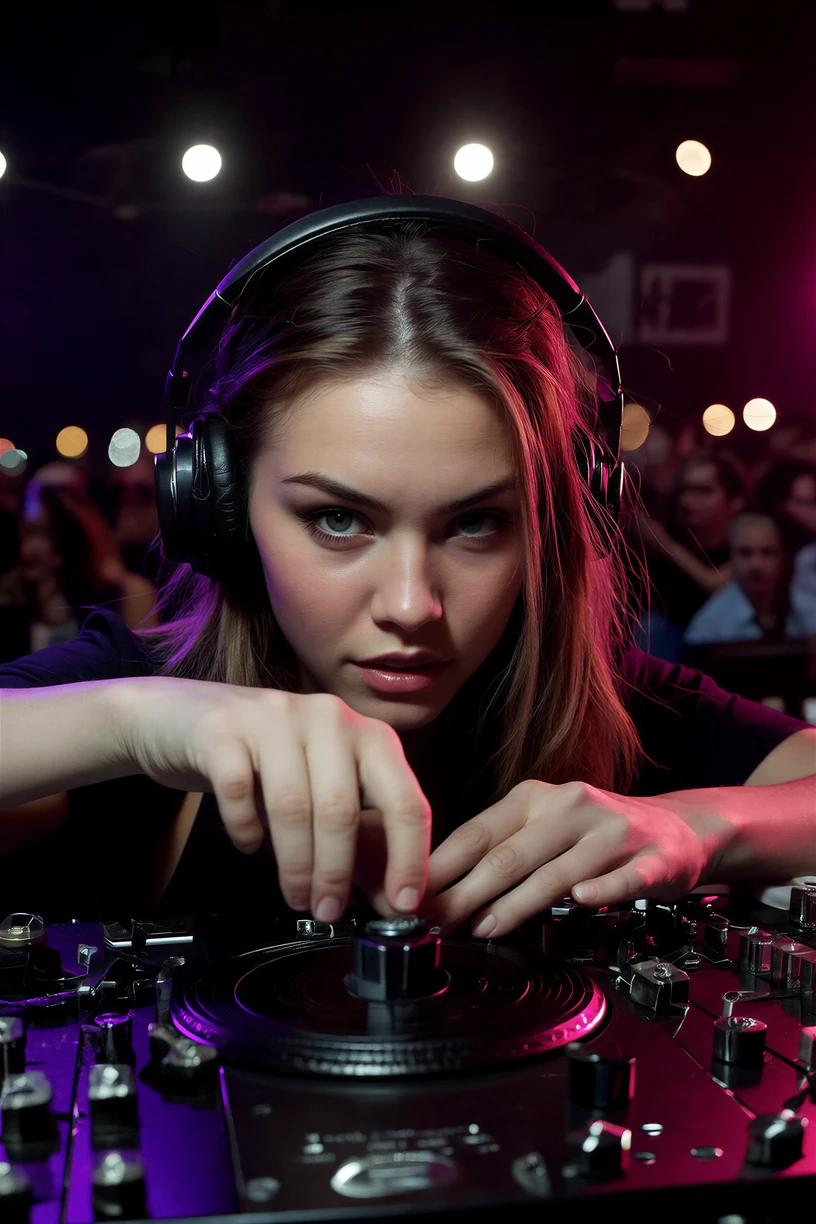
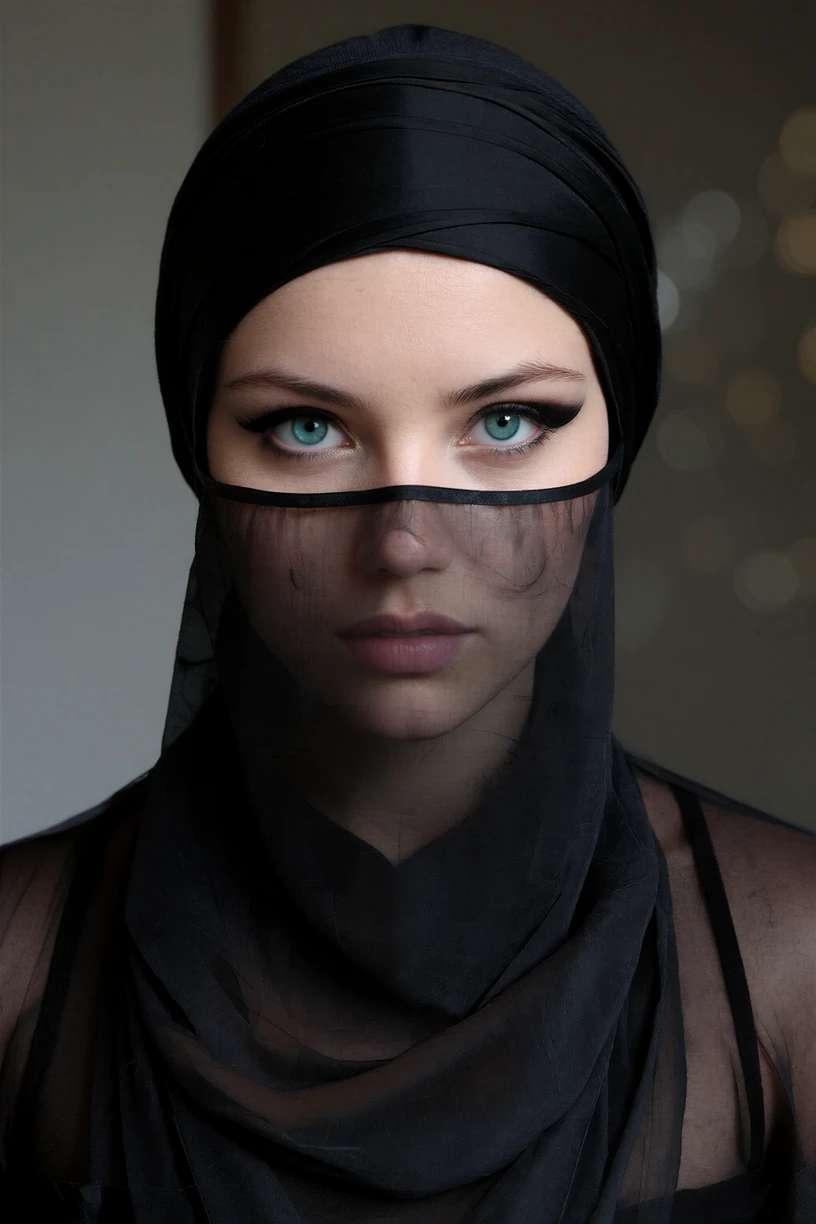
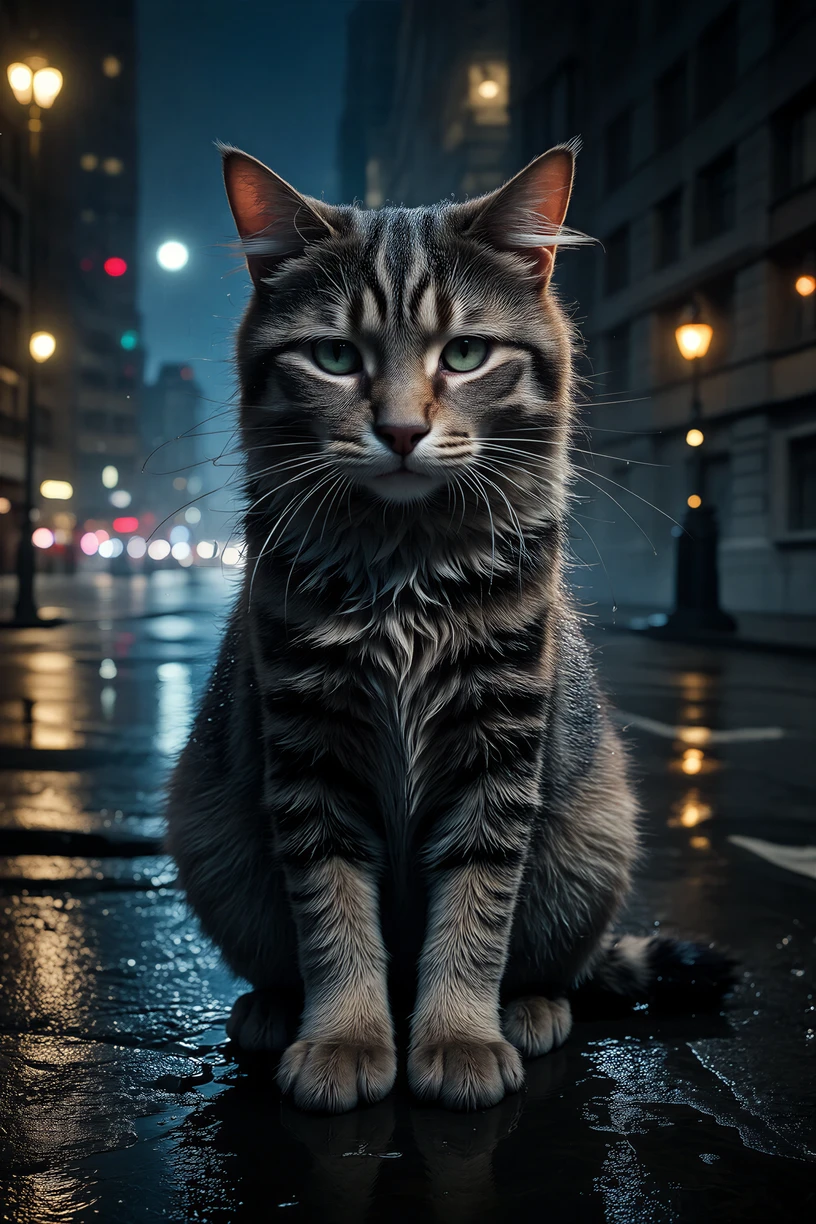
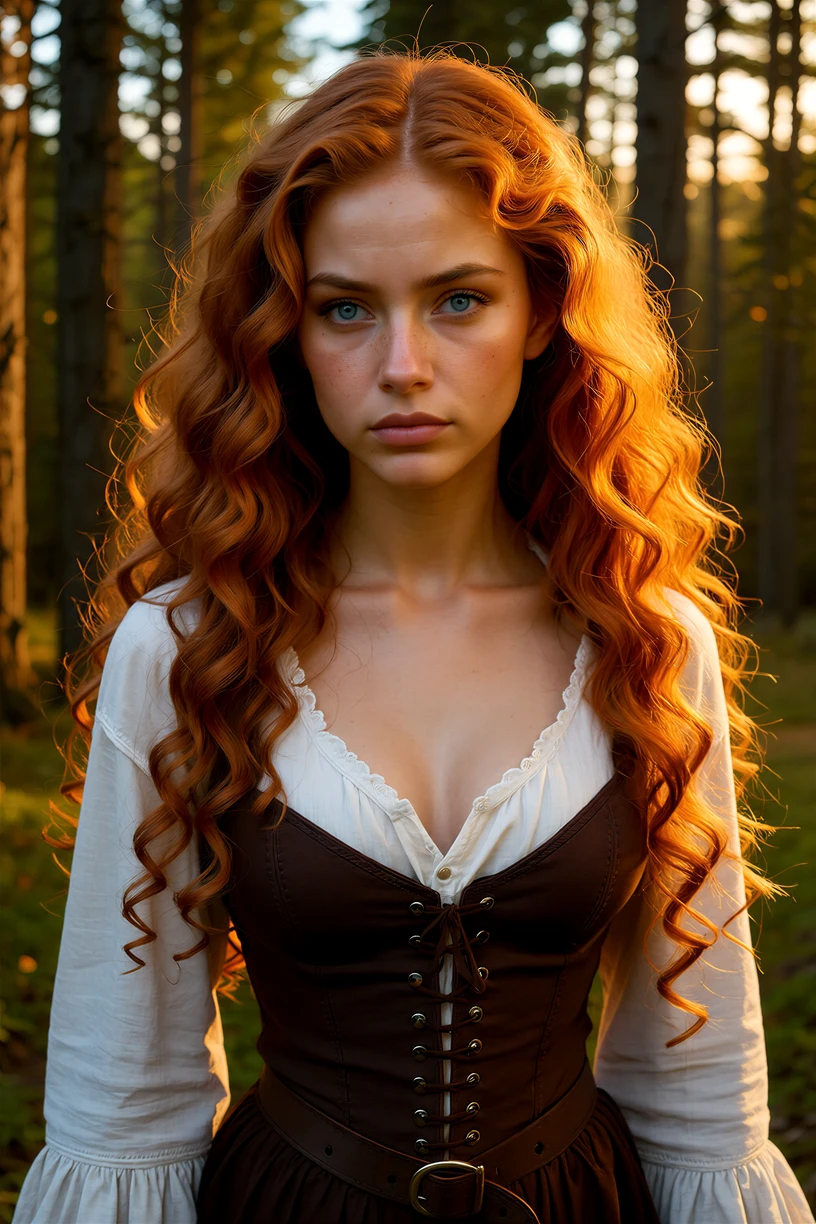
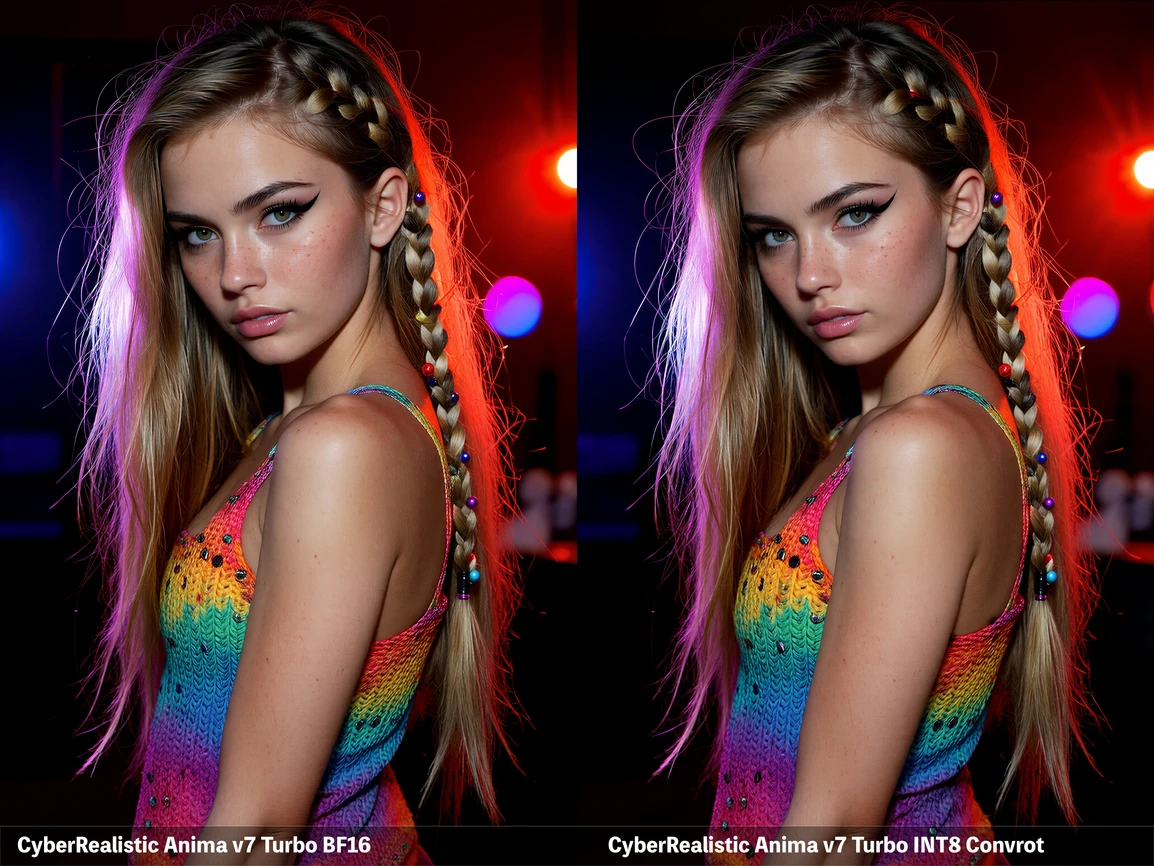
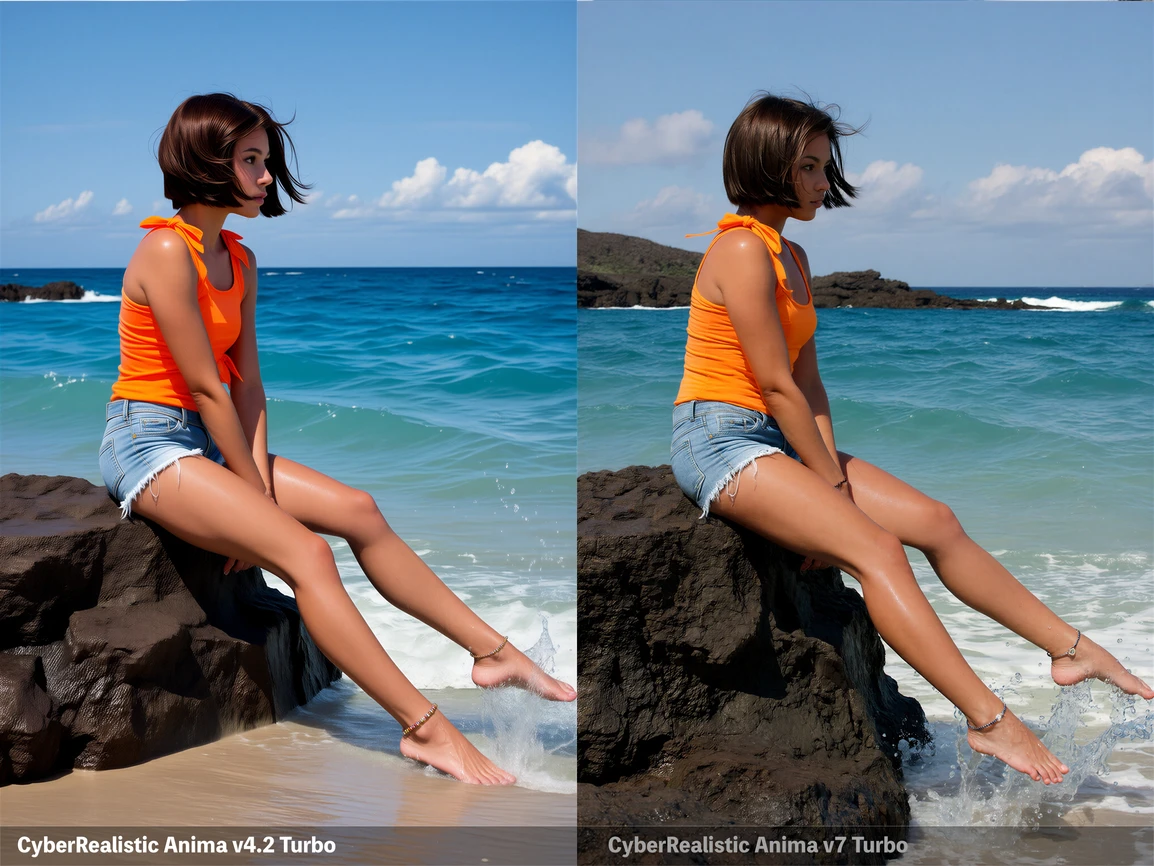
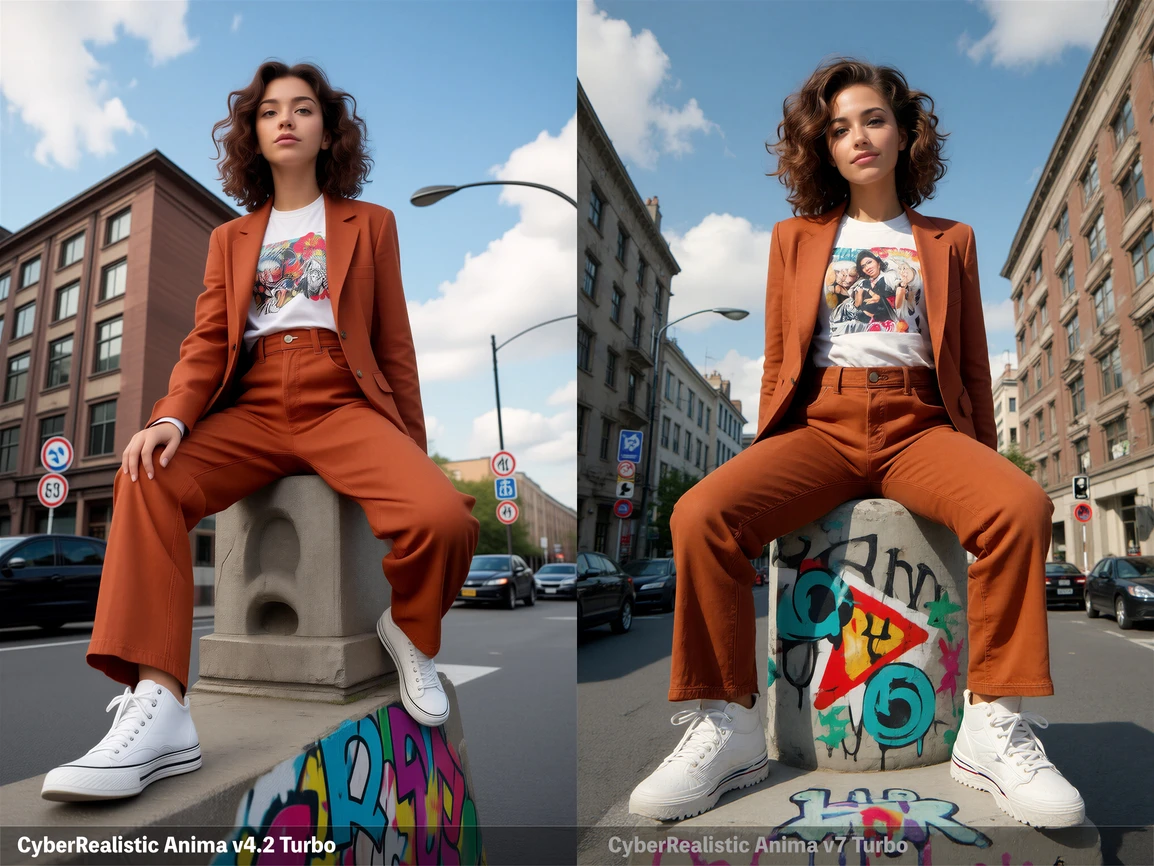
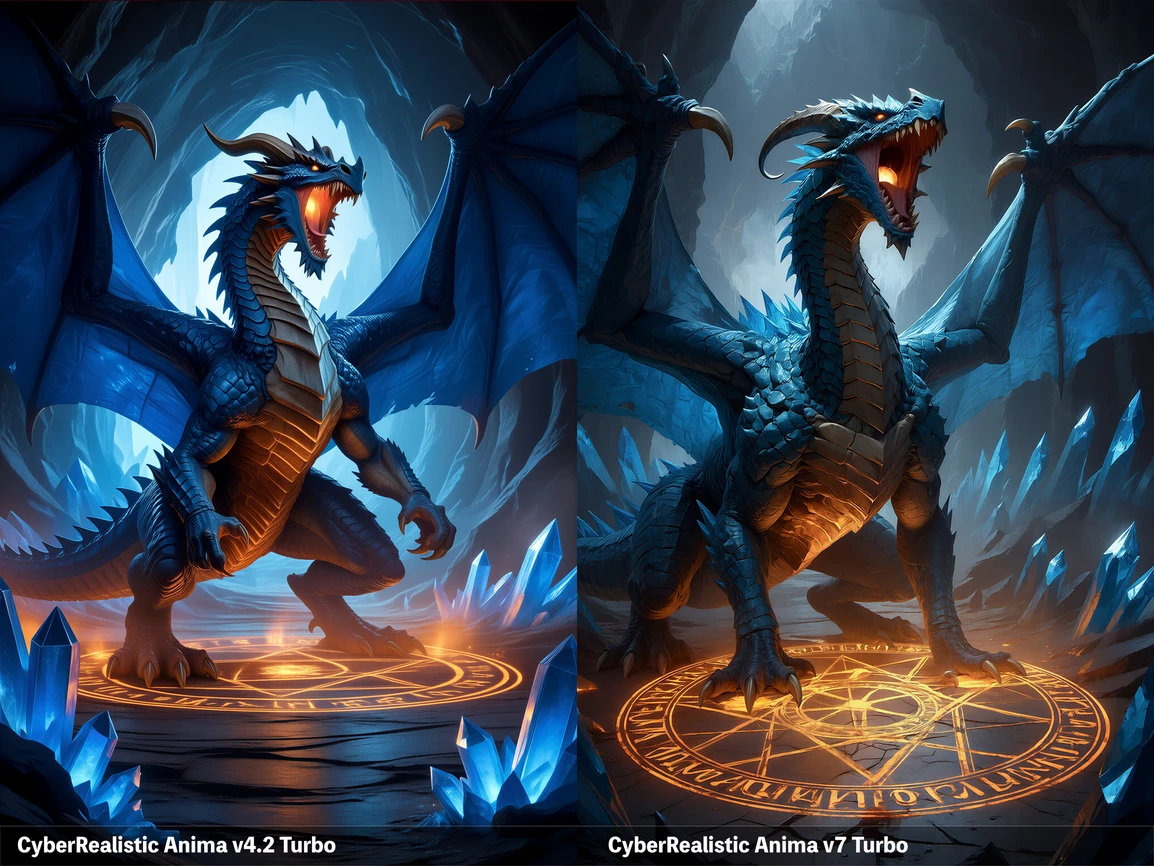
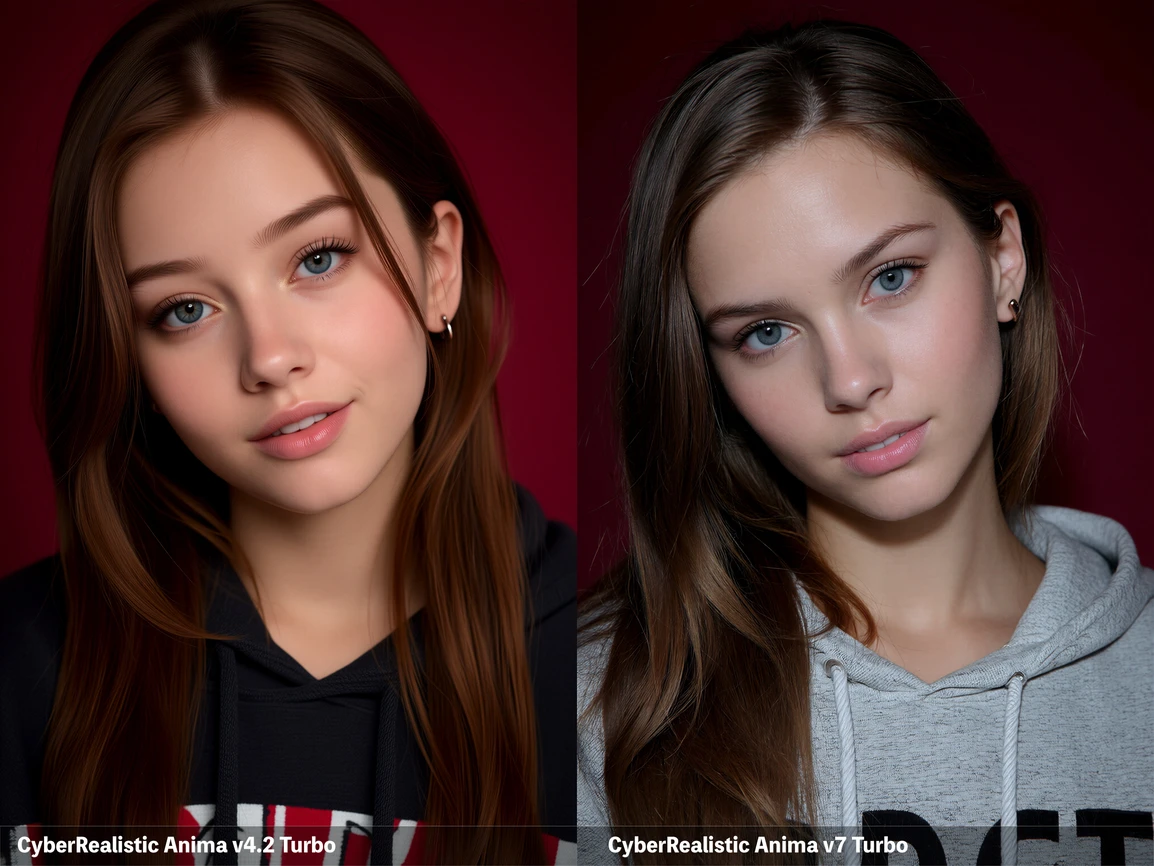
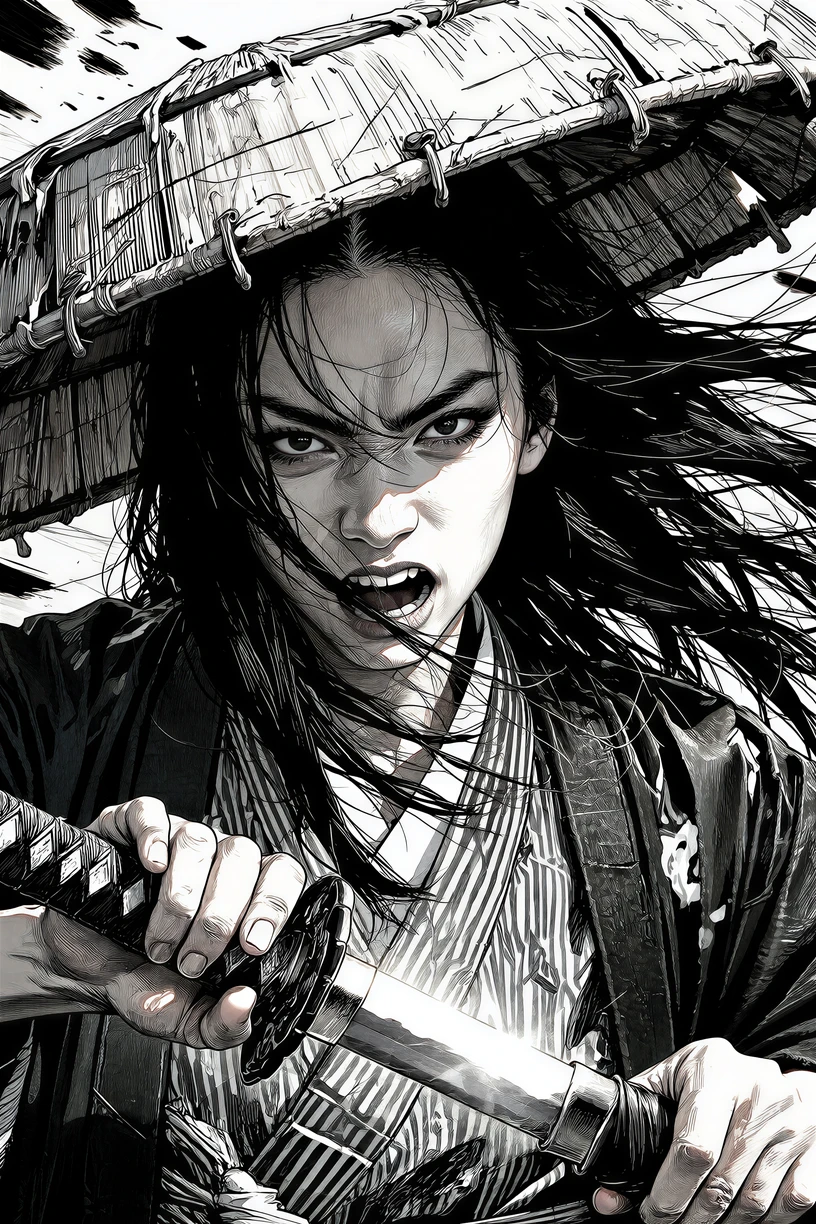
( Not my Model )
https://civitai.com/models/2668799/cyberrealistic-anima?modelVersionId=3287420
About this version
CyberRealistic Anima V7 Turbo is a fast Turbo version of the Anima series, based on
Anima Turbo V1.1
Recommended settings:
CFG: 1 - 1.5
Steps: 8–12
CyberRealistic Anima is a full finetune of Anima (CircleStone Labs, built on NVIDIA Cosmos-Predict2-2B with a Qwen3-0.6B text encoder). The base model leans plain, neutral, and anime-first. This finetune pushes the other way, into semi-realistic territory that leans toward realistic: more detailed skin and faces, richer shading, stronger texture, with a polished painterly finish. It keeps Anima's tag and natural-language understanding intact.
It sits between semi-real and full realism rather than aiming for photographs. The base model's official line is "anime only," but CyberRealistic Anima is looser than that in practice. So CyberRealistic Anima covers anime through semi-real and realistic-leaning output. If you need hard, true-photographic realism, a dedicated SDXL or Z-Image realism checkpoint is the better tool.
What's different from base Anima
-
Tuned toward a semi-realistic, realistic-leaning, painterly aesthetic out of the box.
-
Better skin, faces, and eye detail, with stronger texture response.
-
You lean less on heavy quality-tag stacking to get a polished result.
-
Keeps Anima's full tag and natural-language understanding.
How Anima prompting works (worth reading if you're coming from SDXL/Illustrious)
Anima isn't a CLIP/SDXL model. Its Qwen text encoder reads your whole prompt as natural language, so prompting works differently from Illustrious or Pony:
-
Hybrid works best. Mix Danbooru/Gelbooru tags with a short natural-language description. You can prompt with pure tags like in Illustrious, but hybrid leaves far less room for the model to misread you.
-
Skip very short prompts. They give unstable results. For pure natural language, aim for at least two sentences.
-
Lowercase tags, spaces, no underscores (
blue eyes,long hair). Score tags are the only tags that keep underscores. -
Name a character, then describe their appearance and action. This matters most with multiple characters, or the model gets confused.
-
When a tag differs between Danbooru and Gelbooru, go with the Gelbooru version. The easiest way to find one: search
name gelbooru, open the page, copy the tag.
The style slot
The last quality/style tag drives the overall style, and it's the one you swap to change the look while everything else stays put:
-
animefor default anime illustration -
anime screencapfor a TV-anime / screencap look -
realistic/real lifefor a realistic-leaning render -
@artist namefor a specific artist's style (always with the@)
Quality tags
Both base-Anima systems work, in any combination:
-
Human-score:
masterpiece, best quality, highres, ... -
Aesthetic-score:
score_9, score_8, ... score_1(note:score_8, not Pony'sscore_8_up)
Practical baseline:
Positive: masterpiece, best quality, highres, score_7, score_8, realistic
Negative: worst quality, low quality, sketch, score_1, score_2, score_3, censored
Push to
score_7, score_8, score_9
for a more polished finish, or drop to
score_6, score_7
for a slightly less polished, more "anime" feel. Always pair the score change with a style-slot tag. The negative prompt rarely needs touching, so leave it stable and just tweak the positive. Use the negative to override stubborn attributes the model won't drop from the positive.
Tag order
[quality / meta / year / safety + style slot] [1girl/1boy/etc] [character (from series)] [artist @] [general tags]
Within each section the order doesn't matter. Pair a character with what they are (
1girl
) and, when it helps, name the series with "from" (e.g.
hyuuga hinata from boruto: naruto next generations
). Artists need the
@
prefix, or the effect is very weak.
Recommended settings
-
Resolution: 768×1024, 832×1216, 1024×1536 (or swaps). Higher resolution means better quality and an easier time for the model. Avoid going much past ~2MP. My favorites are 1024×1536 and 768×1024.
-
Highres Fix: worth using. It improves the image a lot.
-
Standard generation: CFG around 5.5 with 40 to 60 steps for best quality, or CFG 4 to 5.5 with about 28 steps for fast and decent. Don't drop the steps too low (it degrades) or push CFG too high (it burns).
-
Samplers:
er_sde(neutral, sharp, a good default),euler_ancestral(softer),dpmpp_2m_sde_gpu(more varied). -
Scheduler:
betaorsimple. For the painterly, realistic textures this model is tuned for, trybeta57(ComfyUI RES4LYF node pack). It leans on low-noise timesteps and noticeably improves skin and texture.
Example prompts
Realistic-leaning:
masterpiece, best quality, highres, score_8, score_9, real life, realistic, 1girl, solo. A semi-realistic portrait of a woman with auburn hair and green eyes, natural skin texture, soft window light, shallow depth of field, cinematic.Semi-real / painterly with an artist:
masterpiece, best quality, highres, score_7, score_8, realistic, 1girl, @artist name. A young woman with long silver hair and blue eyes, wearing a white sundress, semi-realistic, detailed skin, soft shading, painterly, depth of field, standing in a sunlit forest with warm cinematic lighting.Notes
-
Default to
safeand add safety tags (safe, sensitive, nsfw, explicit) to steer content. The model can drift on underspecified prompts. -
The base Anima checkpoint is a preview still in training, so fine details should keep improving upstream.