


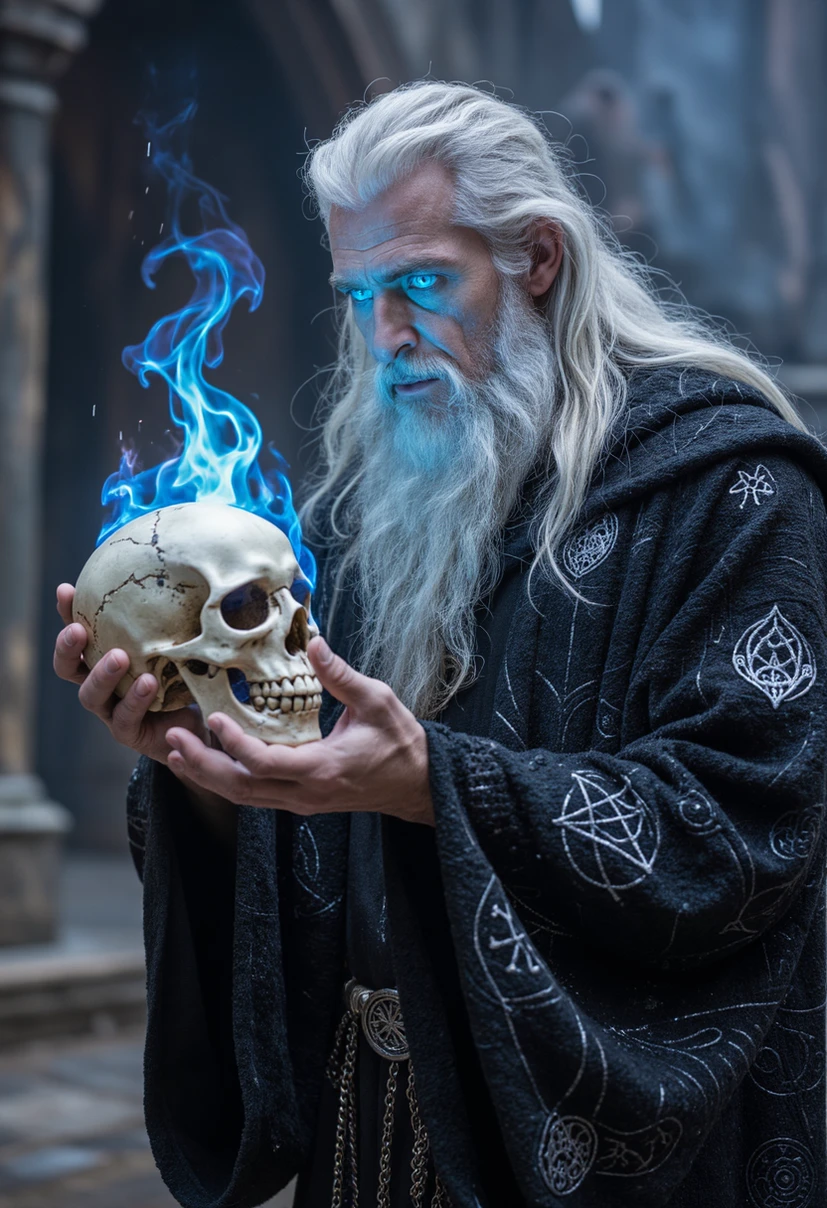
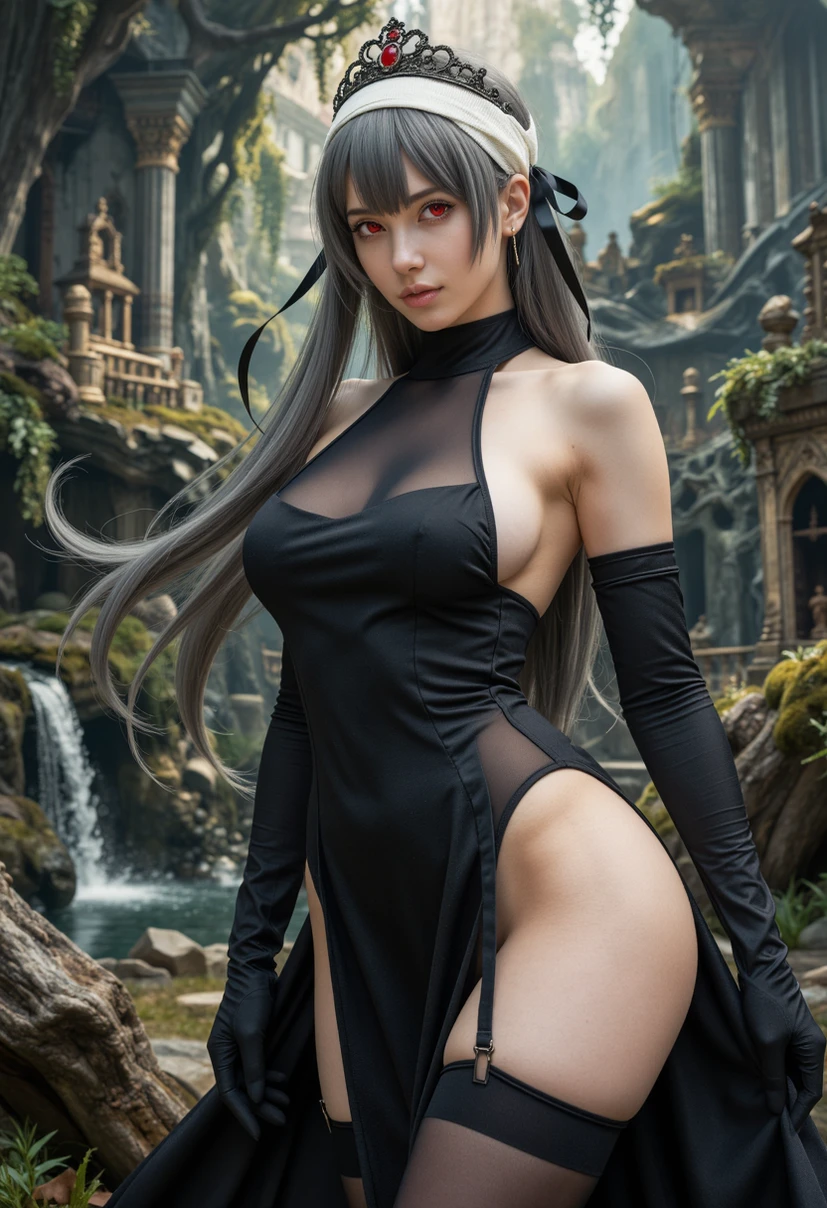
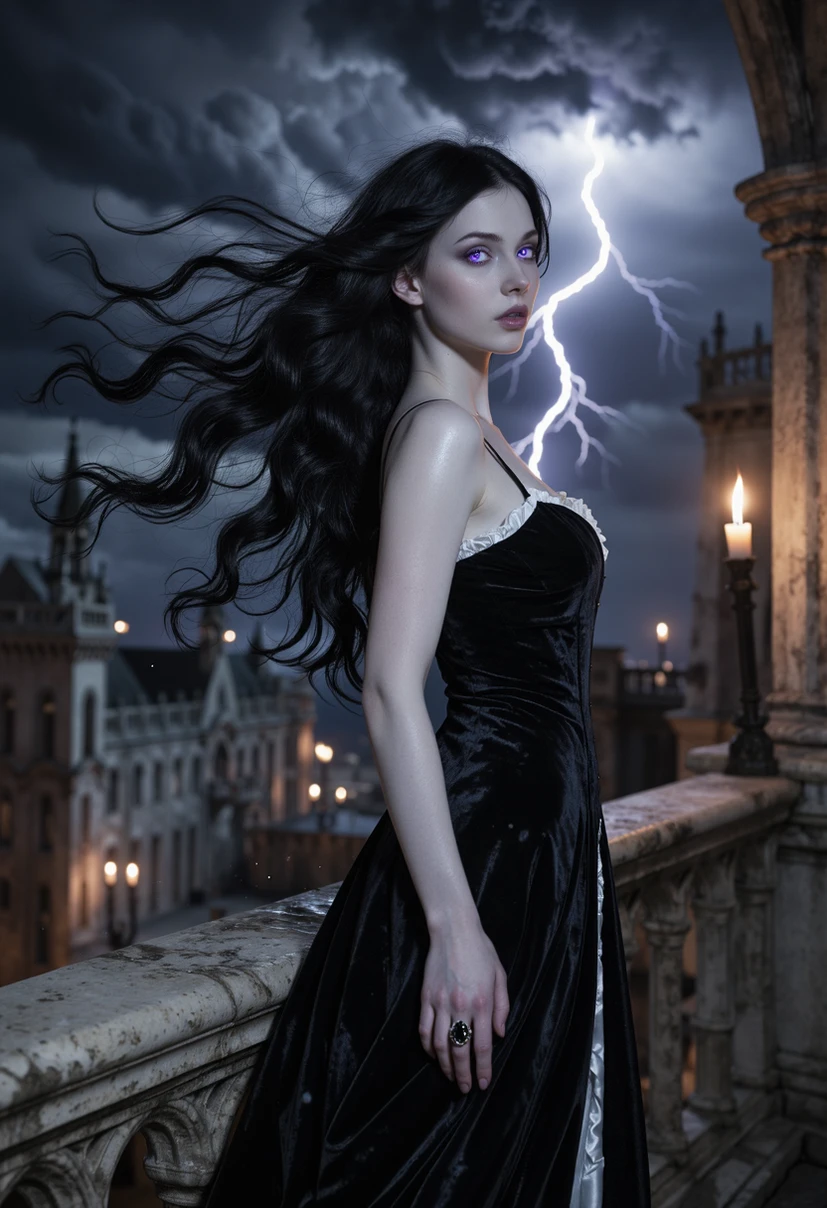
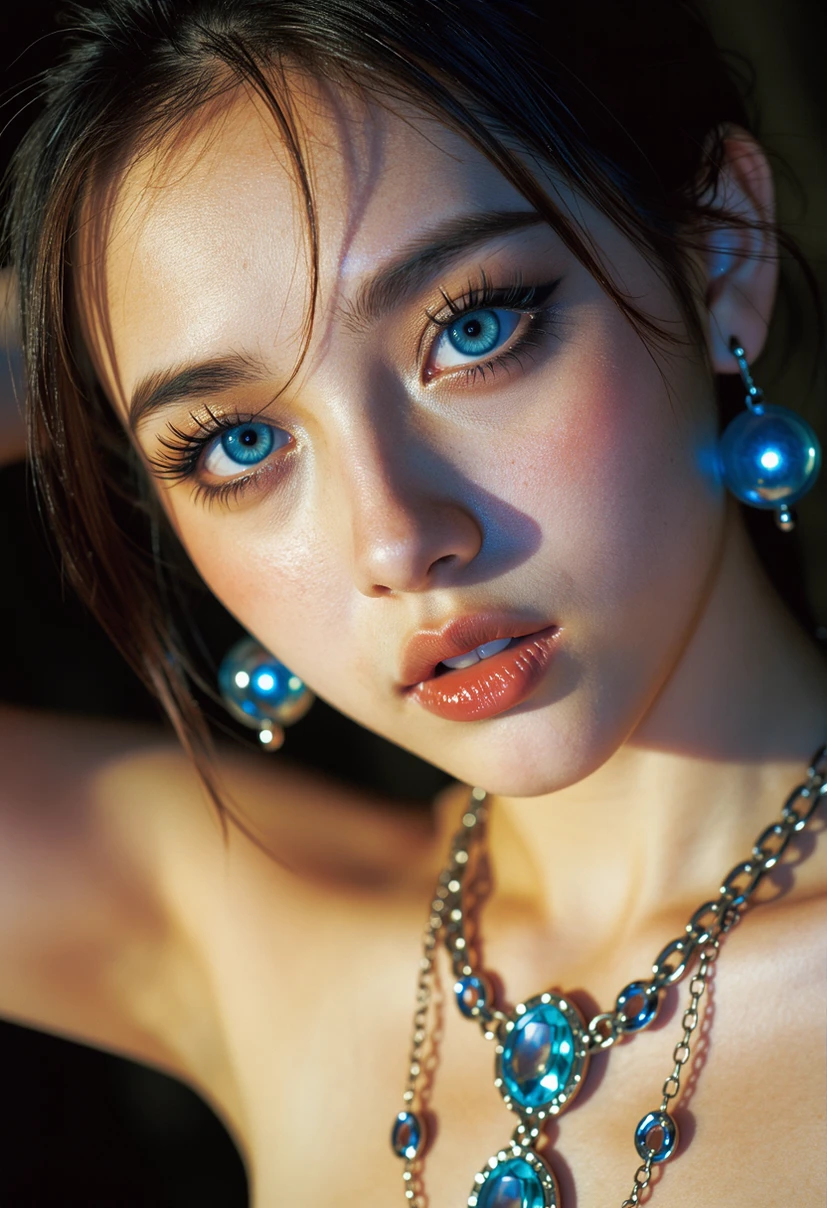
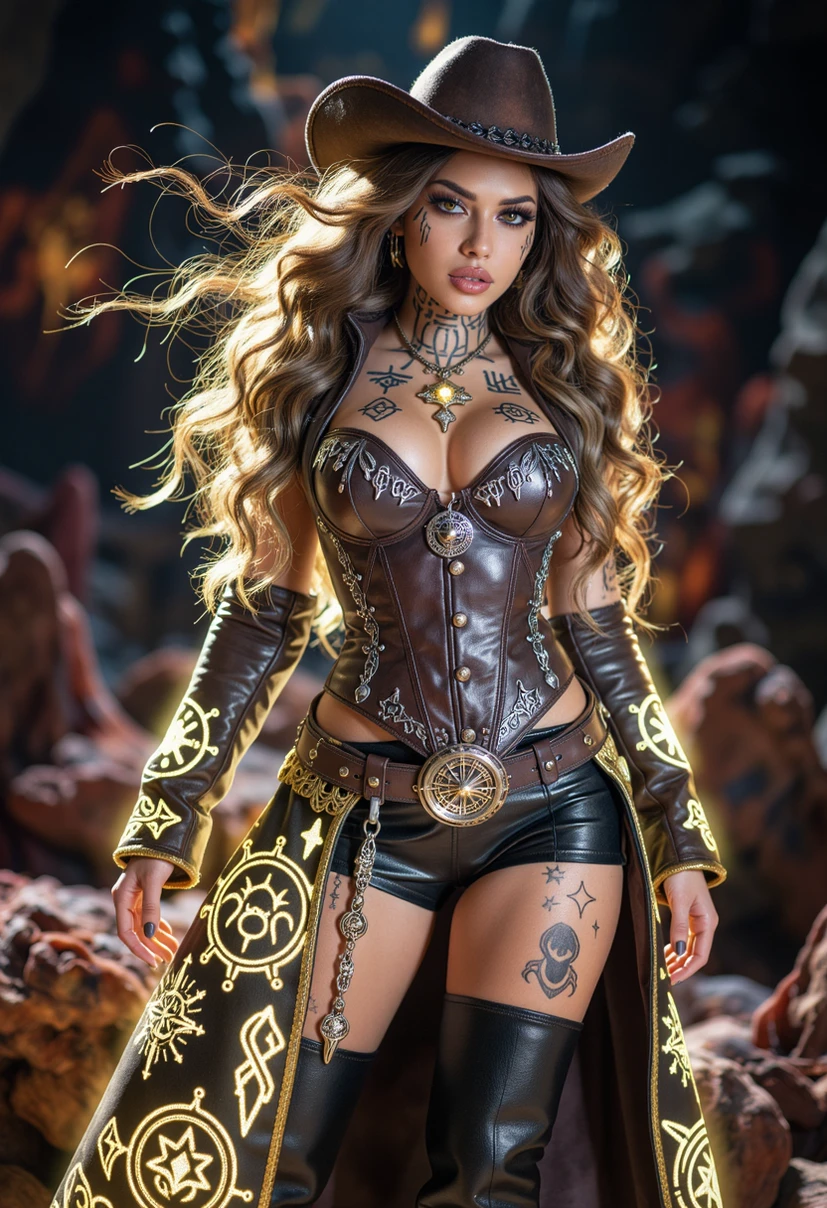
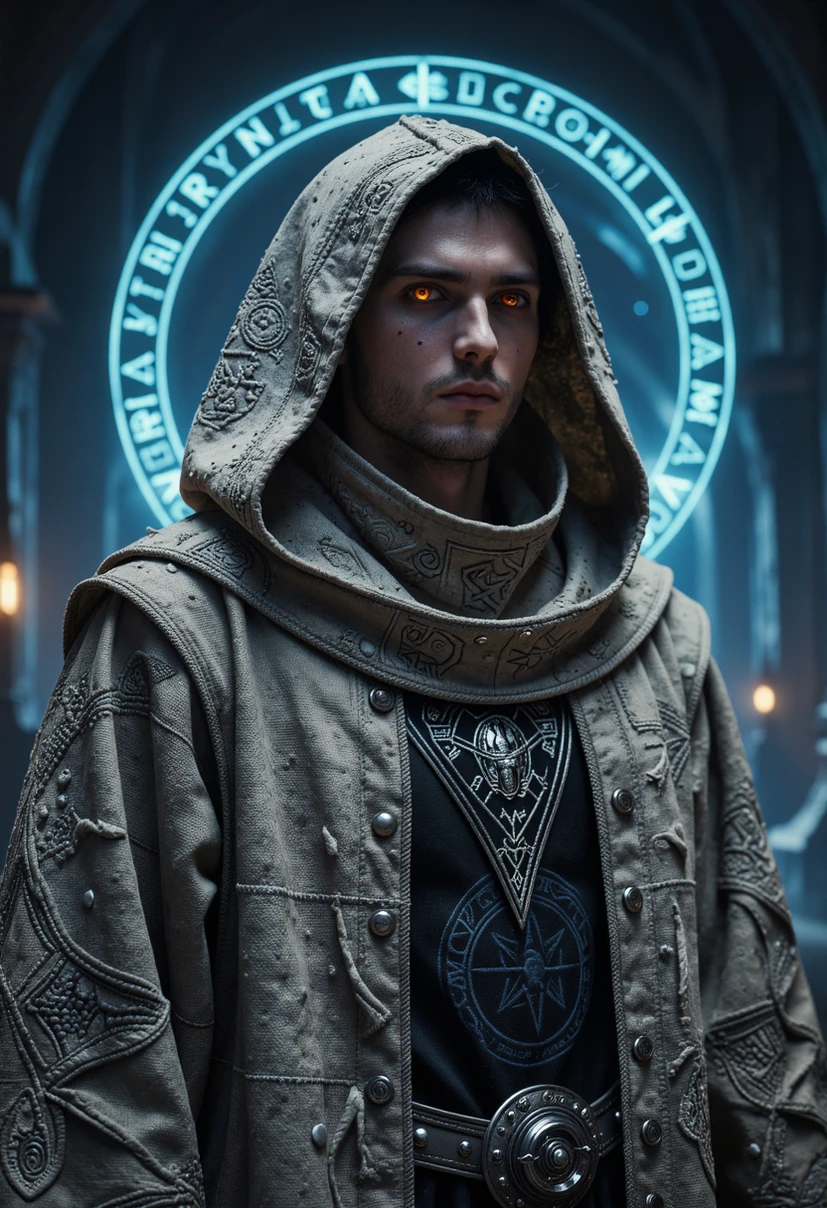
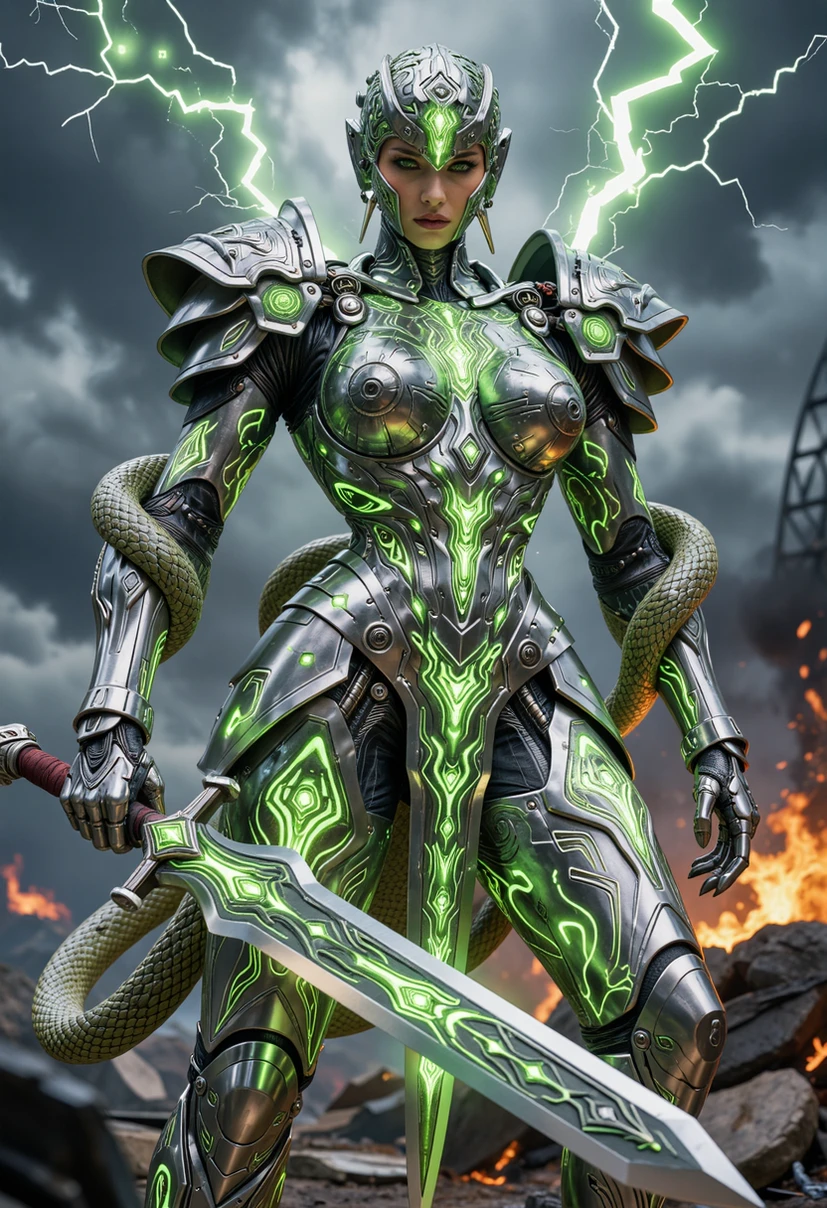
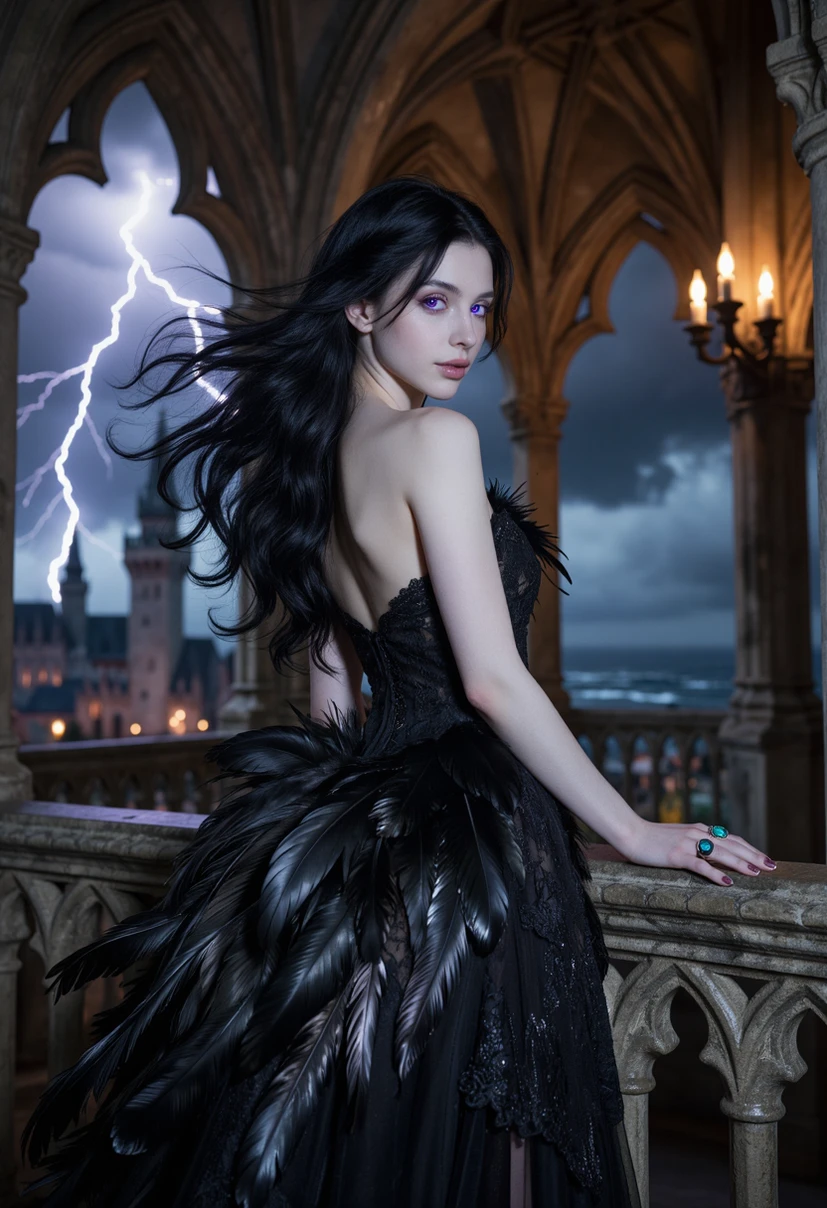
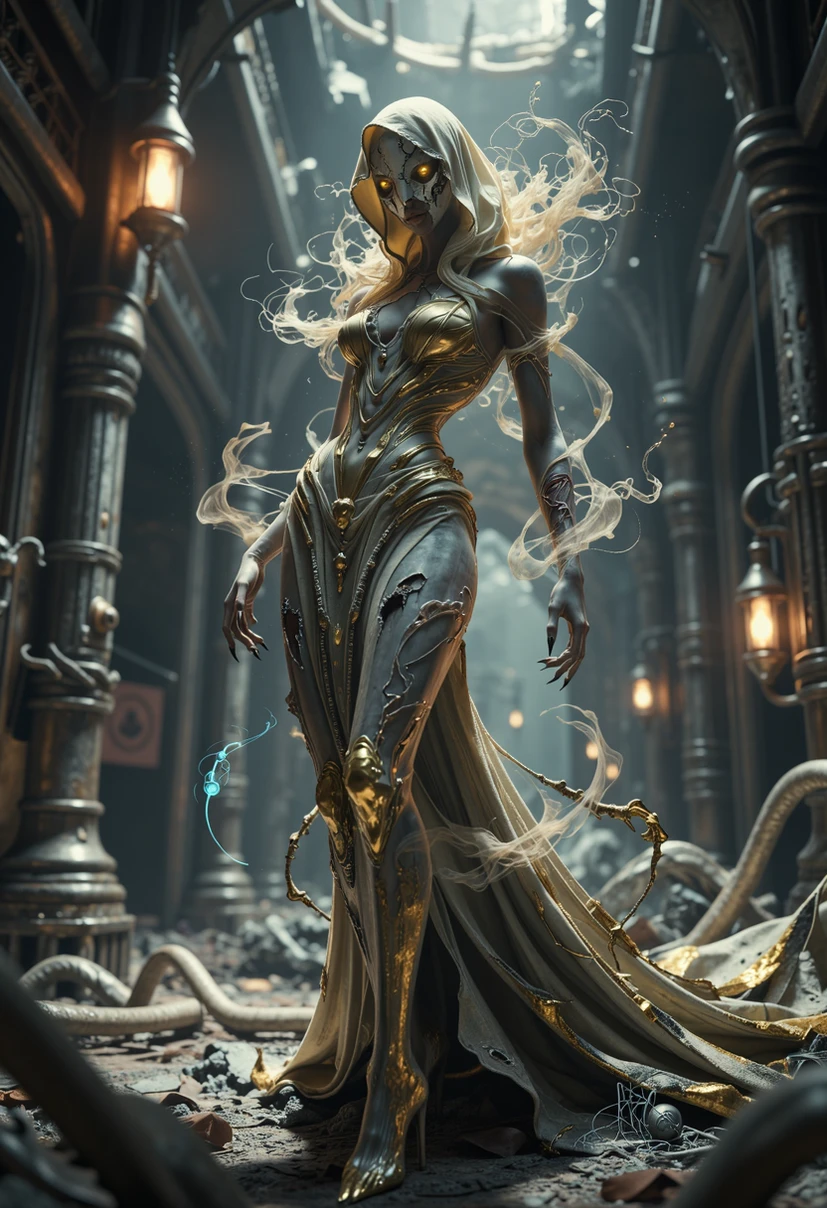
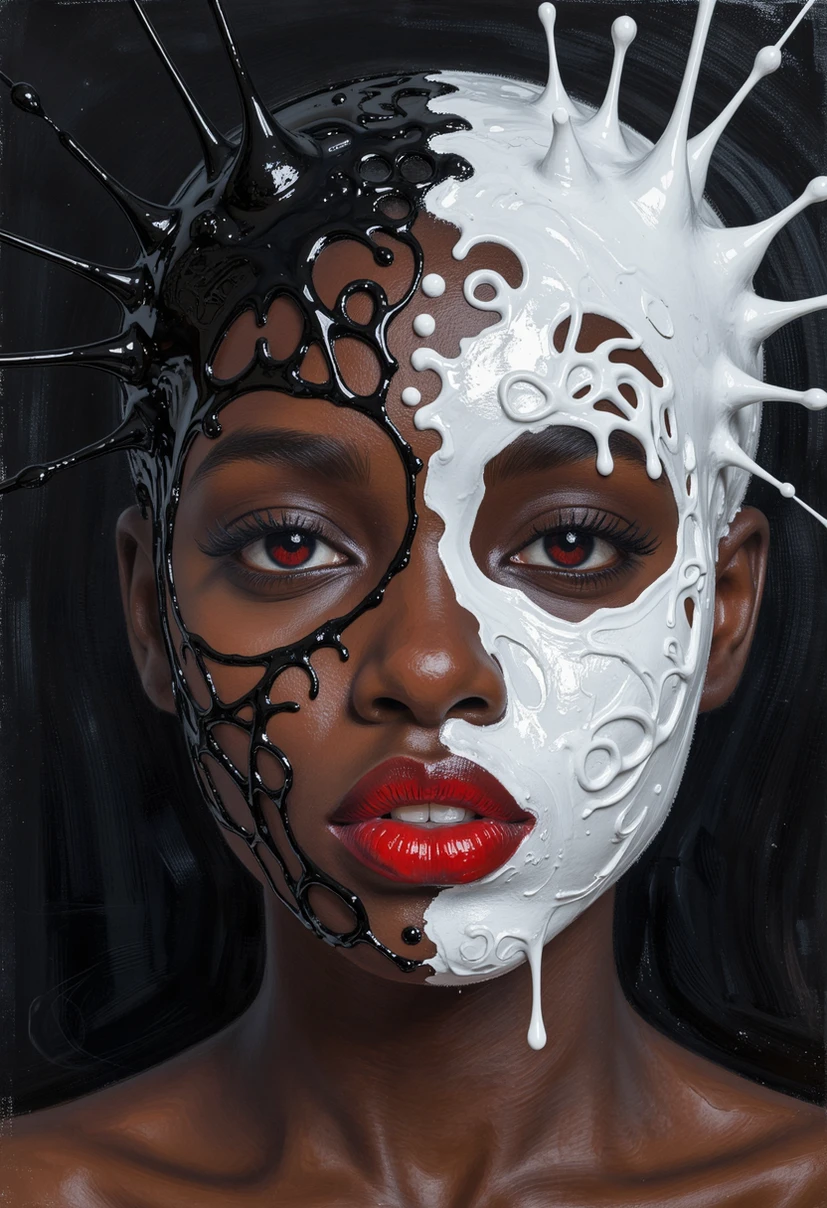
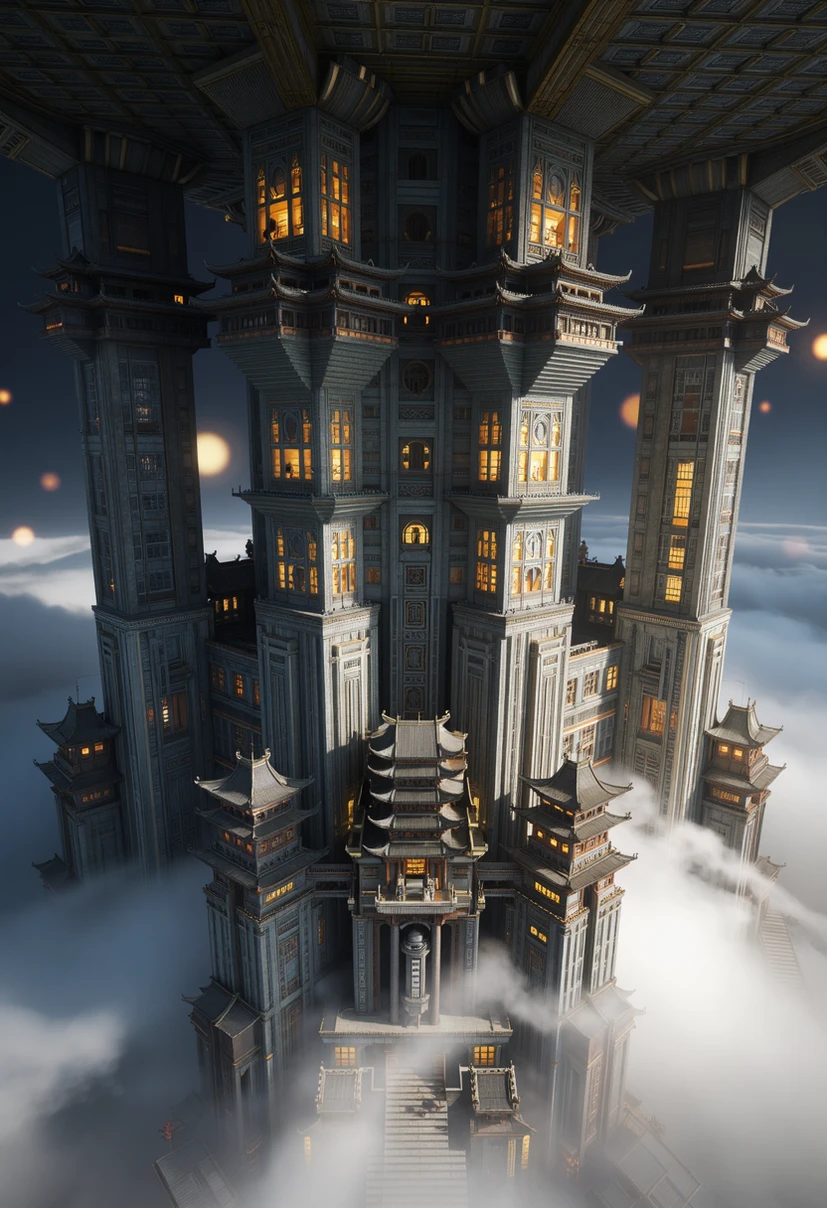
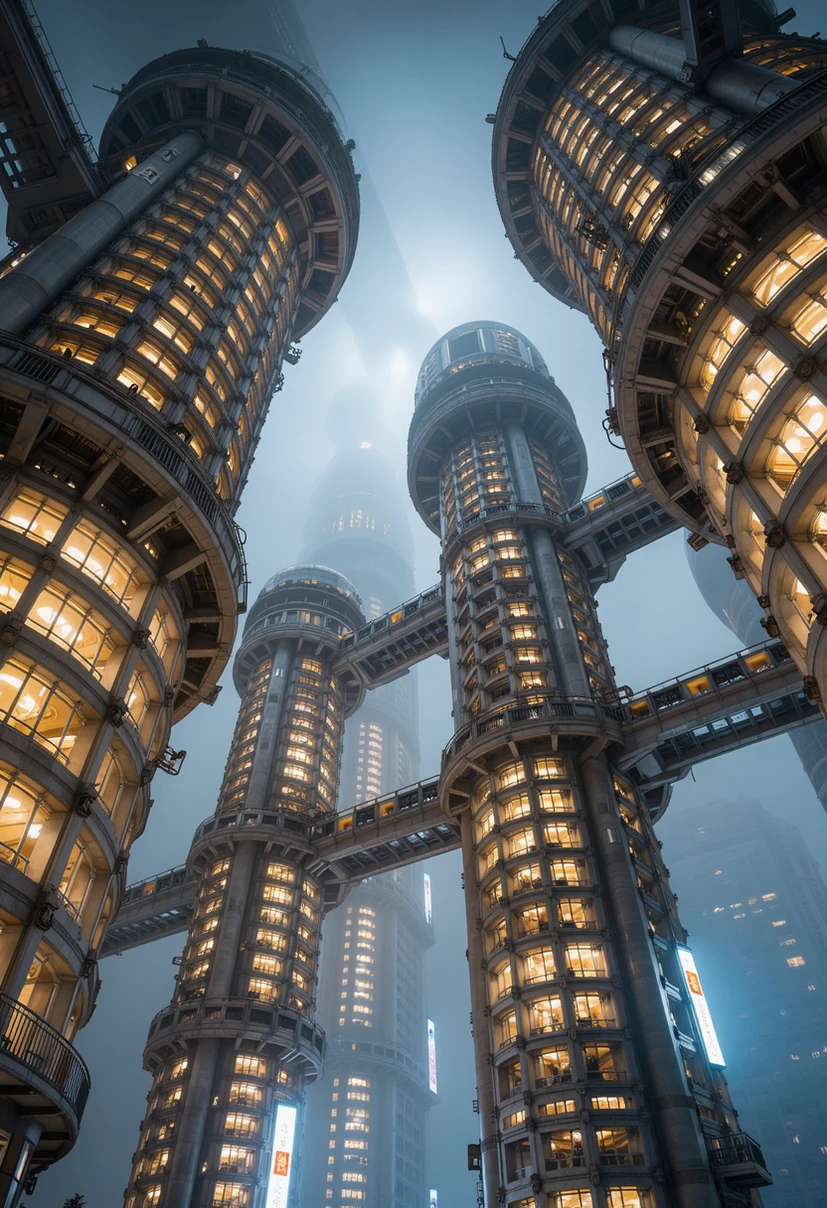
( Not my Model )
https://civitai.com/models/2564634/ms-z-image-turbo?modelVersionId=3107572
This is my version of Z Image Turbo.
The goal was to incorporate better colors, more contrast, and above all, more variety into the checkpoint. You should decide for yourselves whether I succeeded.
To achieve my goal, I created various LoRAs and then incorporated them into the checkpoint.
Test this checkpoint, post your results directly here on the model map, and please leave a comment. Constructive criticism is welcome. Perhaps it will lead to further improvements.
The checkpoint works with all samplers that you know from the Z Image Turbo model.
I recommend " DPM++ 2s a RF " as the sampling method and " Beta " as the schedule type. Even though this sampler is the slowest and therefore doubles the calculation time, it achieves the most variations with excellent quality.
Update V3:
The model file size is now only half that of V2, yet:
- improved skin detail
- more realistic lighting
- more realistic shadows
Even though good results can be achieved with 9 or 10 steps, I usually process most of my images with 30 steps to fully utilize the checkpoint's potential.
Sampling Method " Euler a ", Schedule Type " Beta "