


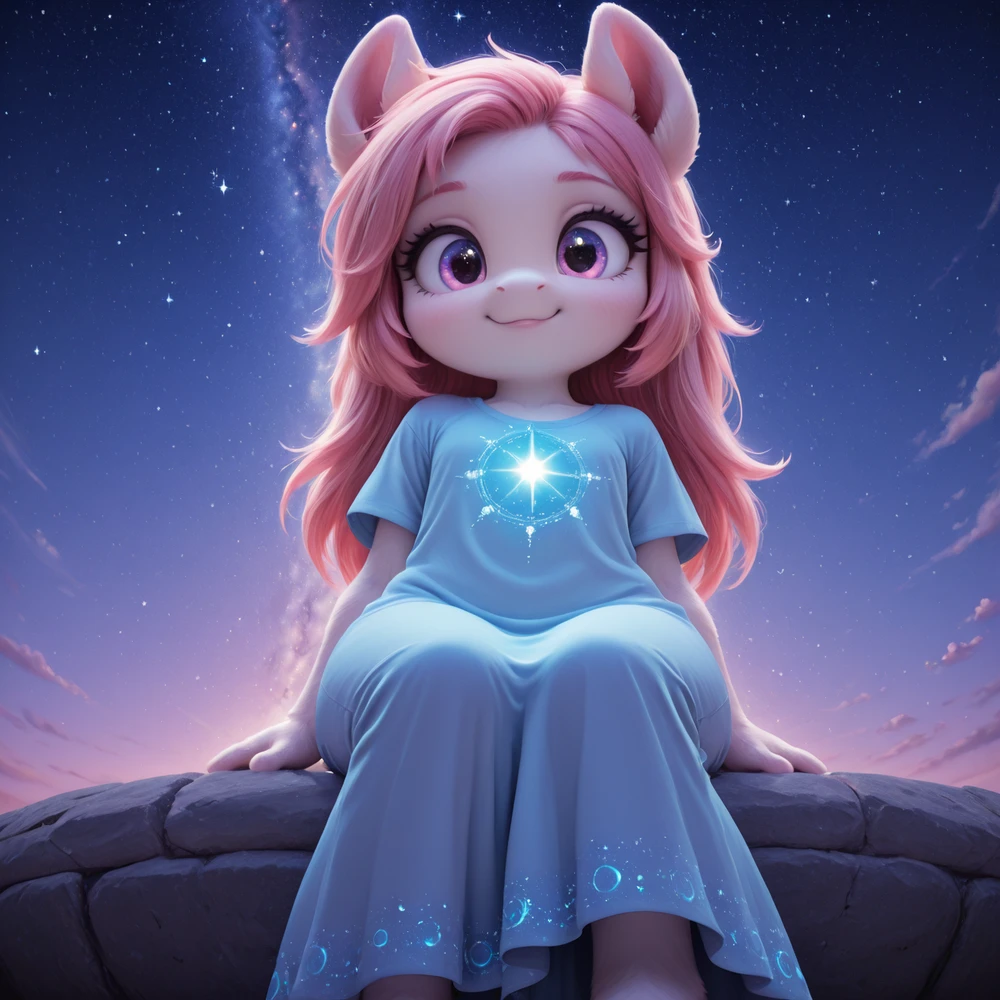
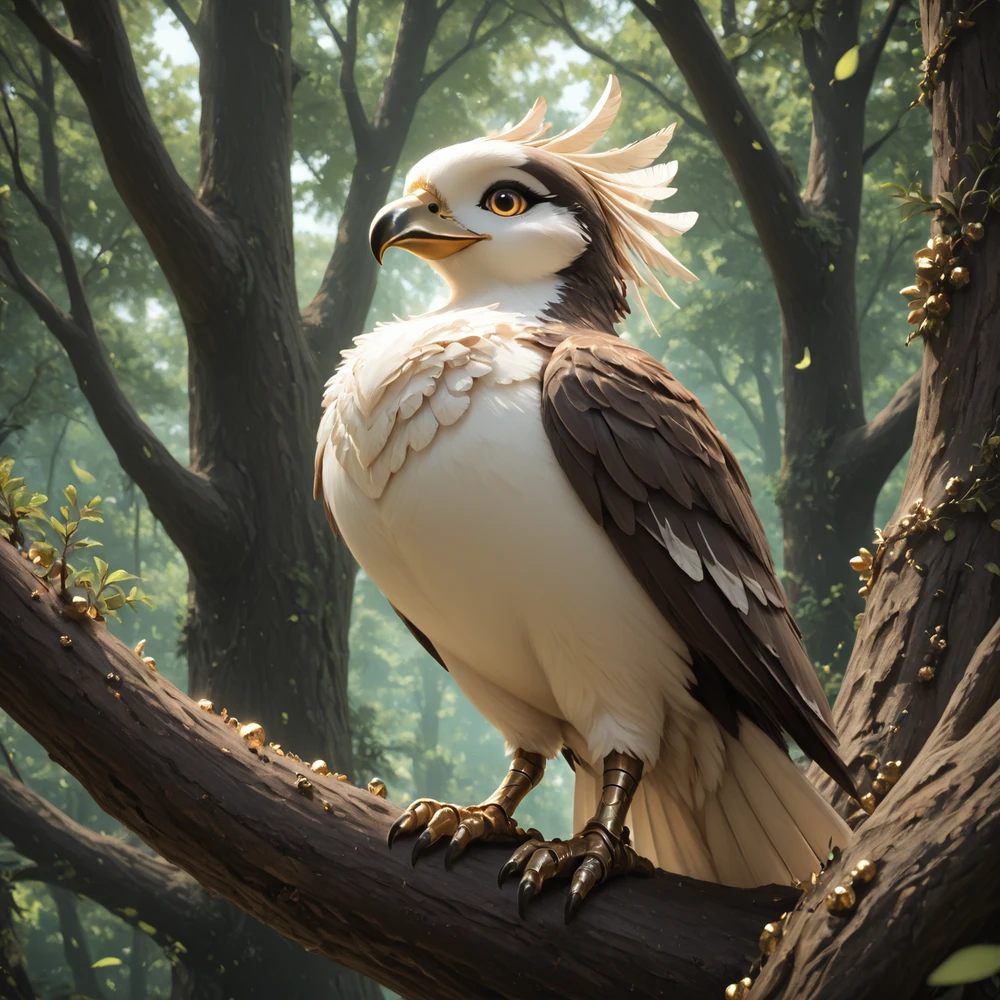
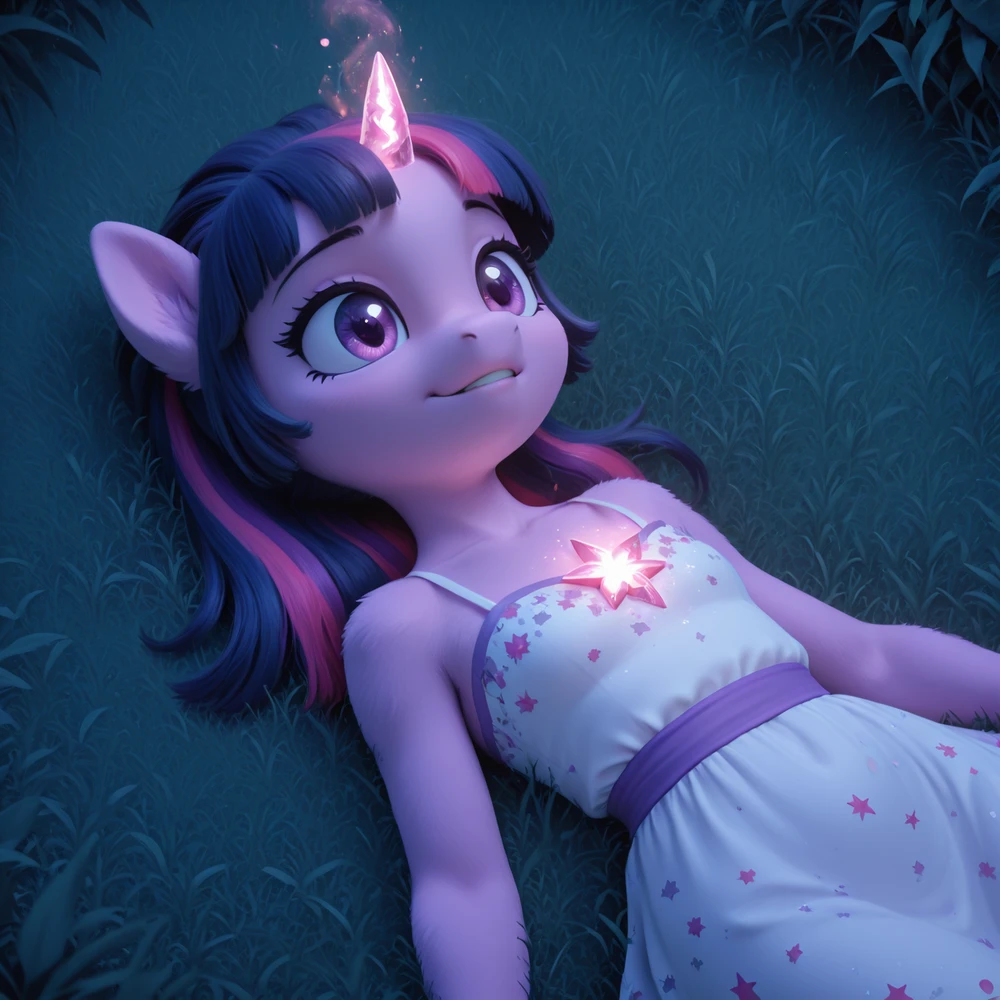
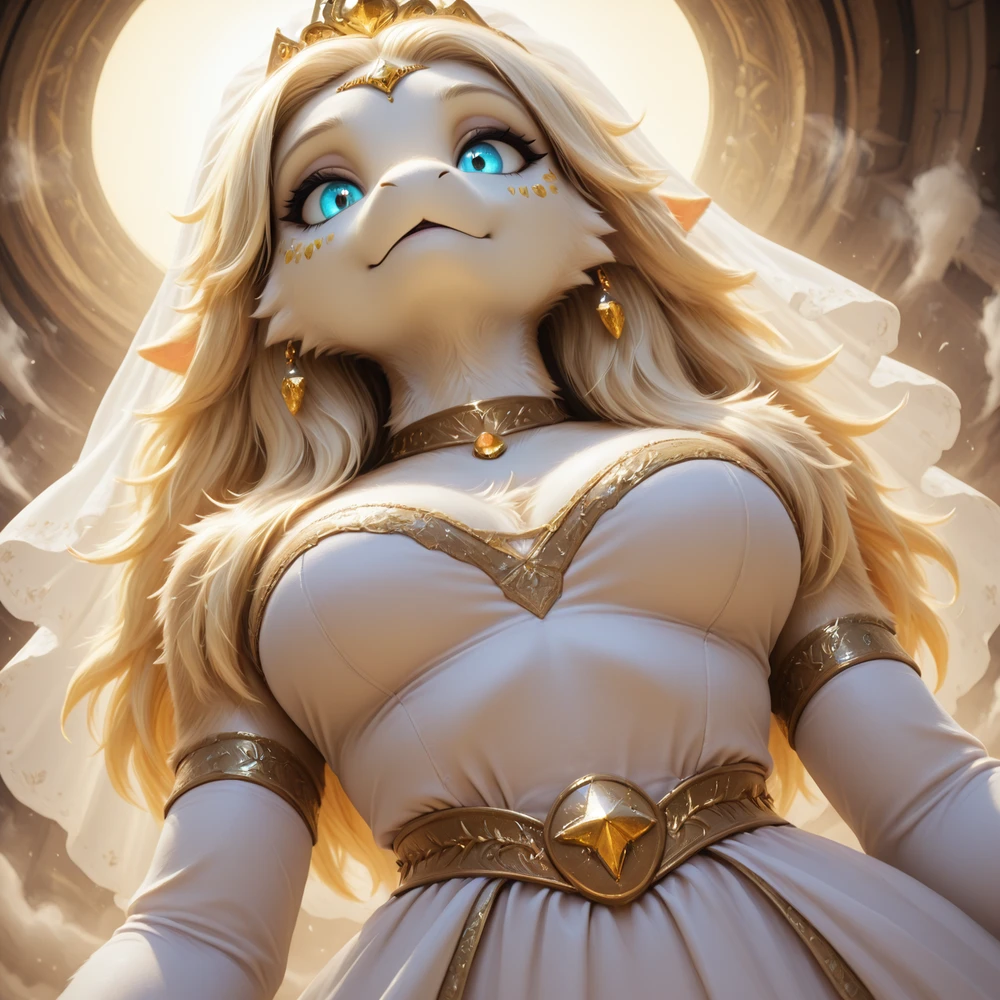
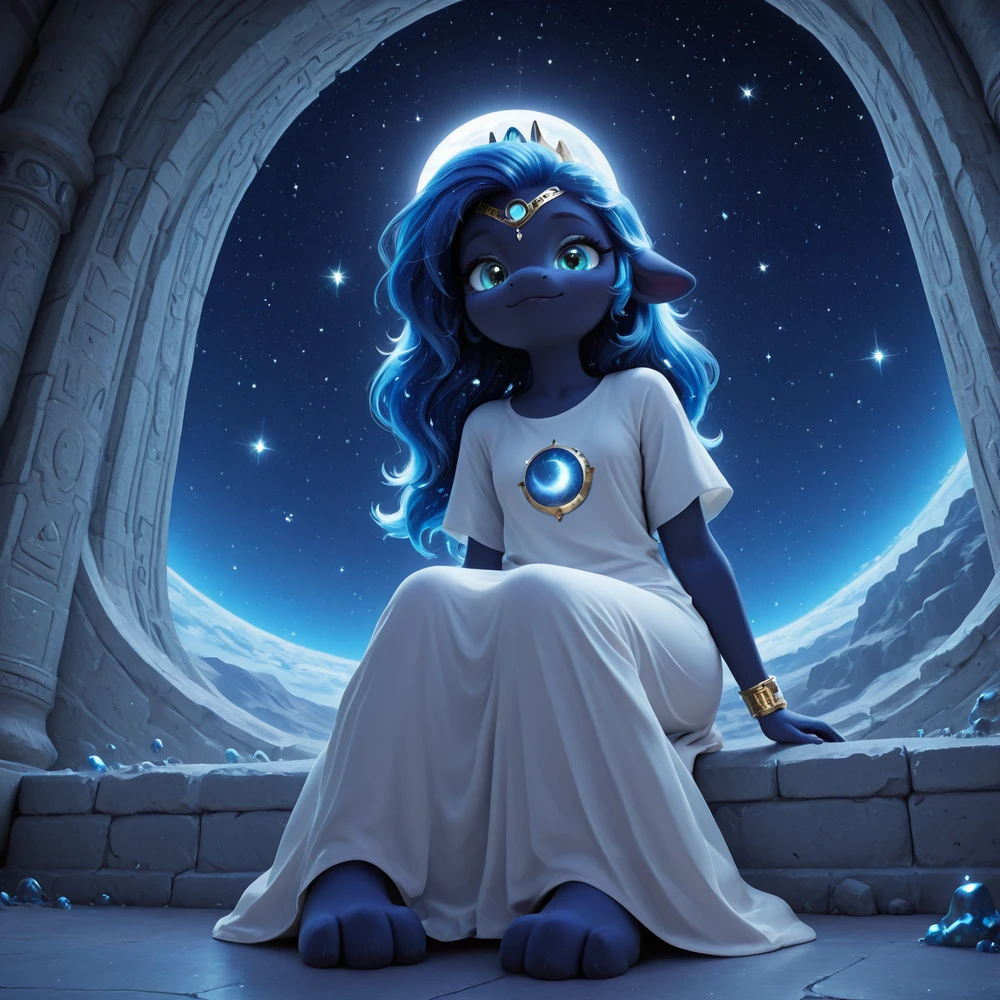
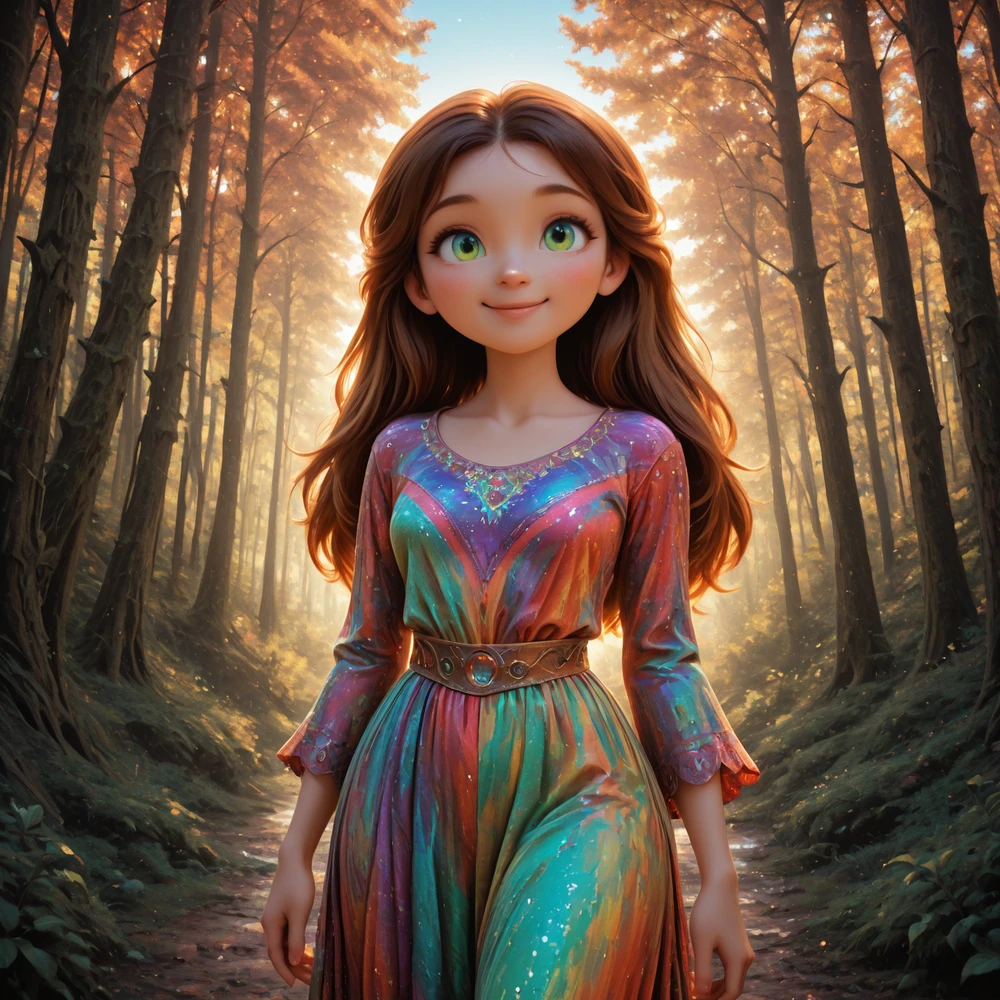
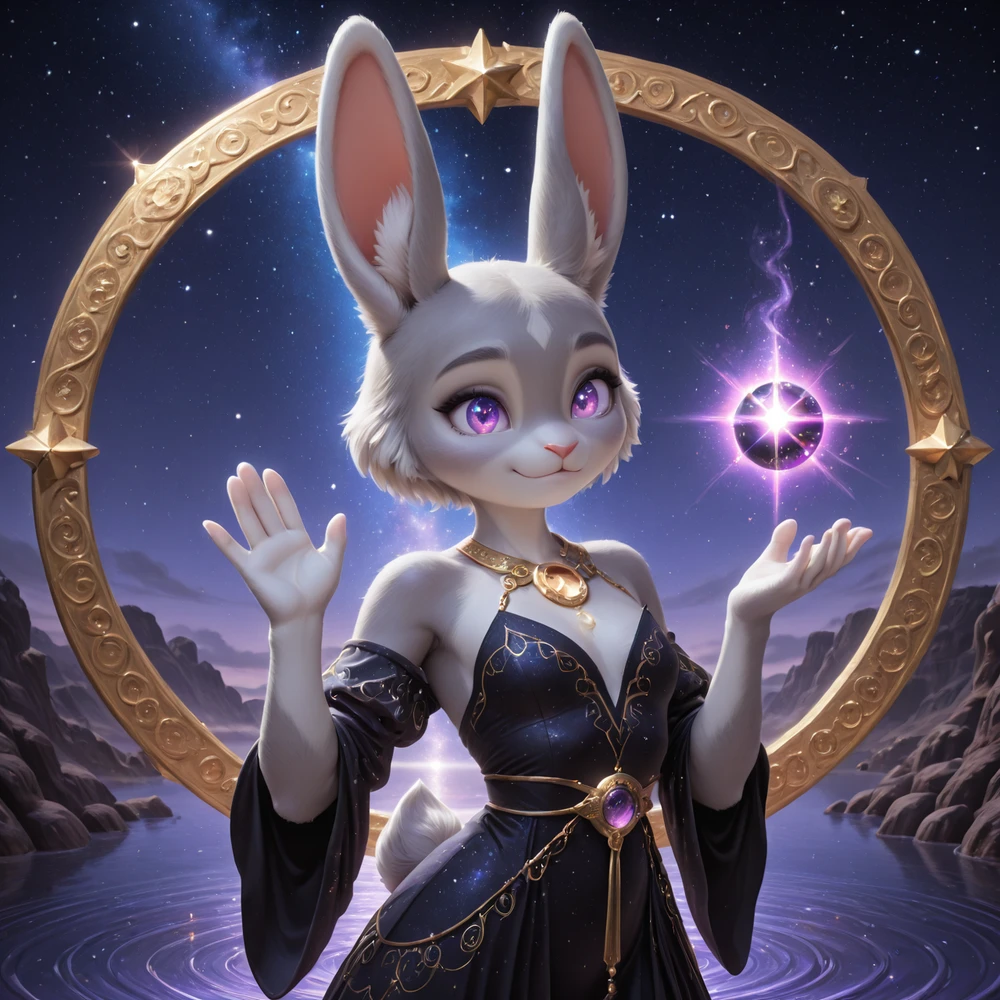
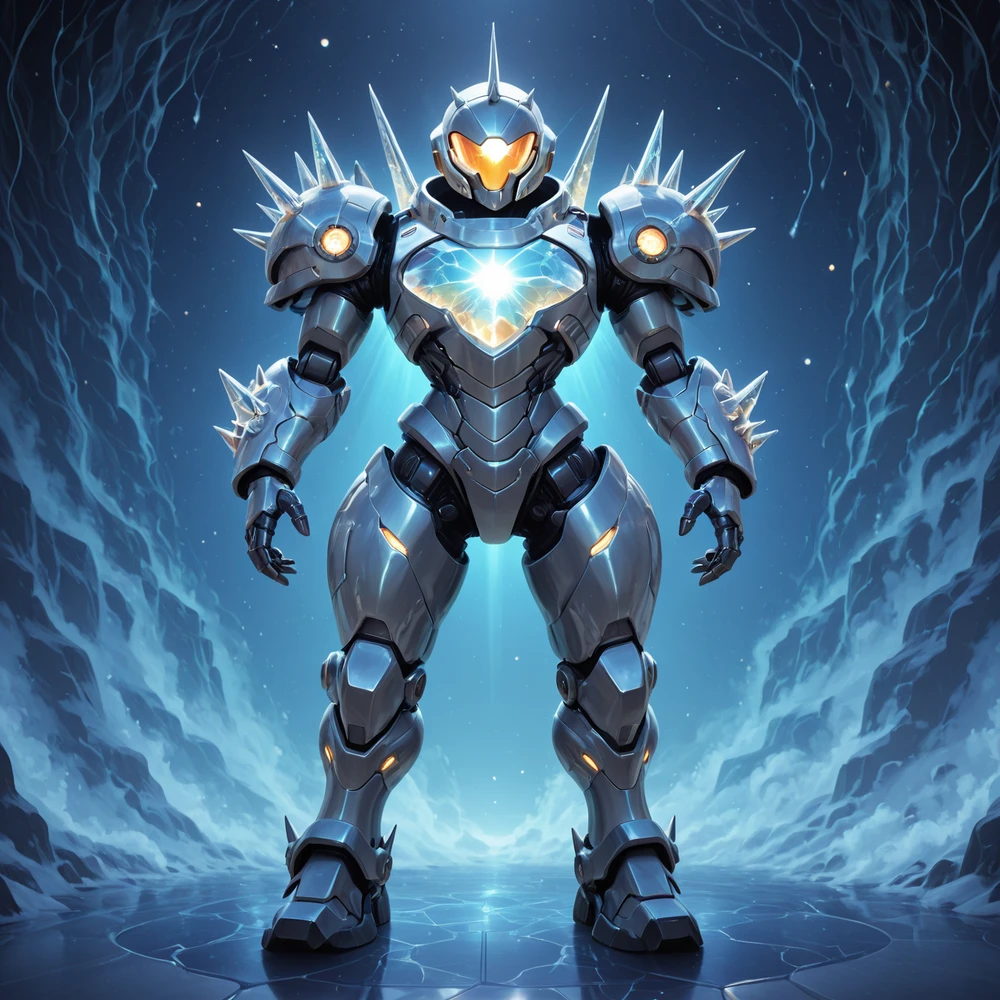
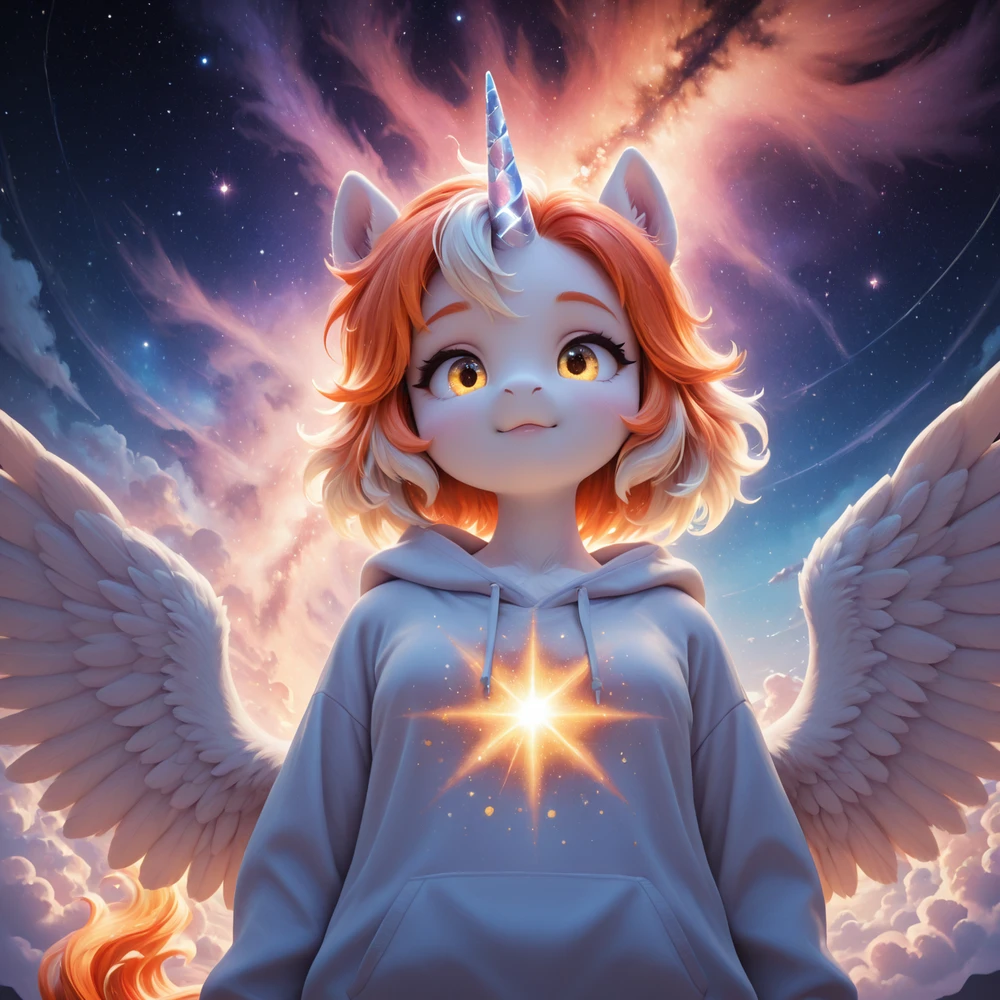

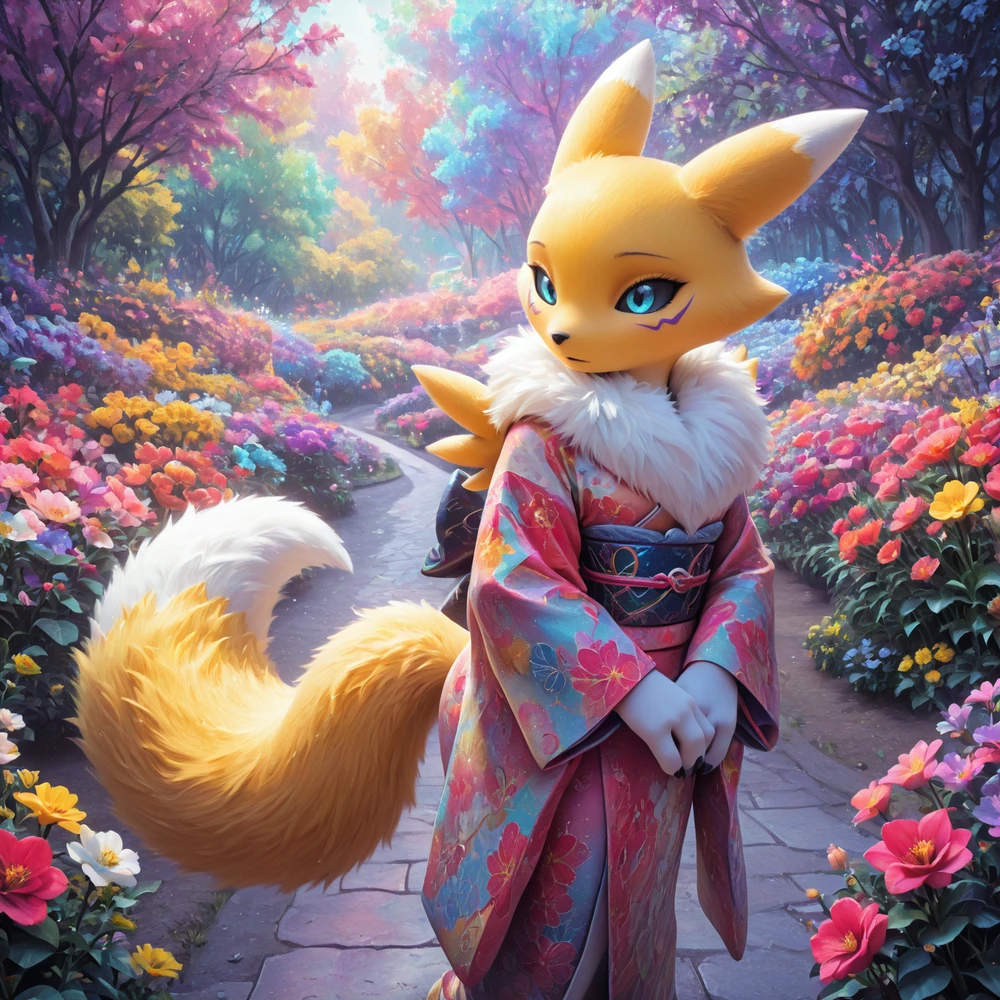

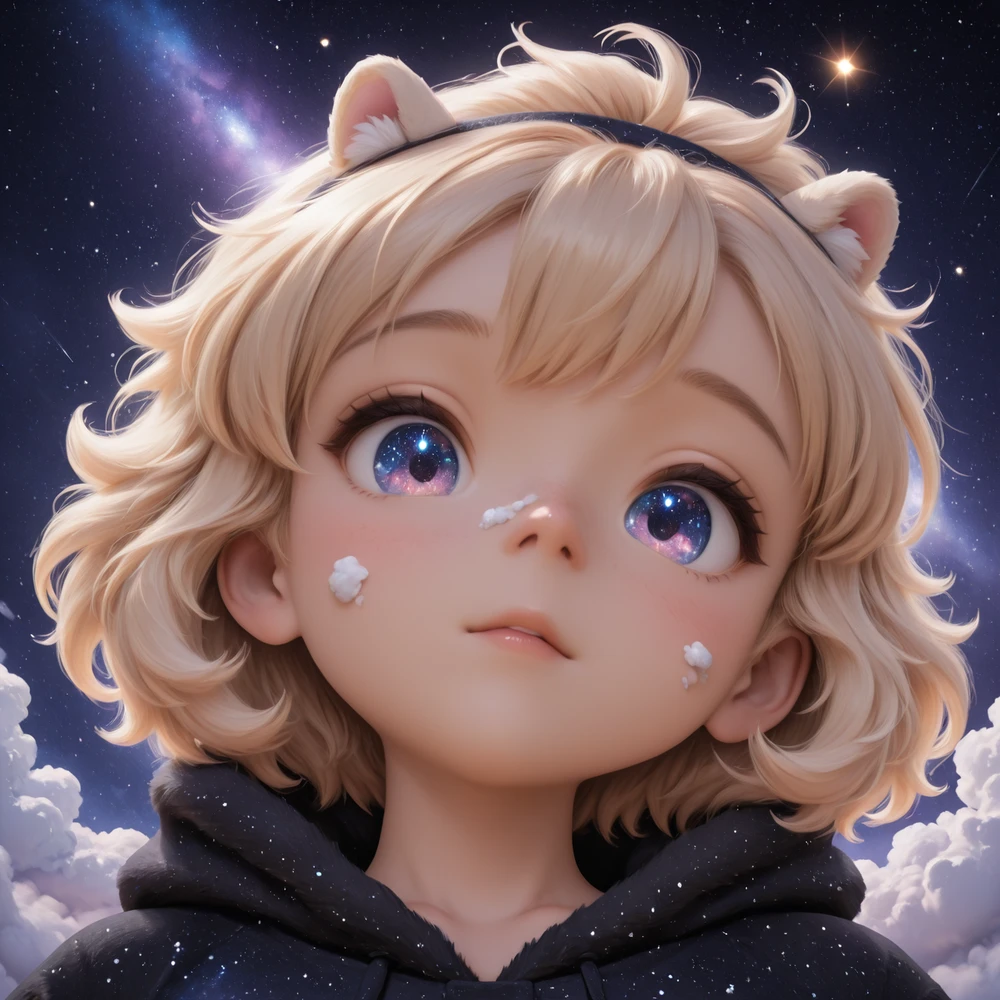
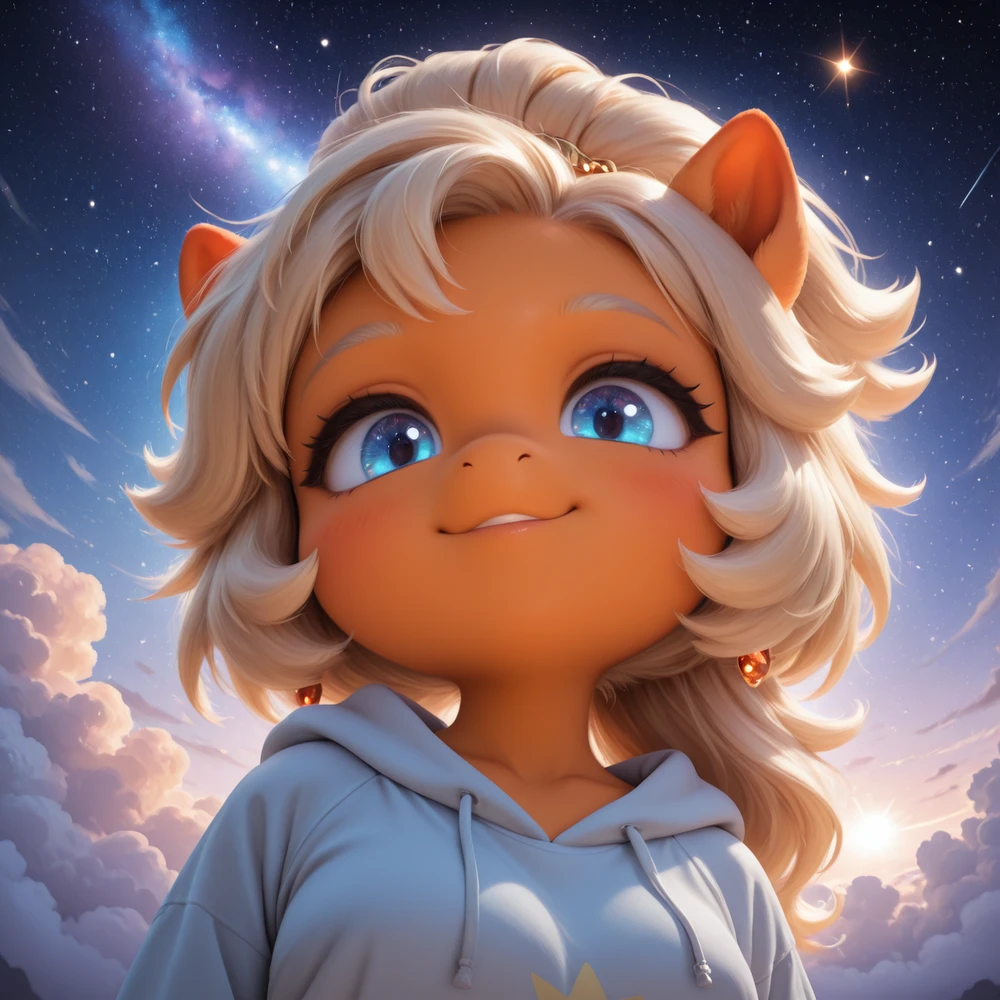
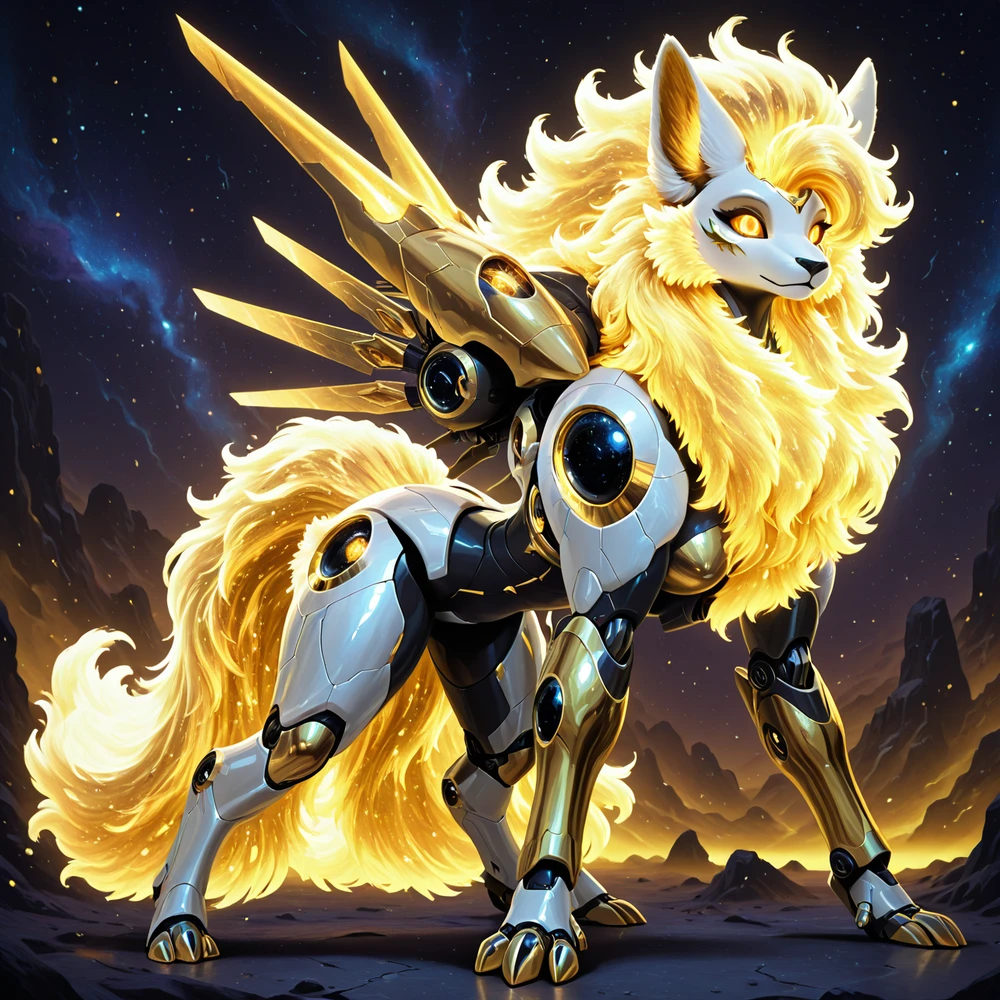
( Not my Model )
https://civitai.com/models/1395538?modelVersionId=2292234
About this version
Added a lot of new training material
Update v2.0 is out. It took me 6 months to complete and boy was it a pain. Do keep in mind that I was not able to get a de-facto 100% better version than v1.0 so I would recommend trying both till you figure out which one you like more.
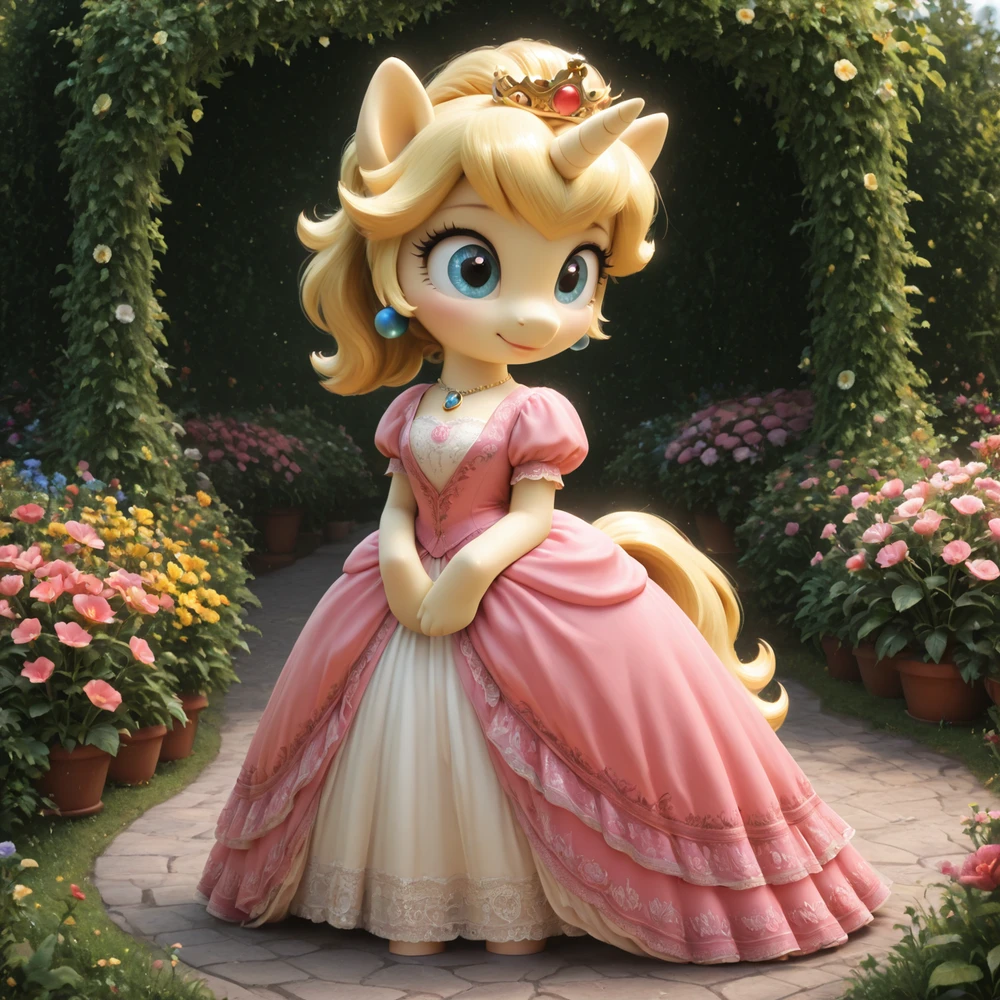
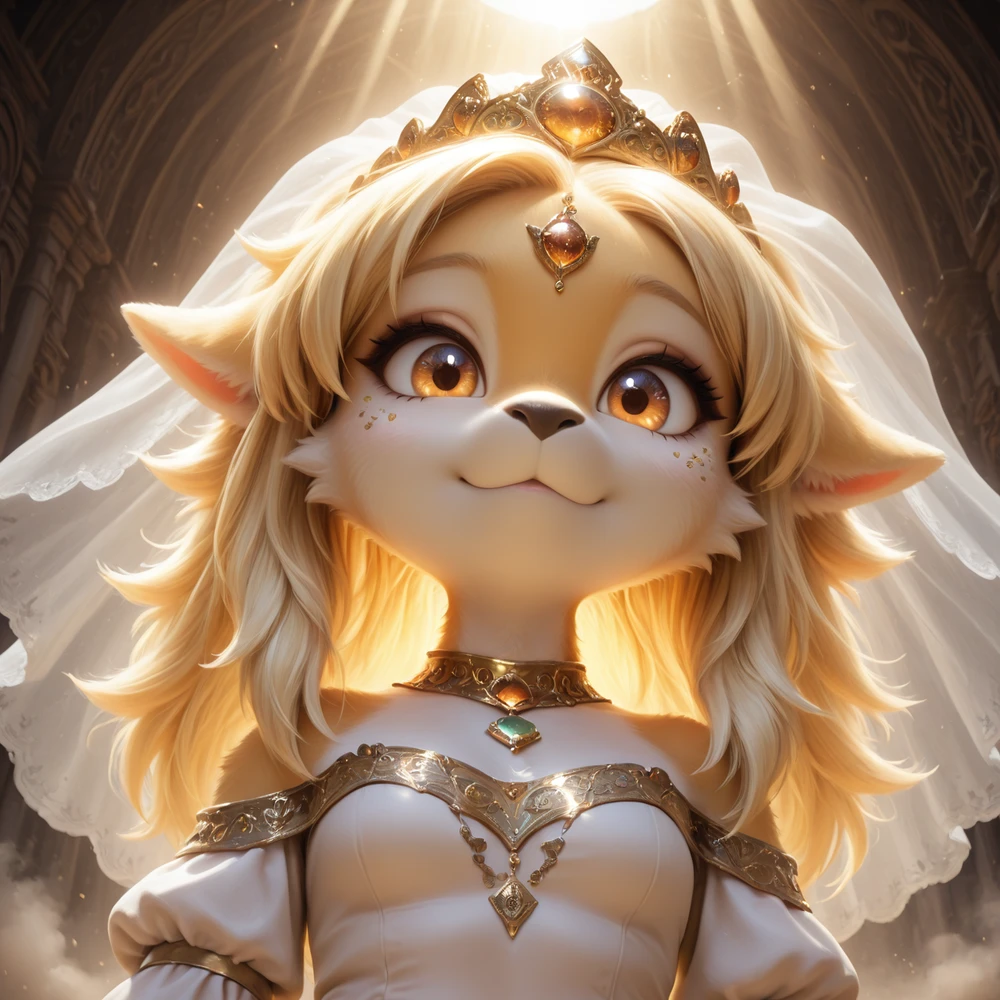
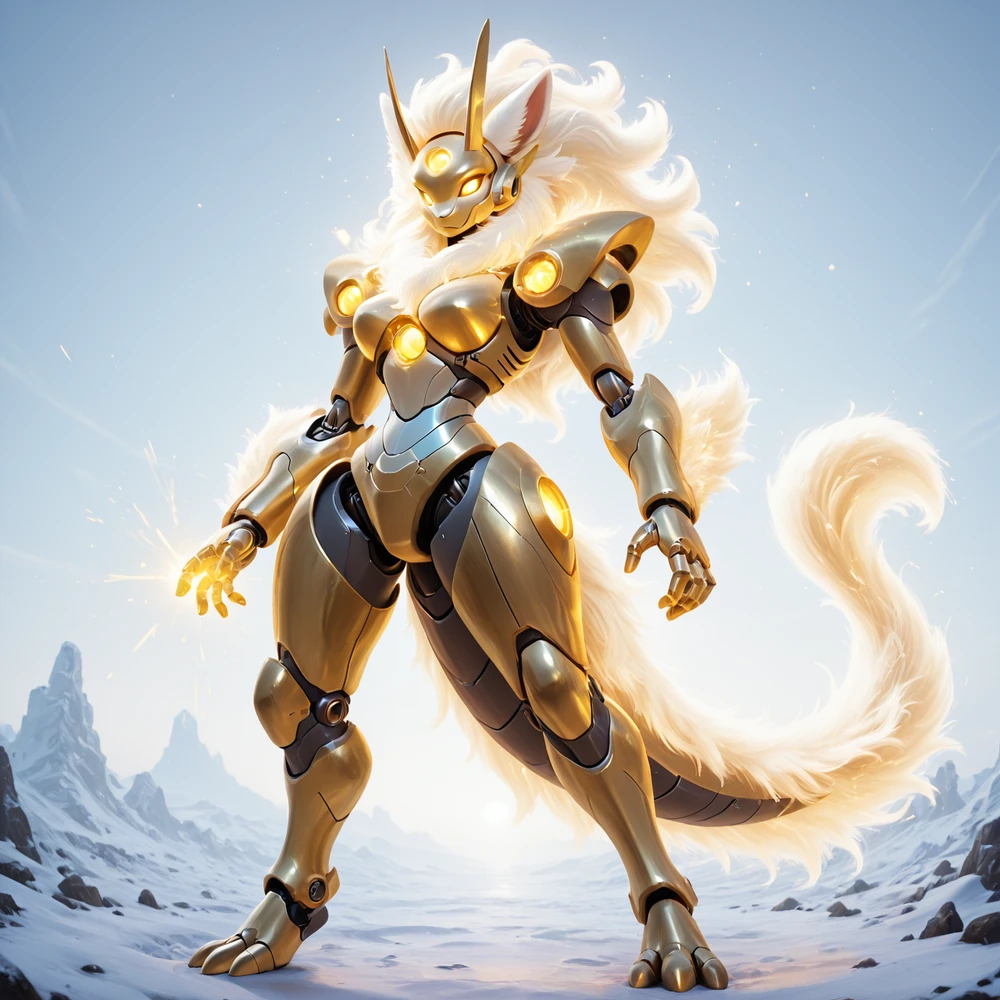
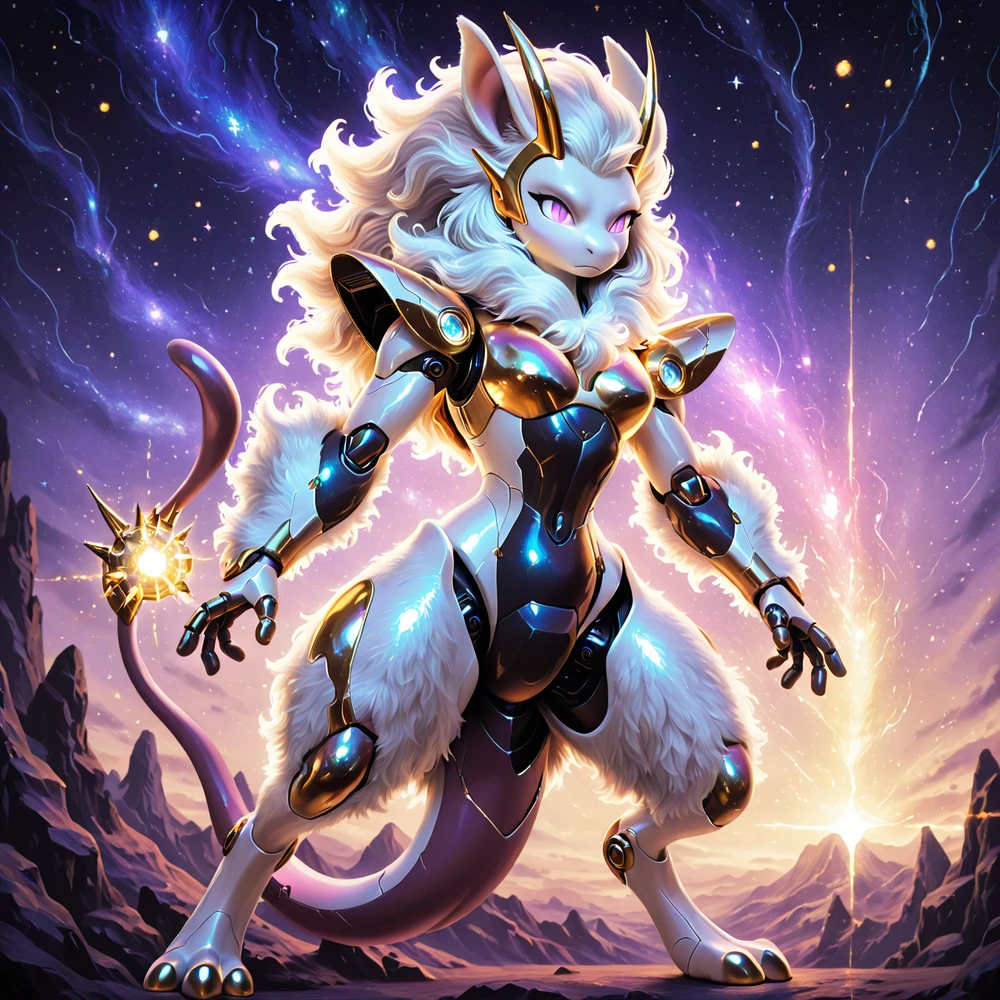
Version 2.0 is focusing on more character concepts, characters, and solidification of the style more. I think users will find this version more cohesive with lora and other tools. Pictures posted are generally basic and not processed to the full ability of which it could. It drives me crazy when people add a billion lora and fancy processing steps to display image's as I feel its not an accurate representation of the model.
17/20 image's are using old / slightly modified prompts from v1.0 and MANY of these "enhancing terms" are no longer needed.
Checkpoint is based on Illustrious v1.0 and may be overly sensitive to some keywords or tokens. I recommend starting simple and working up from there.
Recommend CFG 3.0-6.0.
3.0 will be softer than 6.0, but going above 7 may result in over processed looking pictures.
Resolution 1024 to 1536 tested and working fine.
Steps 20 for decent images, 30 is the sweet spot.
Should be fine with most samplers and schedulers. Didn't notice any major issues with random sample testing.
Prompting:
Some issues with the token "eyes" or "eye" noticed in testing. If eye quality is diminished, use "contacts" instead. I have also noticed that this also somehow improves hand quality as well. Idk either.
Example: green eyes -> green contacts
If using "ugly" in the negative, you may have issues generating some races and ethnicities or older / mature looking characters. I would recommend removing this from your negative if you are aiming for mature or realistic characters. I'm not sure why this is. I didn't train that.