


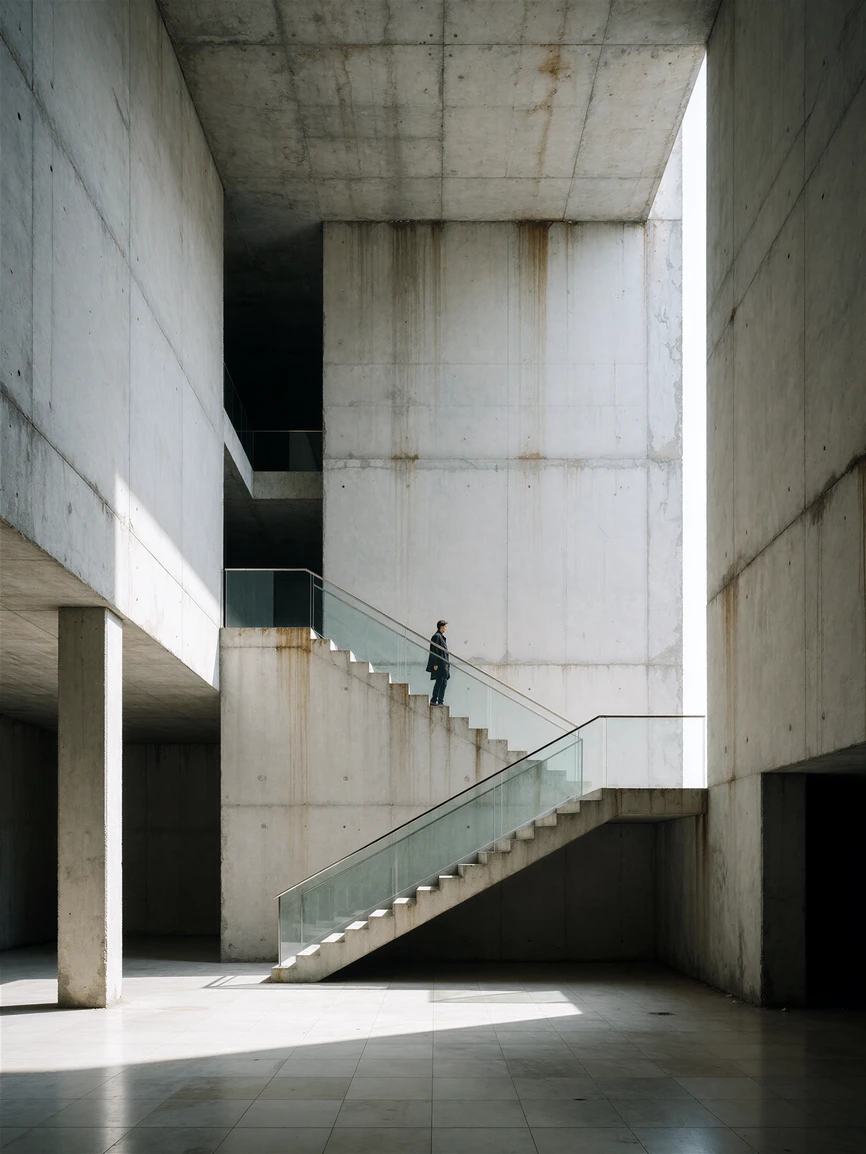
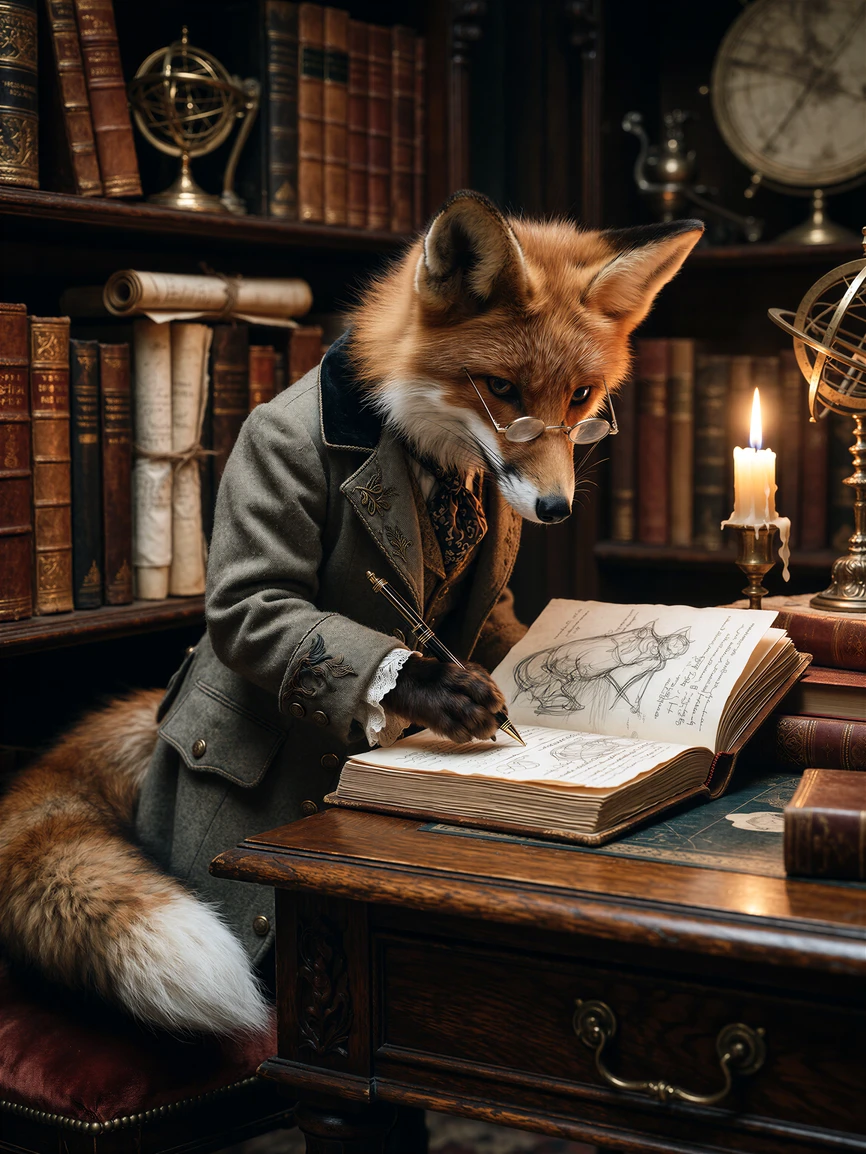
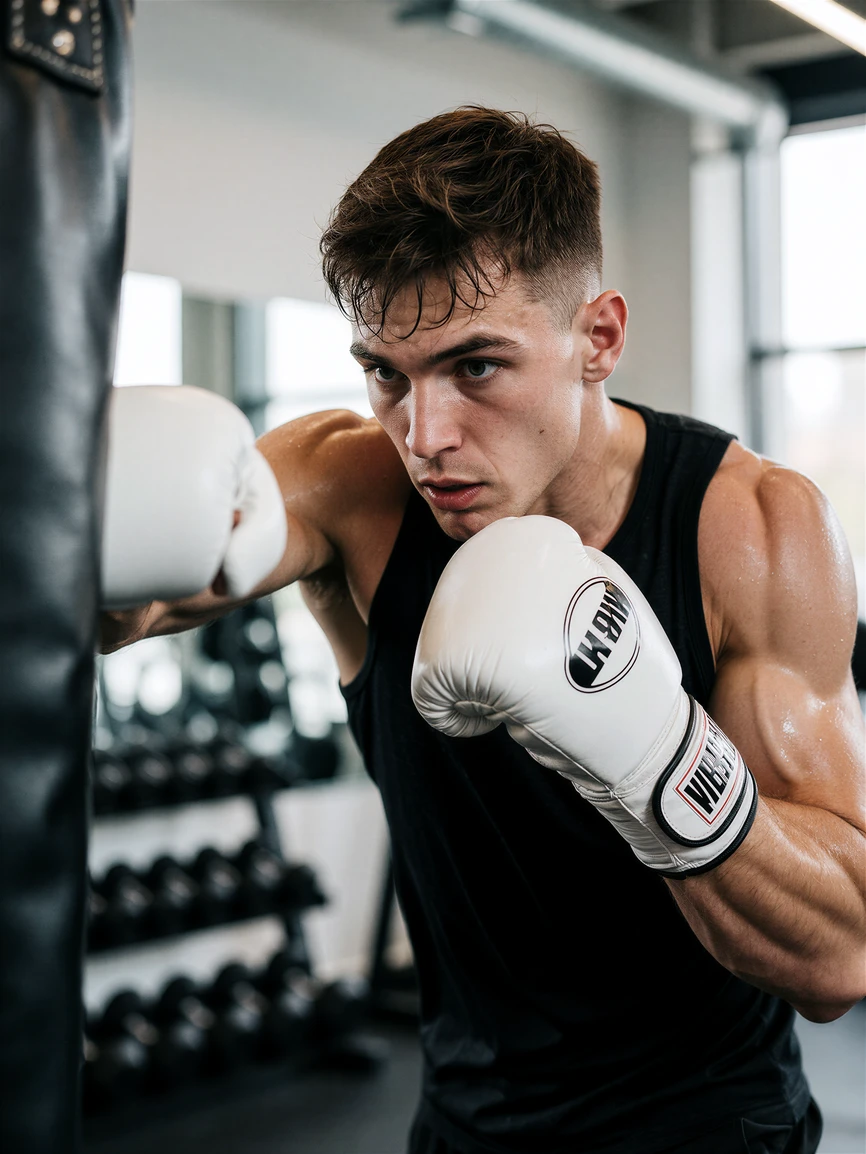
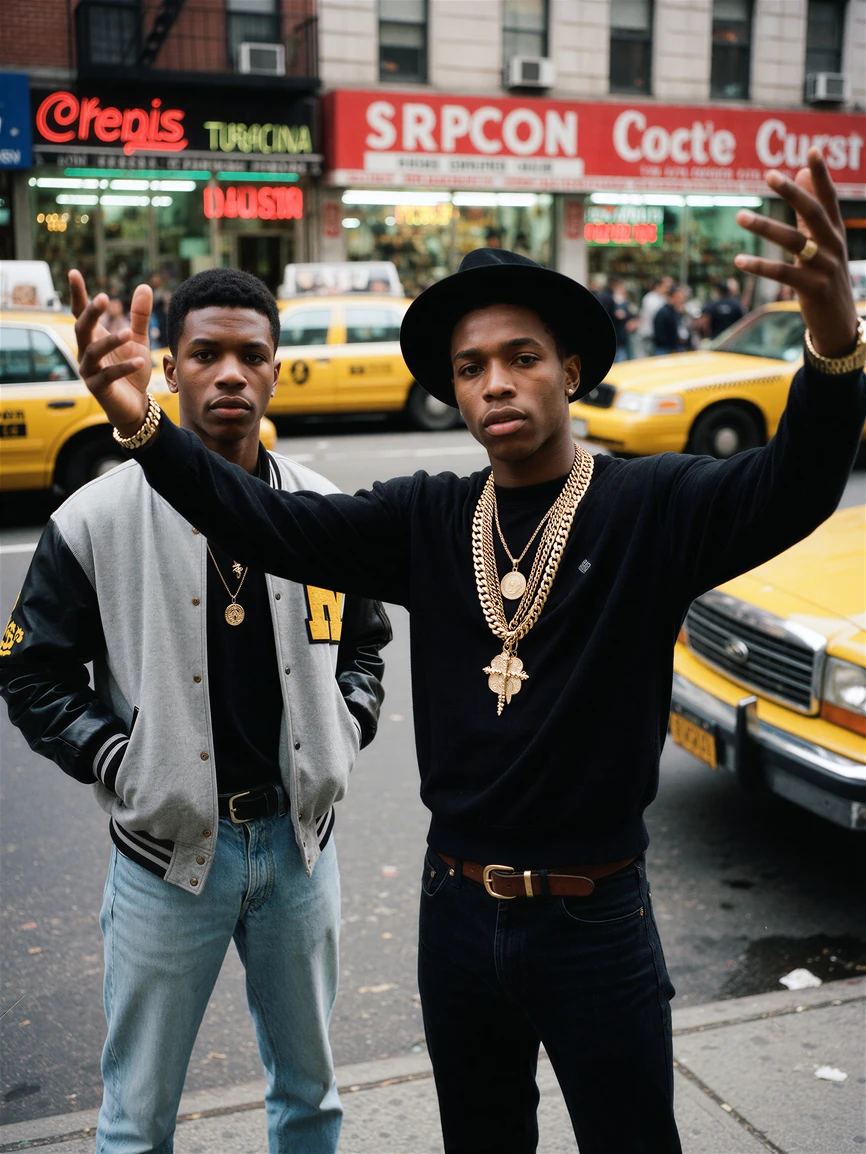
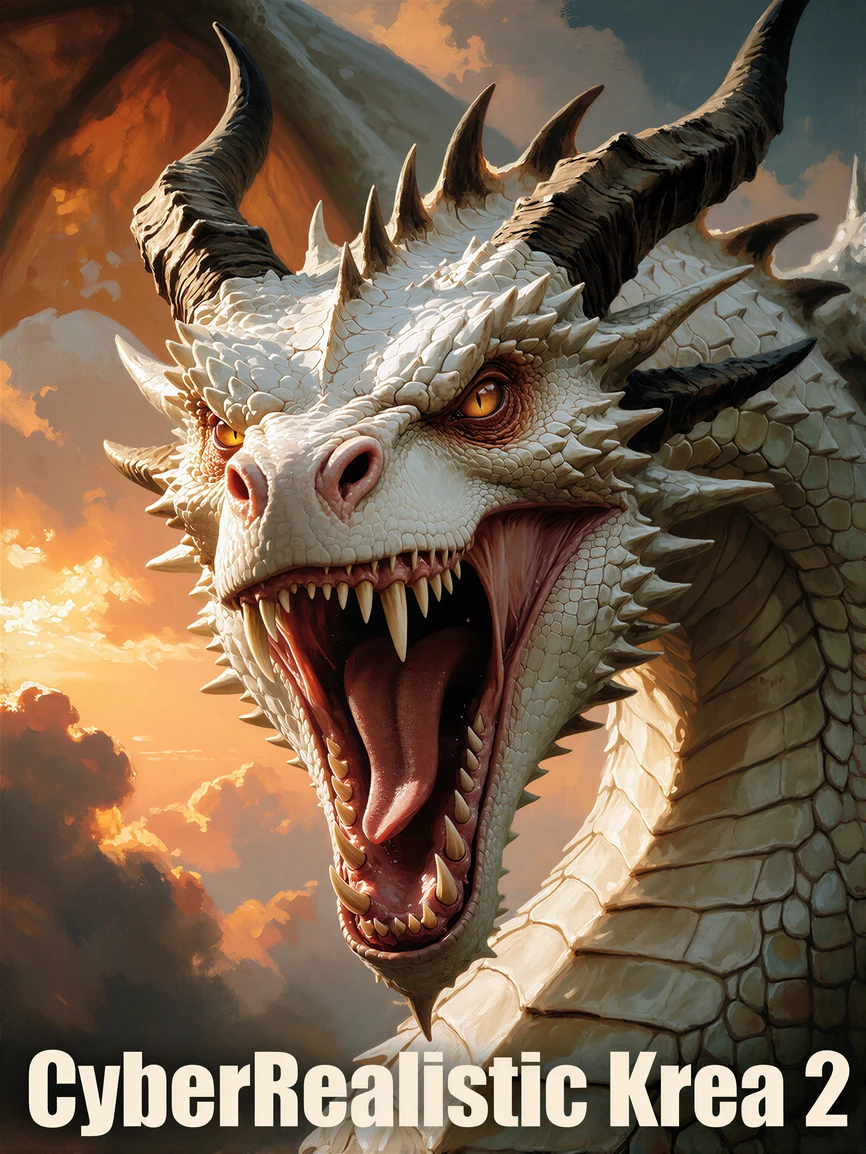
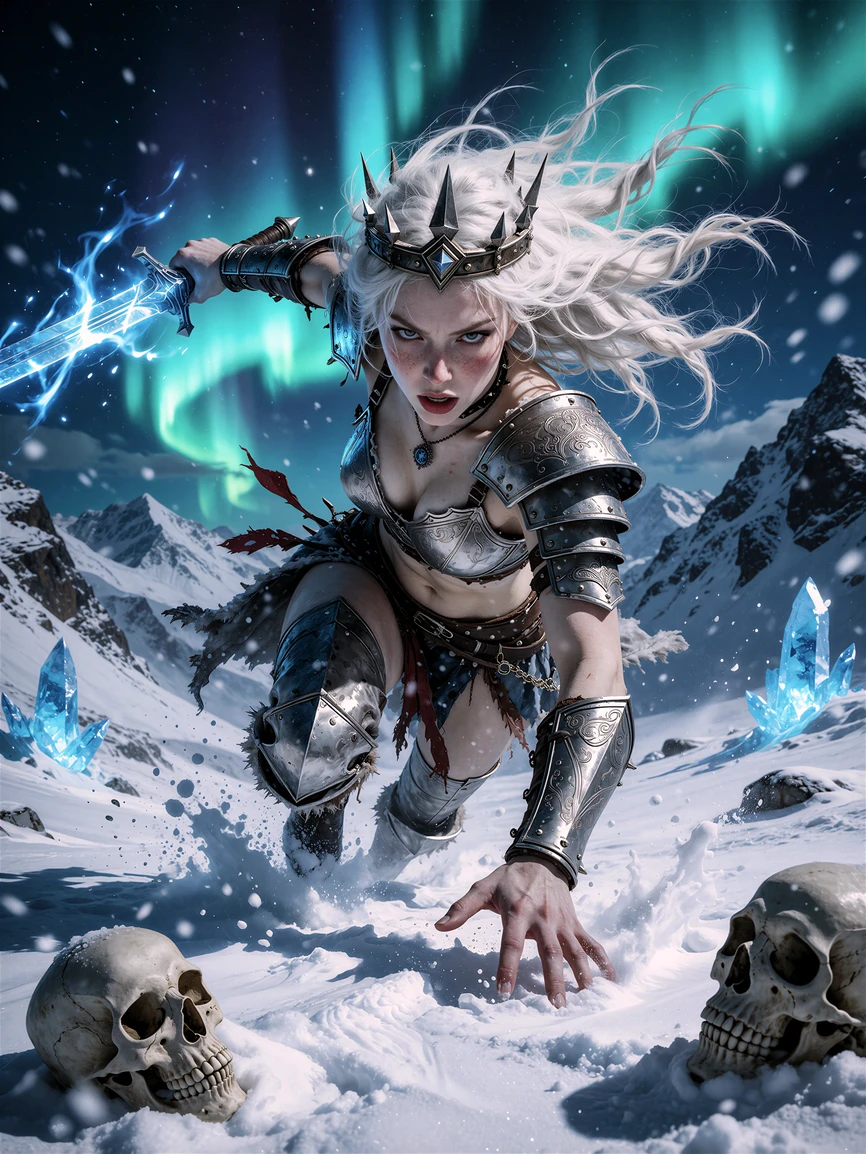
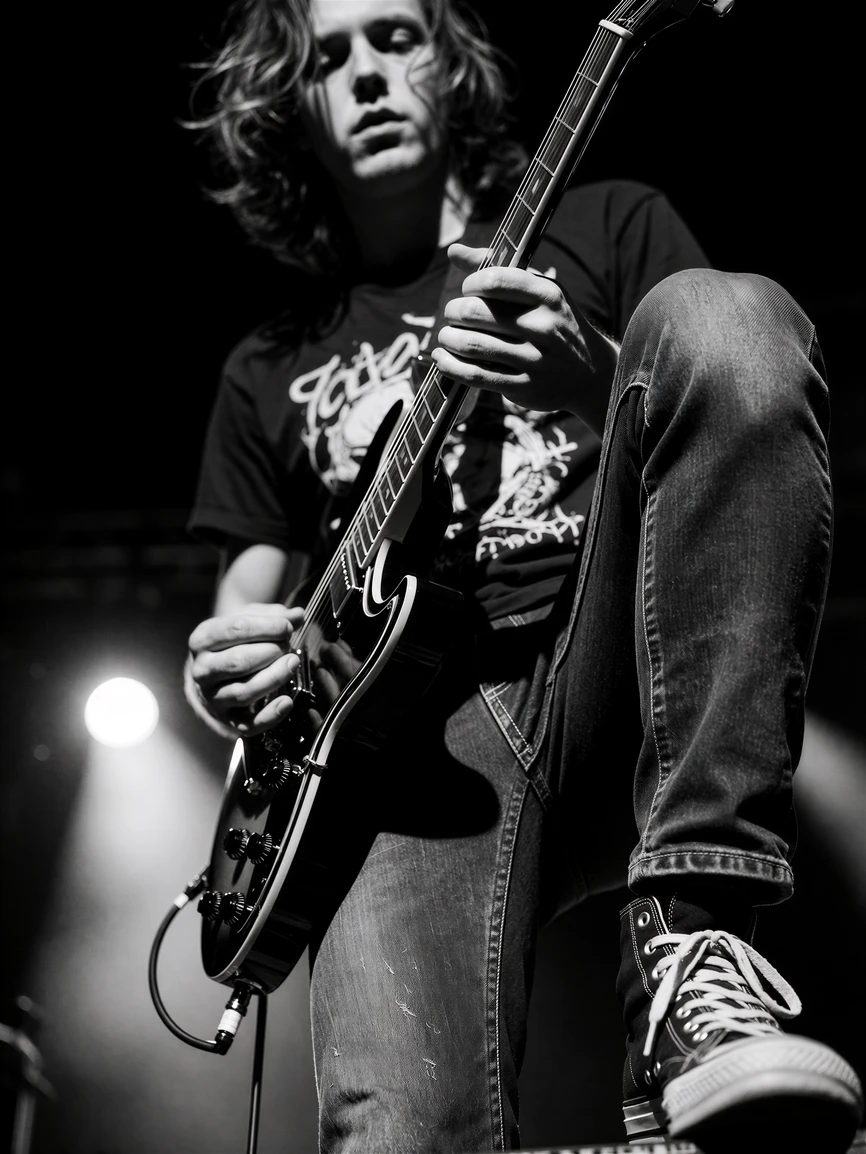
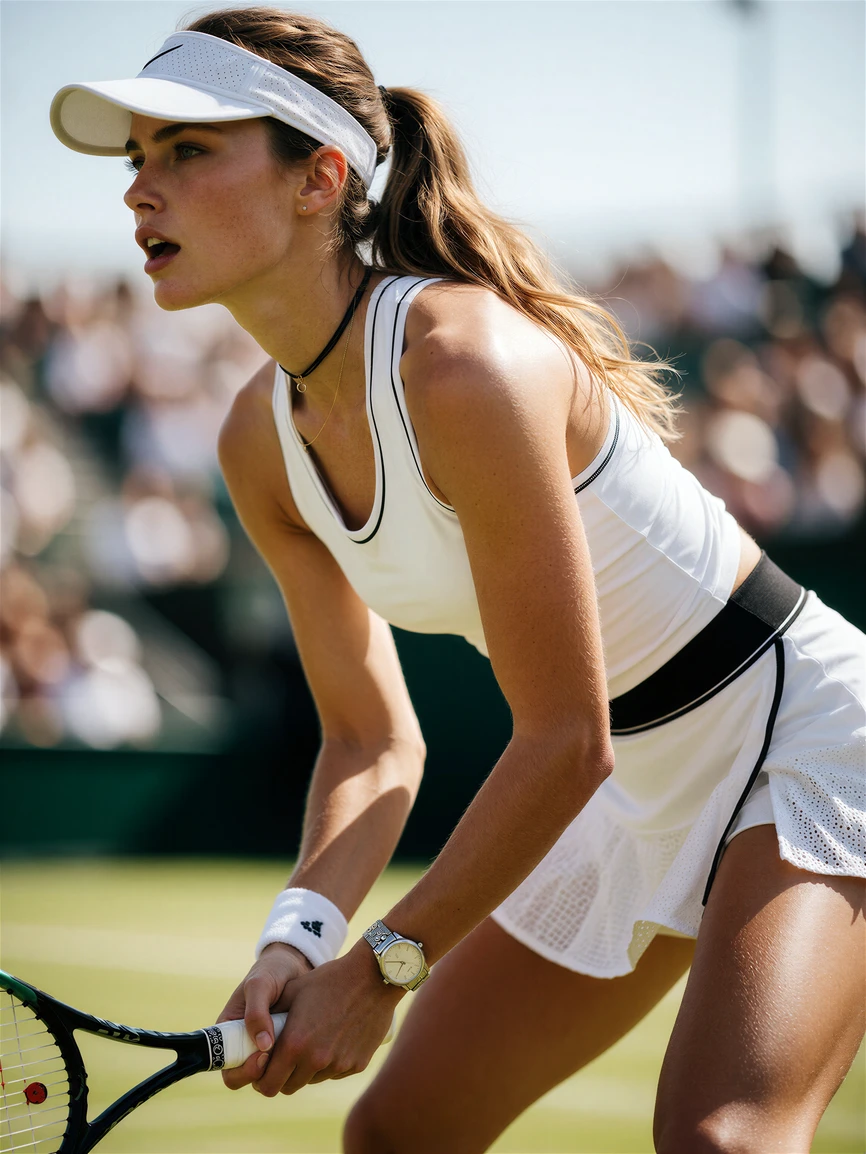
( Not my Model )
https://civitai.com/models/2831028/cyberrealistic-krea-2?modelVersionId=3194508
CyberRealistic Krea 2
CyberRealistic Krea 2 is a full finetune of Krea 2 Turbo, Krea.ai 's 12.9B diffusion transformer with a Qwen3-VL-4B text encoder and the Qwen Image VAE.
Base Krea 2 is aesthetic first. It explores medium, texture and mood instead of settling on one look. Great for creative work, less useful when you want a photograph.
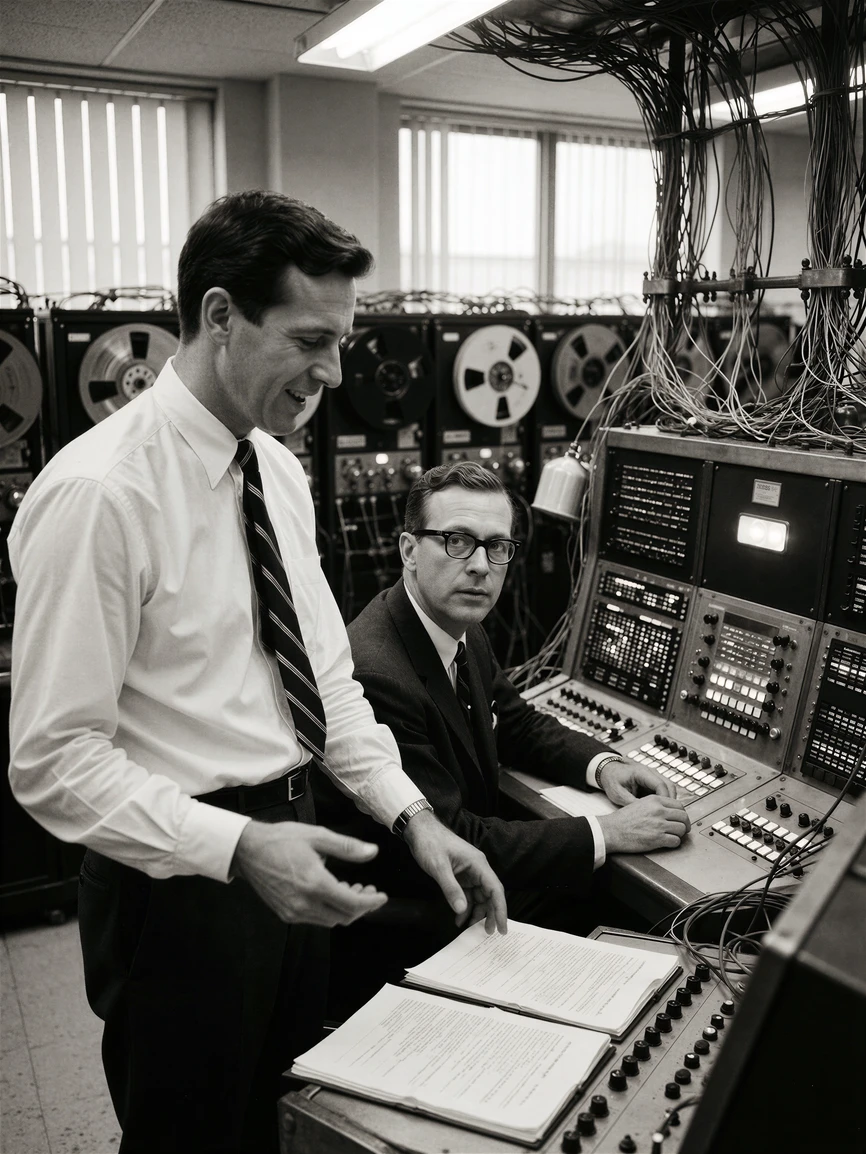
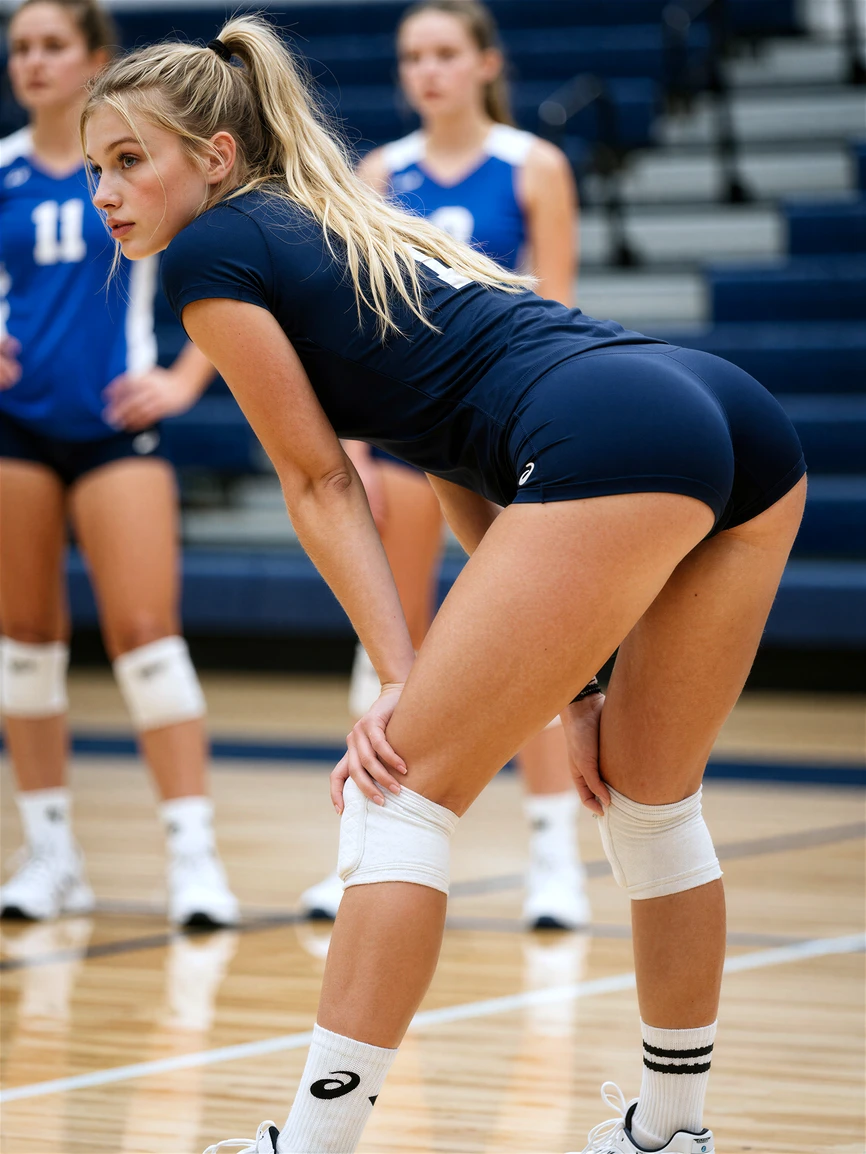
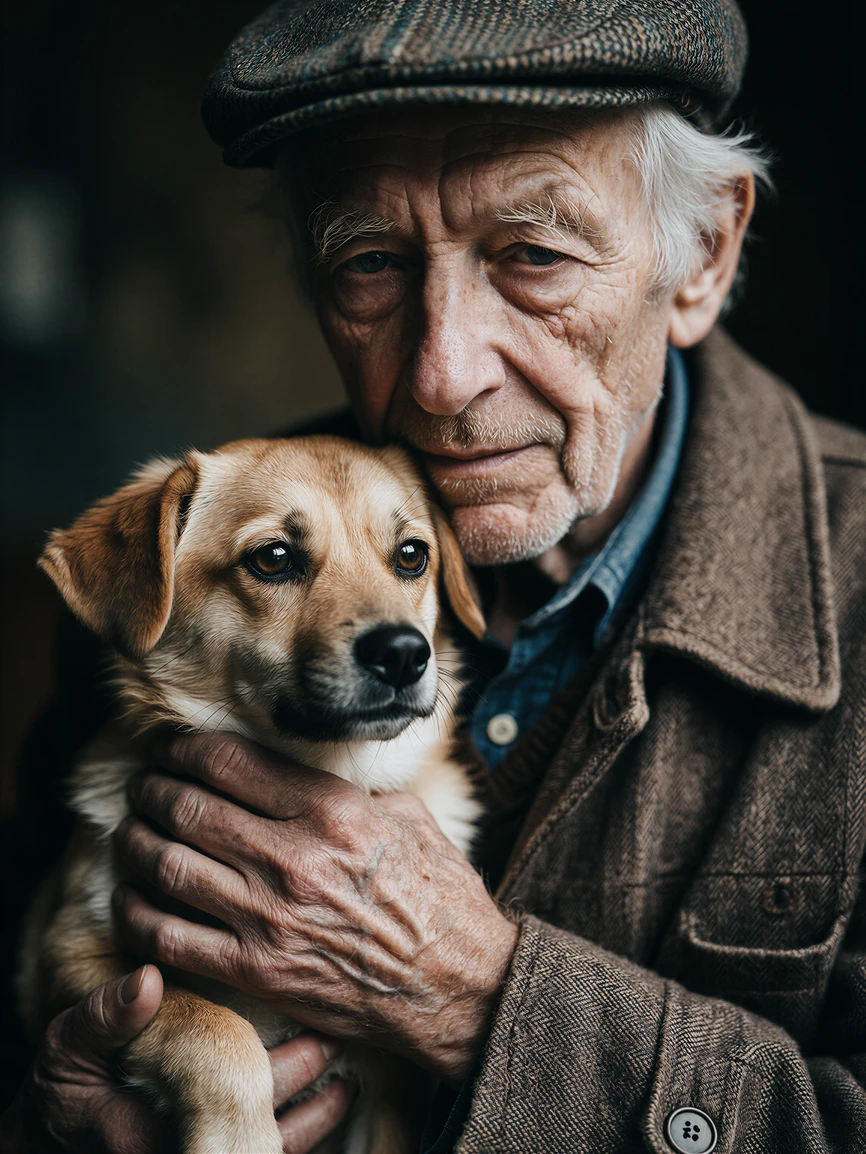
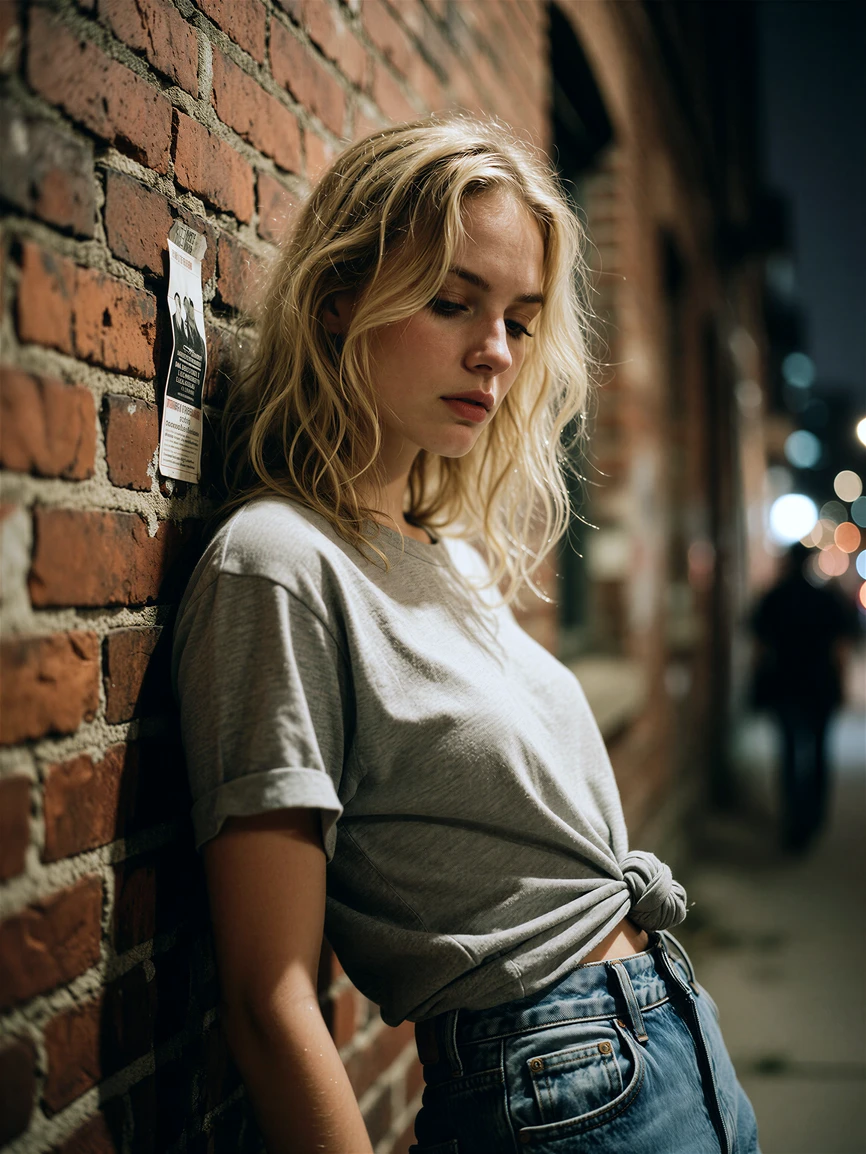
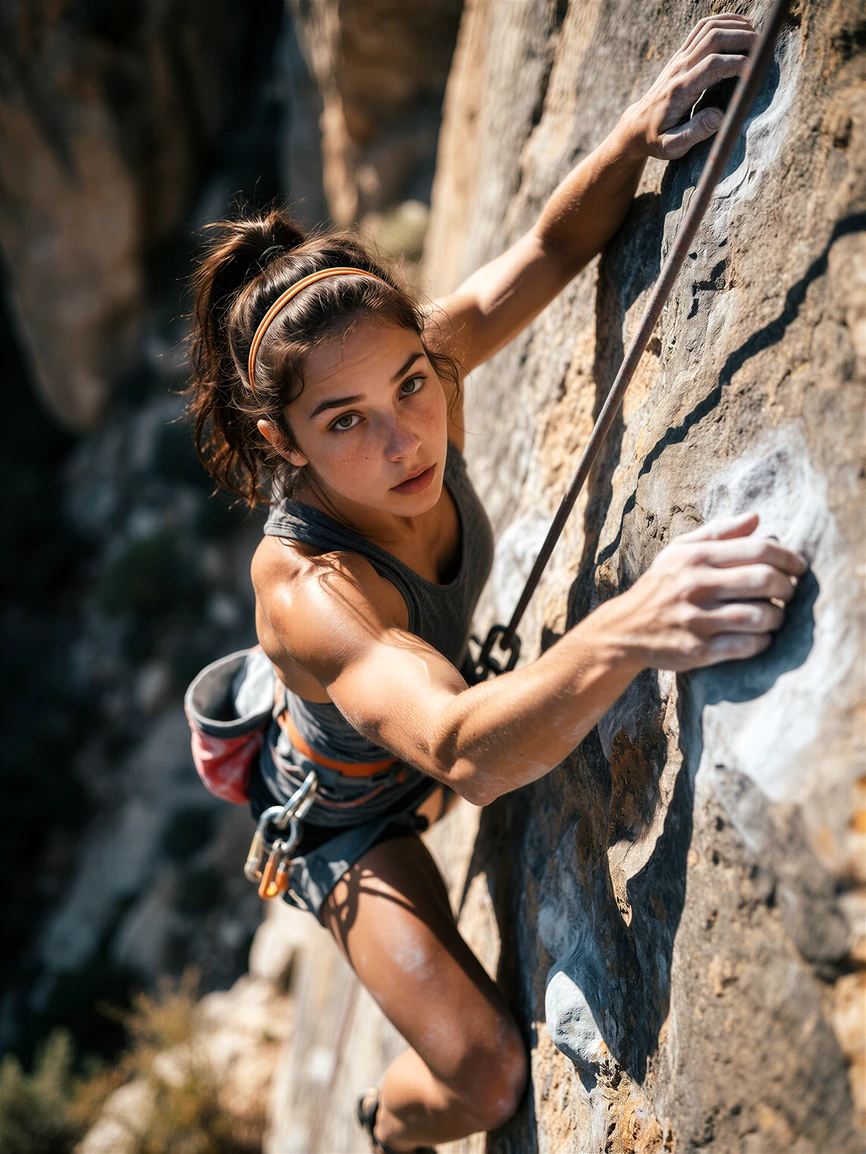
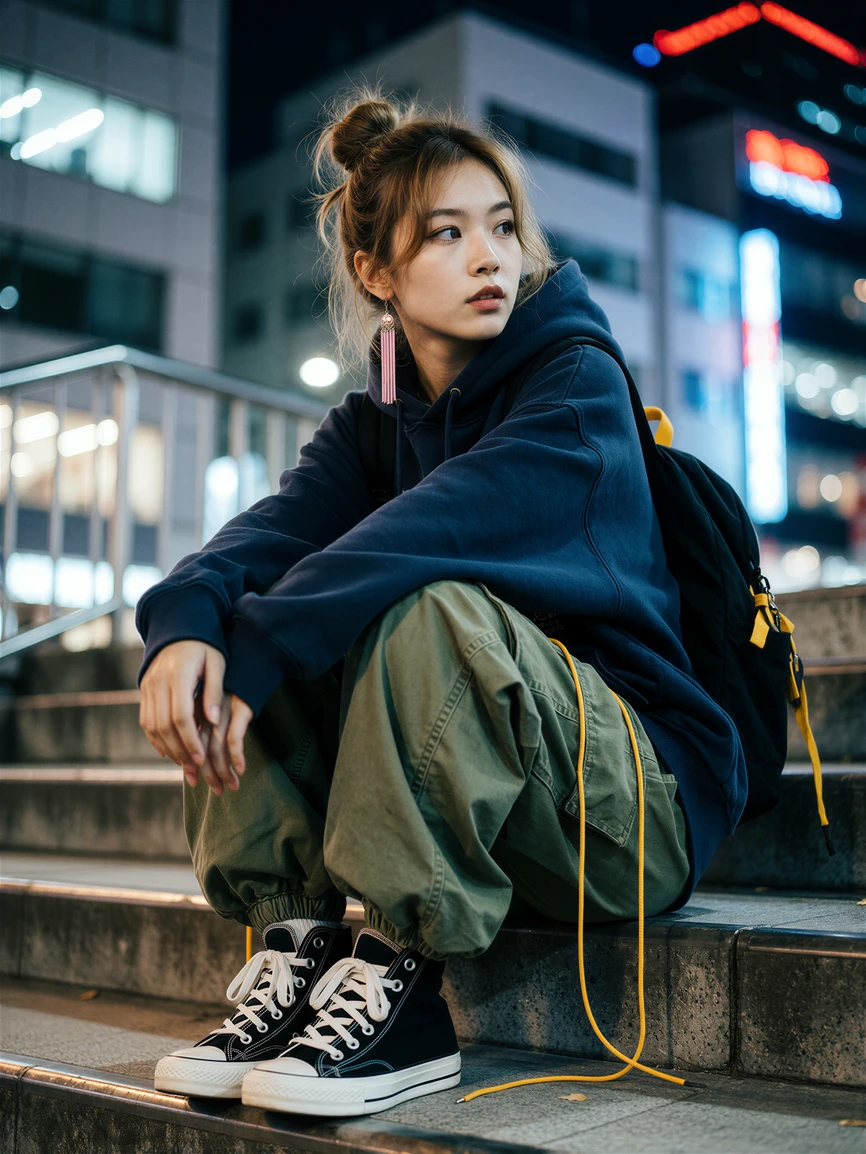
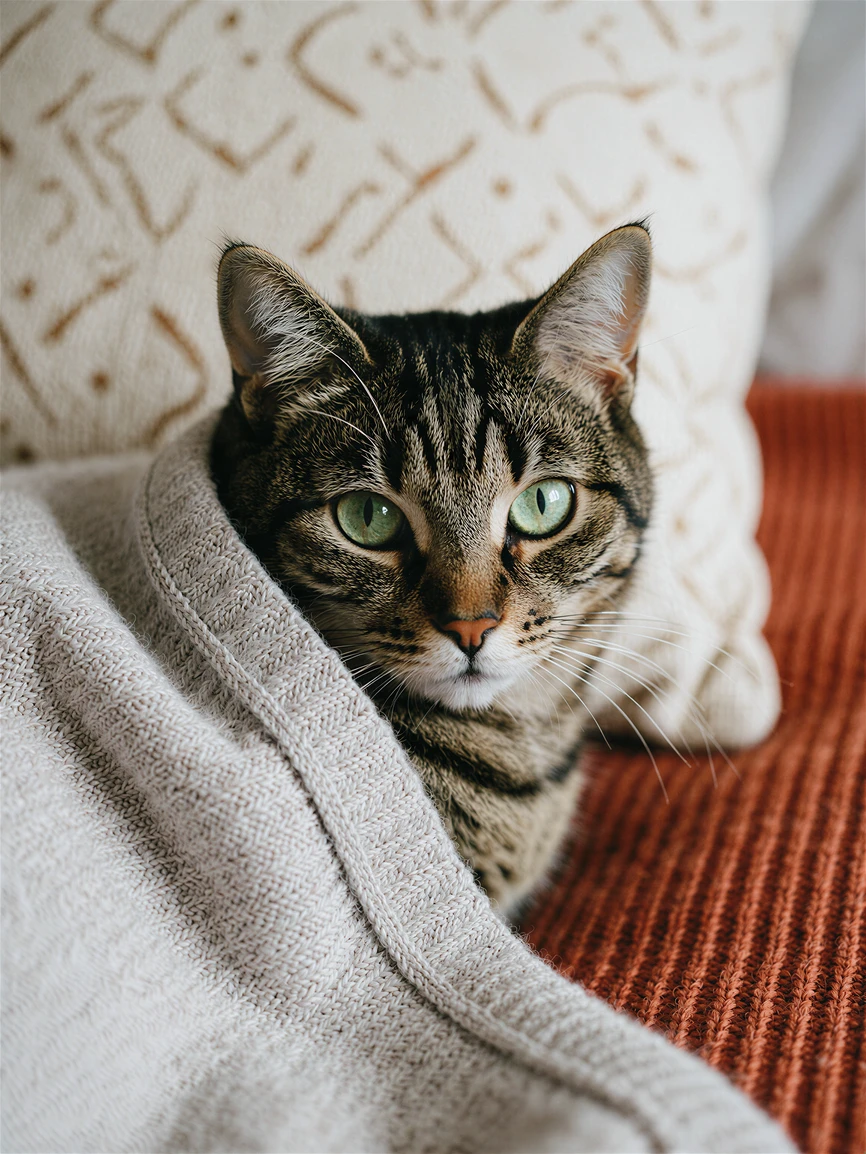
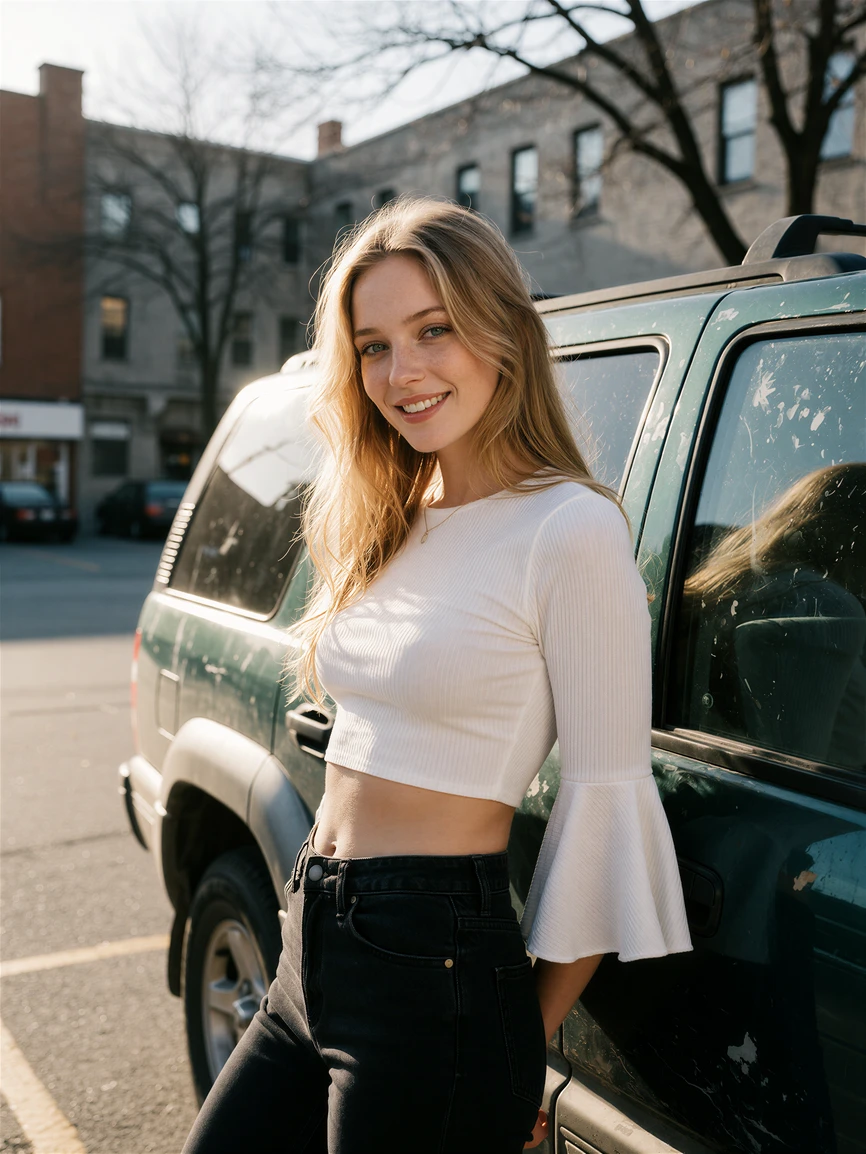
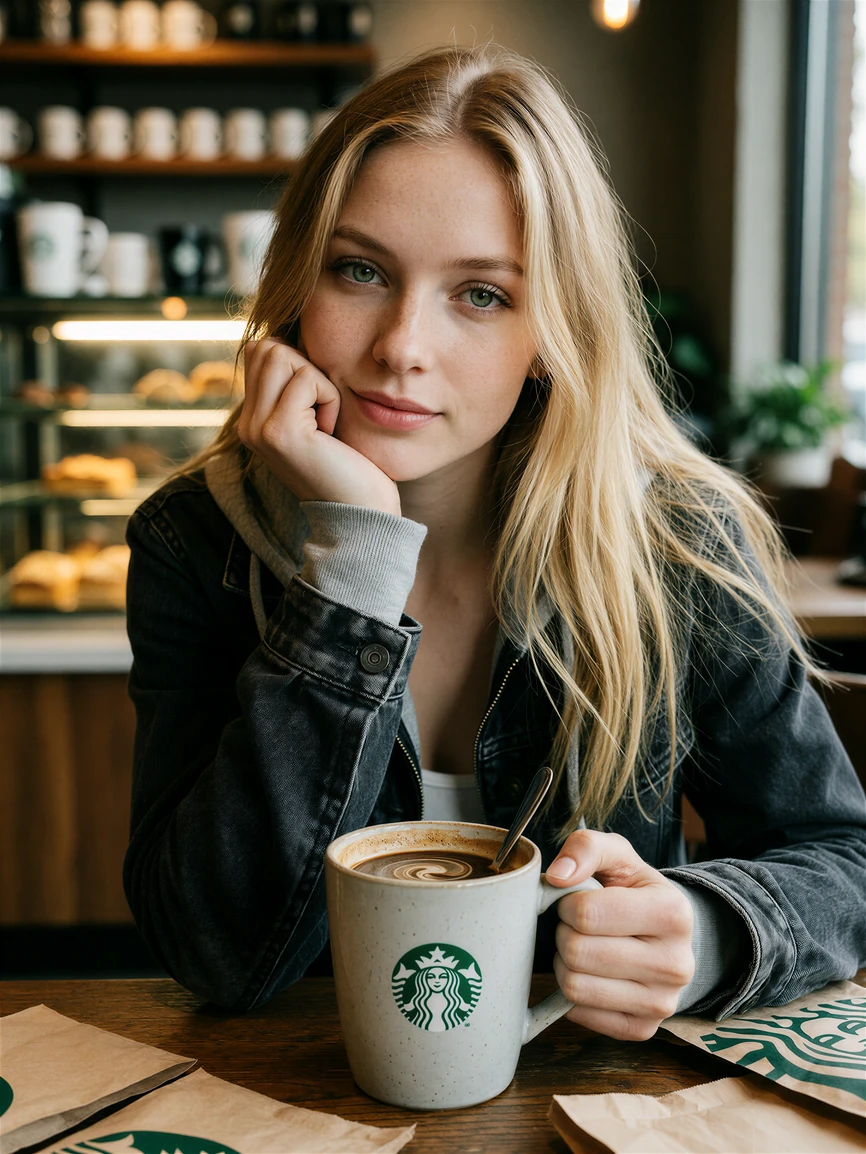
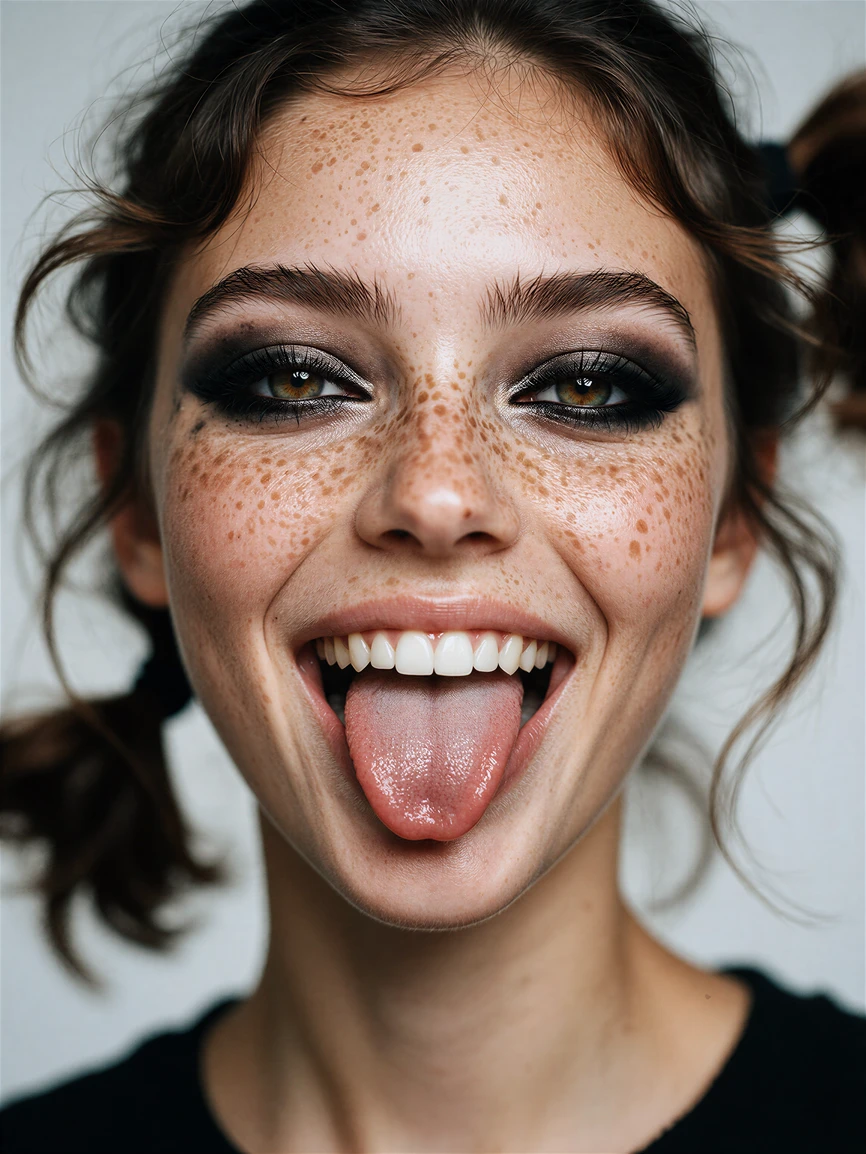
This finetune moves the default toward photography. Natural skin, believable faces, available light, real materials and camera language, with less of the editorial gloss the base model drifts into.
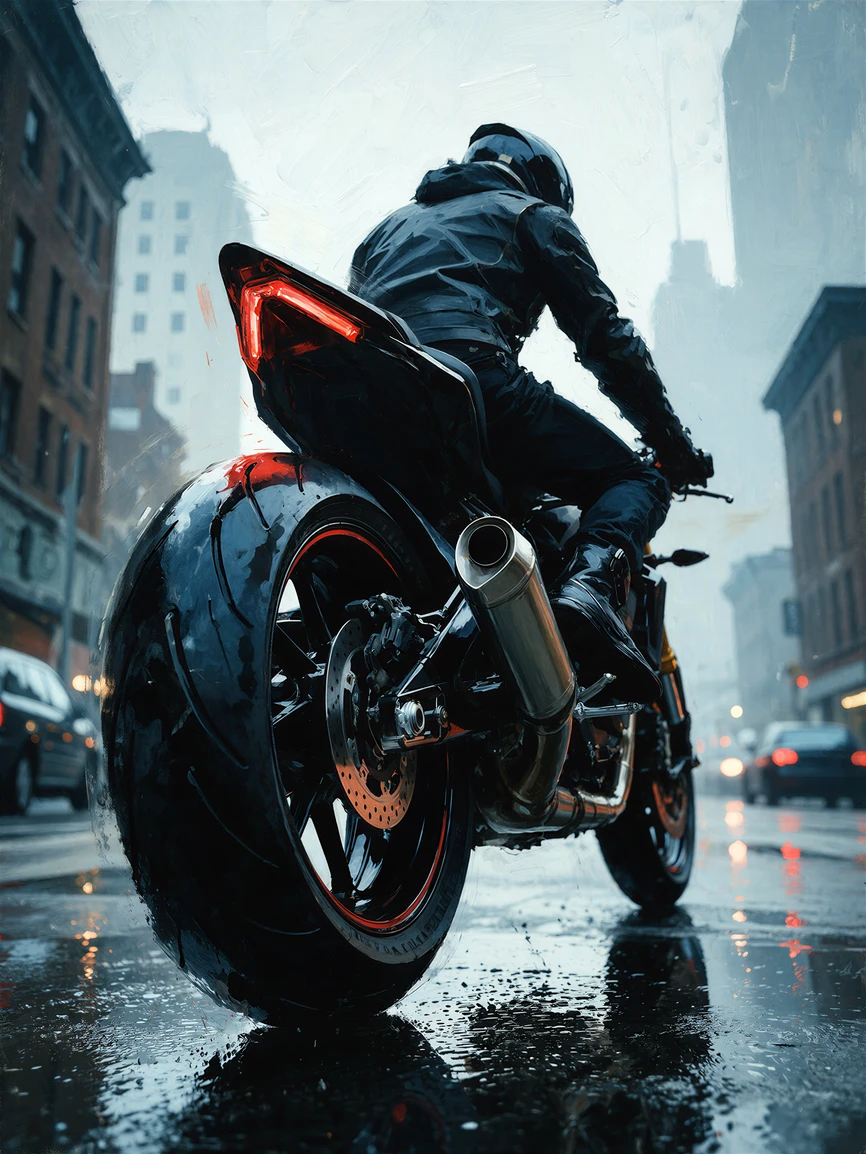
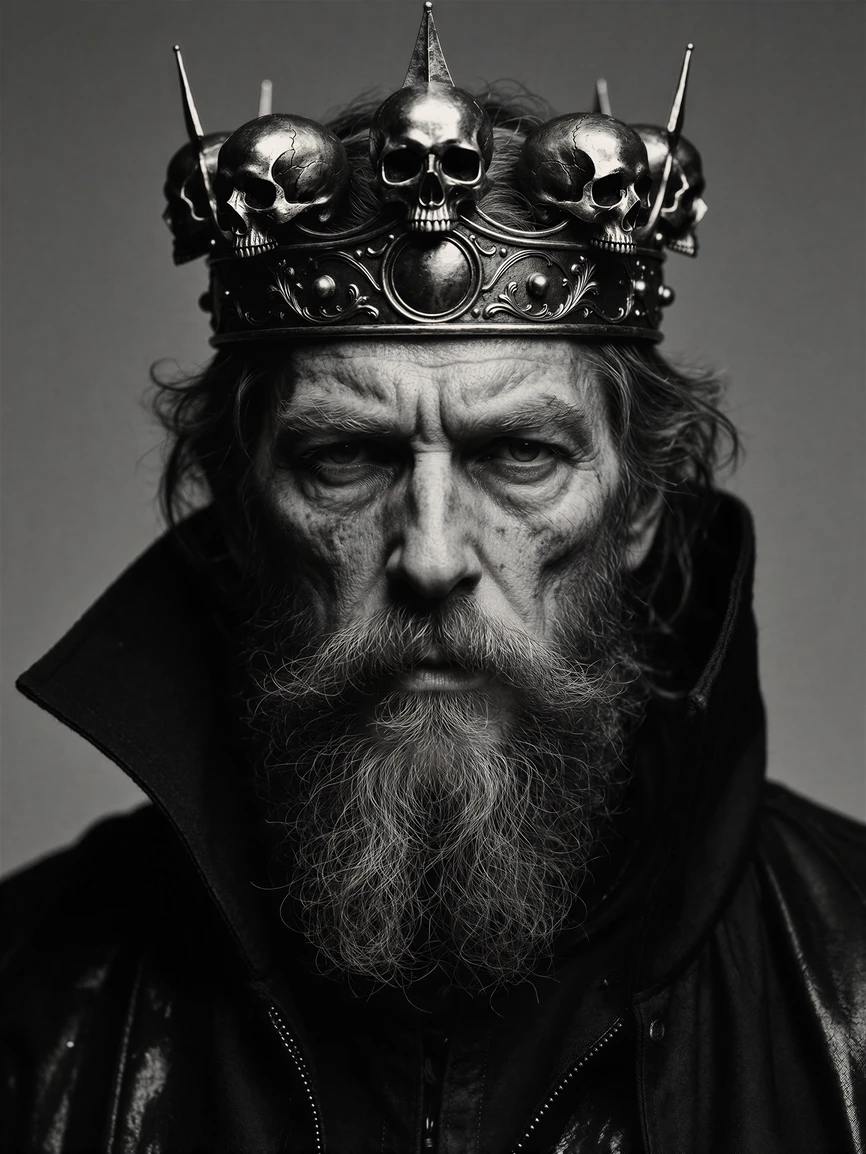
The creative side didn't go anywhere. The official style LoRAs still work, style reference still works, and the model will leave photography behind when you ask it to. What changed is where it starts.
Base Krea 2 likes to interpret. CyberRealistic Krea 2 leans toward the camera.
What changed
-
Photographic by default, no stack of realism keywords needed first
-
Less aesthetic drift on short or simple prompts
-
More natural skin texture, less plastic rendering
-
Better consistency in faces and hands
-
Stronger response to camera, lens, lighting and material descriptions
-
More predictable when you're trying to lock in a specific look
-
Still moves into illustration, print or anime when you prompt for it
-
Works with the official Krea 2 style LoRAs in my testing
Seed variation is still there. I didn't try to remove it, since that's part of what makes Krea 2 interesting. CyberRealistic just makes it easier to stay inside one visual language.
Which version should I download?
CyberRealistic Krea 2 ships in five precision and quantization formats. All five contain the same finetune. What changes is file size, memory use, hardware requirements and, to a smaller extent, the image itself.
If you're not sure: FP8 .
FP8 · recommended for most users
FP8 roughly halves the size and memory footprint compared to BF16 while staying very close to it visually. It's the best all-round balance of quality, compatibility, memory use and speed.
Best for:
-
Most ComfyUI users
-
GPUs with limited VRAM
-
Everyday generation
-
BF16-like results without BF16 requirements
Start here if you don't want to think about it.
Recommended settings
These apply to Krea 2 Turbo and CyberRealistic Krea 2.
-
Sampler: Euler
-
Scheduler: Simple
-
Steps: 8
-
CFG (ComfyUI KSampler): 1.0
-
Guidance (official Krea code): 0.0
-
Mu / timestep shift: 1.15
-
Resolution: 1K to 2K
About that CFG value
Two conventions exist here and they cause a lot of confusion. Krea's own inference code uses guidance 0.0, which means CFG is off. The ComfyUI equivalent of "off" on the standard KSampler is CFG 1.0 .
Don't set the regular KSampler to 0.0. That breaks generation.
Turbo runs without CFG, so traditional negative prompts do very little in the standard workflow. The official ComfyUI workflow simply zeroes the negative conditioning.
Steps and resolution
Turbo is an 8-step distilled model. More steps are not automatically better.
Krea 2 Turbo is built for roughly 1K to 2K, so there's no need to generate everything at 1024 first if your hardware can handle more. Useful starting points:
-
2048 × 2048 -
1536 × 2048 -
2048 × 1536 -
1152 × 2048 -
2048 × 1152 -
1440 × 1920
Lower resolutions are fine when you want speed or need the VRAM.
Required models
-
CyberRealistic Krea 2 diffusion model
-
qwen3vl_4btext encoder -
qwen_image_vae
Prompting
If you're coming from SDXL, Pony or Illustrious, read this part.
Krea 2 has no CLIP text encoder. It uses Qwen3-VL-4B, so it reads your prompt much more like normal language. You don't have to forget everything you know, but most old Stable Diffusion habits stop paying off here.
Describe, don't tag
Natural language works very well. Comma-separated clauses are fine, and Krea's own examples use them, but each clause should describe something instead of being a loose tag.
Instead of:
woman, street, night, realistic, masterpiece, best quality, 8k, detailed skin
try:
A woman waiting alone on a quiet city street at night, photographed under the warm light of a shop window, with natural skin texture and wet pavement reflecting the streetlights.
The second prompt tells the model what the image actually is.
Quality tags do nothing special
Words like
masterpiece
,
best quality
,
ultra detailed
,
absurdres
,
score_9
and
source_anime
aren't quality switches here. Qwen reads them as ordinary language. They might nudge the result, but they're usually taking up space you could spend on something useful.
Describe the detail you want instead.
Skip numeric weighting
ComfyUI can parse
(rust:1.4)
syntax, but I wouldn't build Krea 2 prompts around it. Stronger wording is more predictable:
a heavily rusted iron gate, its hinges covered in rough orange corrosion
If you're running a LoRA, LoRA strength is a much better numeric control.
Put the subject first
Prompt order still matters in practice. If the image is about a brass compass, start with the compass:
A weathered brass compass resting on an old nautical chart...
No need to obsess over exact word order. Just make the subject and the main composition clear early.
Be specific
-
red dressbecomesdeep oxblood satin dress -
orange lightbecomeswarm sodium-vapor street lighting -
old wallbecomessun-bleached plaster wall with hairline cracks and flaking paint
Specific words carry more visual information than repeating "detailed" and "realistic."
Describe the actual light
This is the biggest single win for photographic prompts. Instead of
cinematic lighting
, say where the light comes from:
soft daylight entering through a north-facing window
a single tungsten bulb hanging above the table
late-afternoon sunlight coming through venetian blinds
cold fluorescent ceiling lights
Keep actions simple
Complex actions work, but if a pose starts breaking, simplify. One clear action per subject is a good rule. Get that working first, then add the secondary details.
Quote your text
If you want words in the image, put the exact text in quotation marks:
a small neon sign reading "OPEN ALL NIGHT"
Krea specifically recommends this.
A structure that works
subject → setting → composition/camera → lighting → mood/style → material and texture
A middle-aged fisherman repairing a red net on a wooden dock, photographed from waist height with a 50mm lens, grey sea behind him, soft overcast morning light, muted natural colors, weathered hands, damp wool sweater and rough salt-stained wood.
It doesn't have to read like literature. Dense descriptive clauses work fine. The point is that the words describe the image instead of listing magic tokens.
How long?
My practical ranges, not model limits:
-
5 to 20 words: exploration, let the model decide
-
30 to 80 words: good balance of control and freedom
-
80 to 150 words: complex scenes, precise styling, detailed composition
Longer prompts work. Length isn't the problem, contradiction is. Ask for soft window light, hard flash, dreamy pastels, deep black shadows and flat commercial lighting in one prompt and the model has to pick a winner. More words only help when they add information.
A few last things
Short prompts are great for exploring. Turbo is fast enough that generating five directions first and then adding camera, light and material detail to the one you like beats writing a perfect prompt blind.
Text rendering is much better than older diffusion models, but it still isn't a typography engine. Quote the exact text and keep signs short.
And the licensing. Krea 2 is not Apache 2.0. The weights and everything derived from them fall under the Krea 2 Community License , which covers commercial use, redistribution, attribution and derivative naming. Commercial use is free below the stated annual revenue threshold. Above it you need an Enterprise License from Krea. The license also requires derivative model names to start with "Krea", which is why this one is called CyberRealistic Krea 2 and not the other way around.
If you're using or redistributing this model, read the current Krea 2 license instead of assuming the usual open-model terms.